
Batch Convert
Batch convert to Markdown
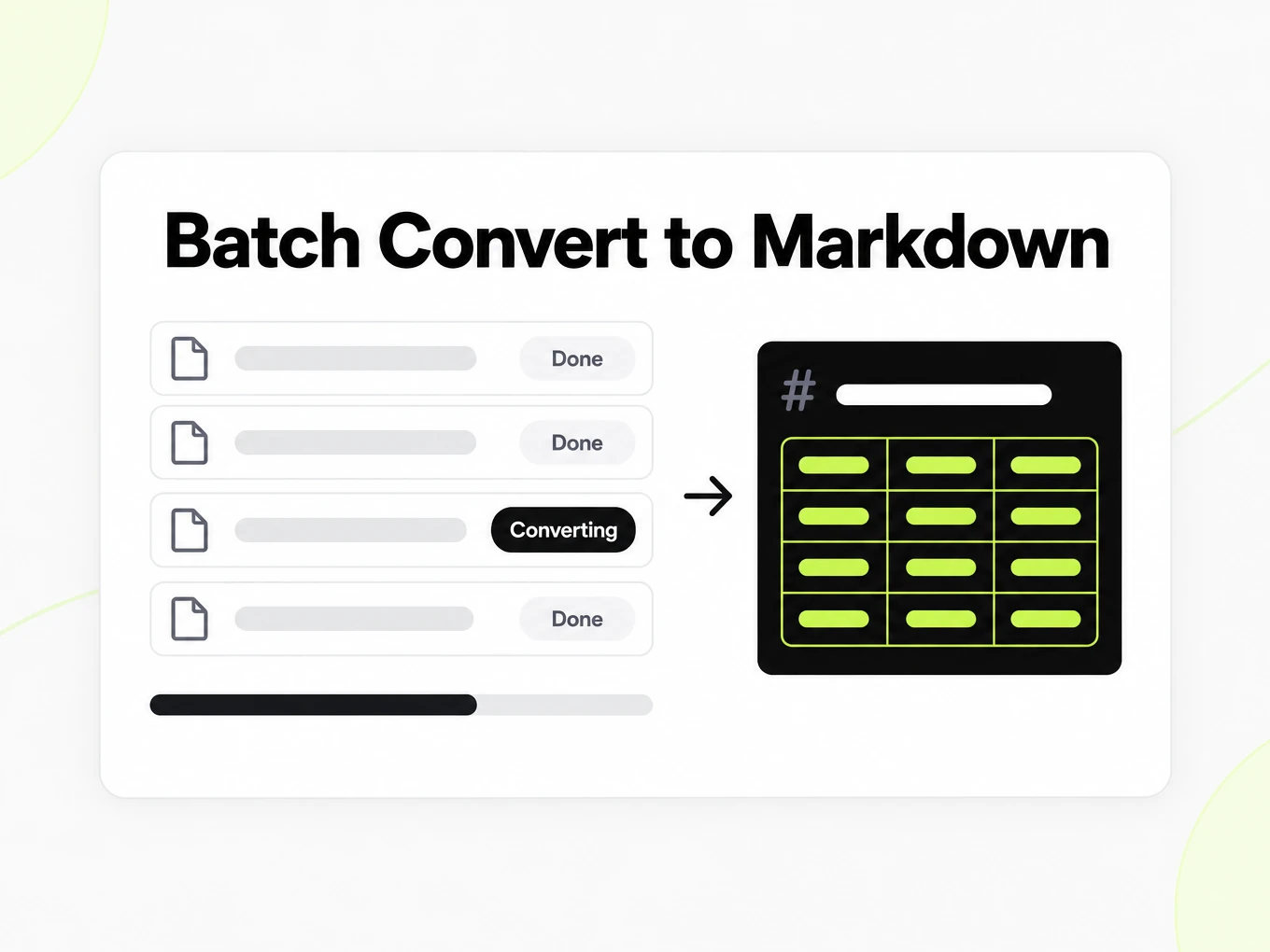
Batch convert to Markdown is a bulk mode for paid plans that takes many files, folders, or ZIP archives, converts them in the background, and collects every result in one place.
The anonymous trial accepts files up to 10 MB and 25 pages, with 3 conversions per IP per hour and 10 a day. Lite starts at $20 per month with files up to 100 MB. Pro is $50 per month; Max is $100 per month.
- Add many files, a whole folder, or a ZIP archive at once
- Per-file status: queued, running, done, failed
- Track credits used and download results from one place
Why convert in bulk
Convert handles one file at a time. Batch Convert is for the point where converting documents becomes recurring work.
No manual loops
Add a stack of files, a folder, or a ZIP archive once instead of uploading and downloading them one at a time.
Runs in the background
Conversions process server-side, so you can close the tab and come back to the results.
Results in one place
Every output lands in your library, paired with its source file.
Predictable cost
See the credits a batch uses, so heavier files map to clearer usage.
How a batch runs
Add your files
Select many documents, a folder, or a ZIP archive; the credit estimate appears before you start.
The batch runs
Files convert in the background through the same conversion engine as Convert.
Track progress
Watch each file move from queued to running to done — or surface the ones that failed.
Download or save
Collect the Markdown outputs, or keep them in your library for later reuse.
Tracking built in
A batch is only useful if you can see what happened. Every run keeps a record you can return to.
Batch history
Revisit past batches instead of re-running the same files.
Per-file status
Every file reports queued, running, done, or failed independently.
Retry failures
A single bad file does not sink the batch — handle it on its own.
Credits and usage
See how much each batch consumed and when limits reset.
Use cases
When to reach for Batch Convert
RAG ingestion backfills
Convert an existing corpus before chunking and embedding.
Document migrations
Move large folders of PDFs and Office files into Markdown.
Recurring reports
Process a regular drop of documents on the same cadence.
Multi-file projects
Turn a whole project's worth of source documents into clean text at once.
Batch Convert is part of the paid plans. See the pricing page for current limits. Need it in your own code instead of the UI? Send several files in one call to the developer API.
Guide
Preparing files
Before you batch convert to Markdown, organize the collection so each output can be matched to its source. Use meaningful filenames and separate different revisions of the same document. Open a representative file from each input family and inspect a sample conversion before adding the whole collection. A set of scanned PDFs has different review needs from a set of editable Word documents, even when both become Markdown. Check that encrypted documents are unlocked and that the source files are readable. The batch workflow reduces repeated submission work; it does not remove the need to know what you are submitting or to recognize which version of a document produced a result.
Completed batches
A completed batch tells you that processing has reached an outcome, not that every source was converted successfully or that its text is ready for publication. Review each file’s status and keep failed items separate from successful outputs. A collection may finish with a mixture of useful results and files that need attention. Inspect representative outputs as well as the failure list, especially when your source material varies in quality. Record which documents you have checked in your own workflow before using the batch as a retrieval corpus or a published archive. Treat processing status, output quality and editorial approval as separate facts so a successful request is not mistaken for a reviewed document.
Failed files
Investigate the failed file before retrying it. A damaged source, an unsupported input or a password-protected document needs a source change; repeating the same submission may produce the same outcome. A temporary service or rate-limit error calls for a different response. Keep the conversion identifier and the visible error details so you can match the retry to its original attempt. Retry only the items that need another attempt and inspect their new status afterwards. Do not rerun an entire collection merely because one file failed. This keeps the review focused and makes it easier to explain which outputs belong to the original batch and which were produced after a correction.
Batch limits
A batch must fit both the subscription’s allowances and the submission method. A multipart API request can contain up to 100 files, but the whole request is limited to 100 MB. URL submissions accept up to 20 URLs per request. Those transport limits do not replace the per-file, page, storage and credit limits of Lite, Pro or Max. Files above a one-shot request limit need the documented upload workflow even when the subscription permits the file size. Plan concurrency controls how much work runs at once; it is not a promise that every file in a collection starts immediately.
Building a knowledge base
Keep each Markdown output connected to the source document and to the context in which it was collected. A file named report.md is difficult to distinguish from another report after both enter a search index. Your downstream workflow can retain a document title, source reference and revision information alongside the text. Review table-heavy, scanned and unusually long documents before splitting them into retrieval passages. If the batch contains repeated headers or web navigation, decide how to clean those elements in your ingestion process rather than assuming conversion removed them. A useful collection is one whose passages can be traced and verified, not simply a folder containing many Markdown files.
Moving to the API
Use Batch Convert when a person is organizing a collection and wants to inspect its progress and results in the web app. Use the document conversion API when a recurring process in your own system should submit inputs and receive outcomes without manual interaction. The API integration still needs a record for every source, a way to handle asynchronous completion and a policy for retries. Test that workflow with a small representative collection before running a larger one. Web and API use draw from the same account balance, so monitor combined usage. Automating submission should make repeated work easier to observe and recover, rather than hiding failures behind an apparently successful batch request.
FAQ
Common questions
Which plans include Batch Convert?
Batch Convert is available on paid plans. The free public converter handles a single file at a time. See the pricing page for current plan limits.
What happens if one file fails?
Each file is tracked on its own. A failed file is flagged so you can retry it without re-running the files that already succeeded.
Which formats can I batch?
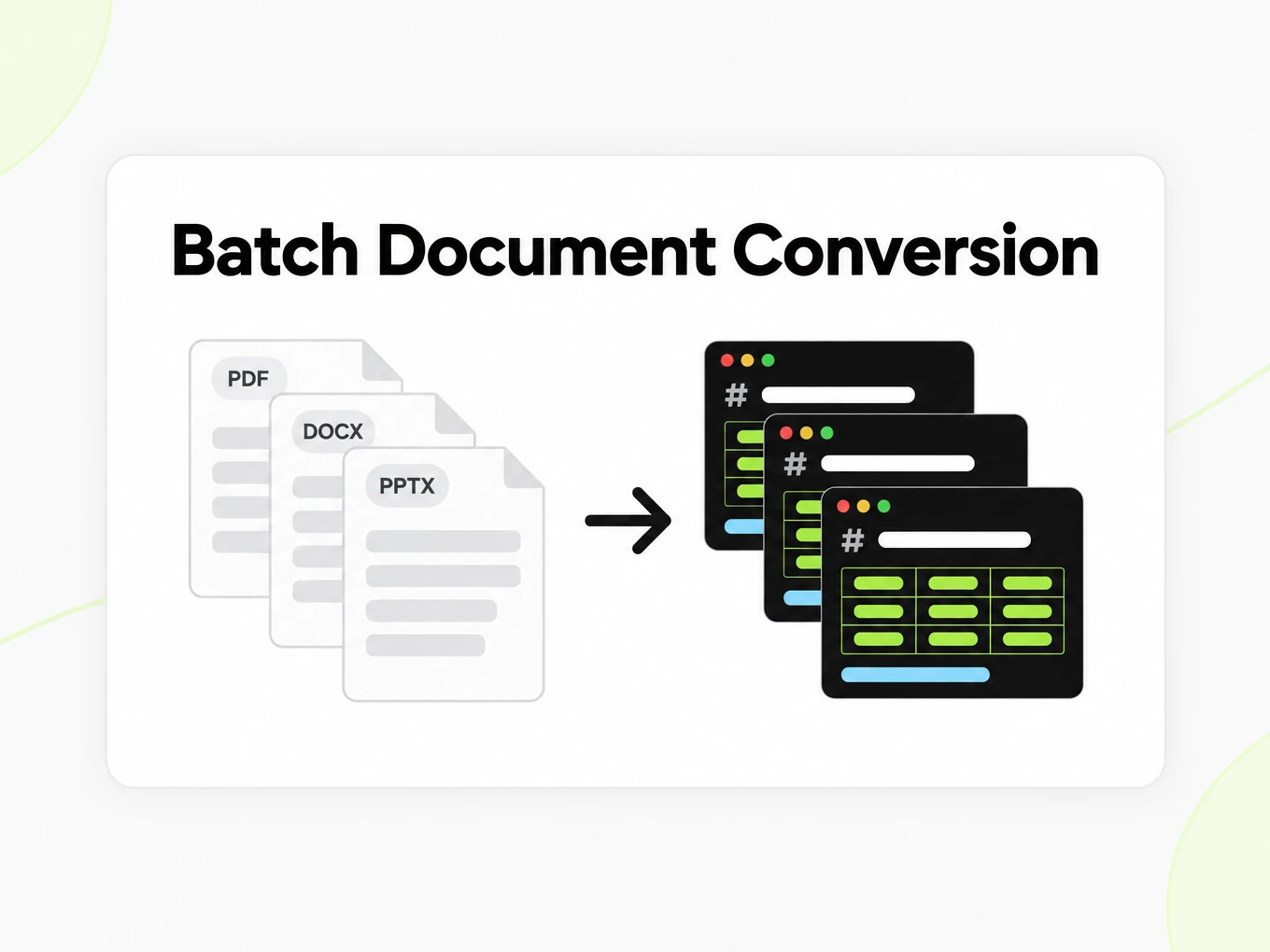
The same formats as Convert — PDF, Word, PowerPoint, Excel, images, HTML, and text — added as files, whole folders, or ZIP archives. Batch Convert uses the same conversion engine.
Where do the results go?
Outputs land in your library paired with their source files, so you can preview, download, or reuse them after the batch finishes.
Do I need to keep the tab open?
No. Batch Convert runs server-side, so you can leave and return to the results from your batch history.