
Converter
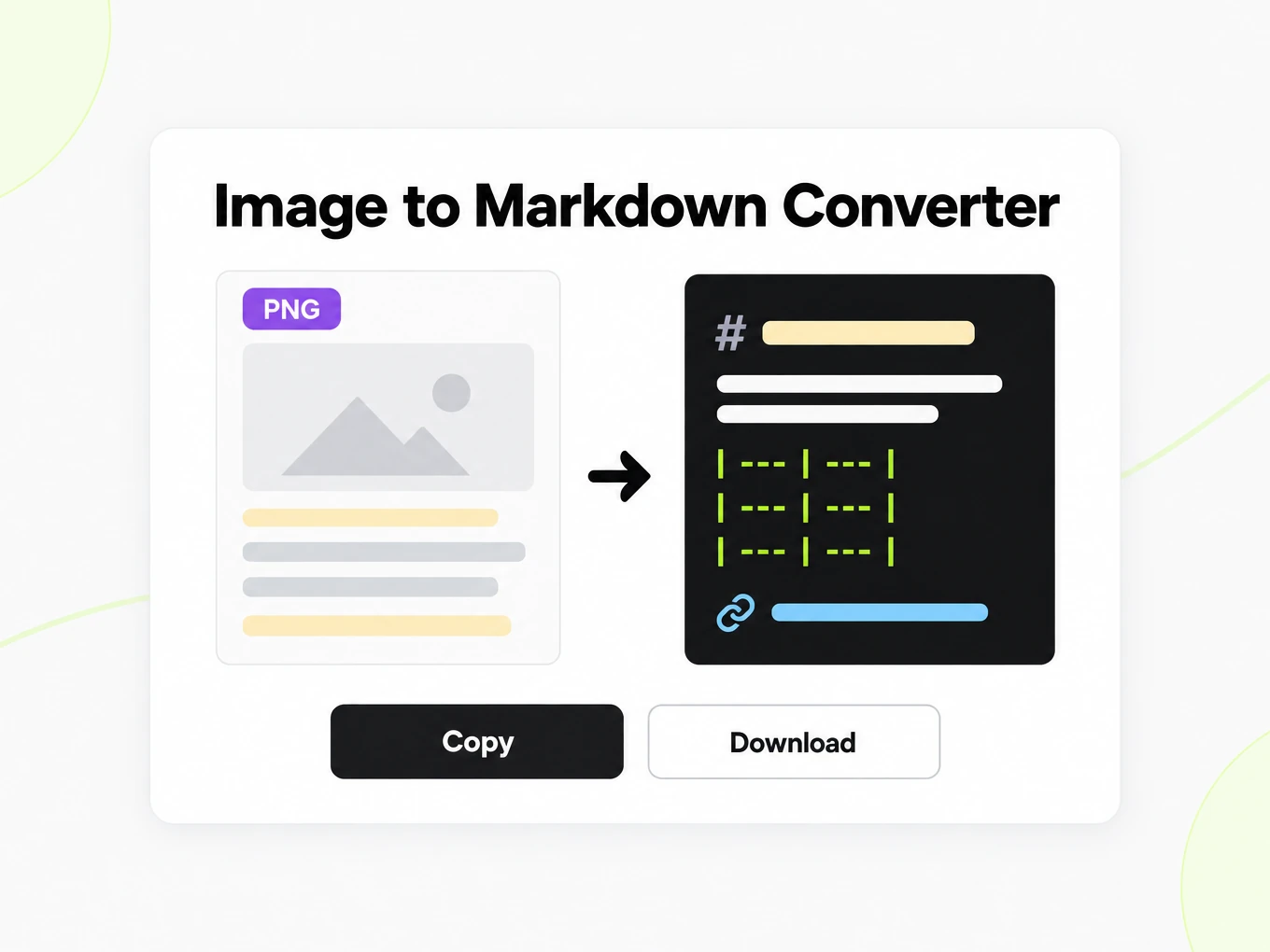
Image to Markdown Converter
Image to Markdown is a converter that reads PNG, JPG, WEBP, and TIFF with OCR today. The public trial accepts files up to 10 MB.
Try a file before choosing a plan.
- No account: up to 10 MB and 25 pages per file, 3 conversions an hour and 10 a day, preview and copy in the browser.
- Signed in: 20 free conversions a day, saved to your library.
- Lite, Pro and Max include conversion credits, batch processing, API access and saved history. Lite includes 30 days of history.
How to
How to convert an image to Markdown
What you can upload
- File types: .png .jpg .jpeg .webp .tif .tiff
- Try it without an account: up to 10 MB and 25 pages per file, 3 conversions an hour and 10 a day
- Lite takes files up to 100 MB, Pro up to 200 MB
- Max has no per-file size limit; conversions are bounded by credits
What to check
- Text extraction via OCR — Text is extracted from images through OCR today; accuracy varies by image quality, font clarity, and contrast.
- Best for screenshots and scanned pages — Clean screenshots and scanned documents with clear print produce the best results; handwritten or low-resolution images may have lower fidelity.
- Layout-heavy images — Complex layouts like multi-column magazine spreads or dense forms may not preserve spatial structure exactly, but the text content is still extracted.
- Supported formats — PNG, JPG/JPEG, WEBP, and TIFF are all accepted, up to 10 MB on the public converter.
Where the Markdown goes
- Copy the Markdown straight from the preview
- Download the .md file and keep it in your library once signed in
- Convert whole folders or ZIP archives with Batch Convert
- Automate it with POST /v1/convert/image and your API key
Why use it
Why use Image to Markdown
OCR for written content
Extract visible text from a screenshot, photograph or scan, then inspect uncertain characters before using the result.
A structured text result
Supported headings, paragraphs and tables become Markdown that is easier to review than an unstructured text dump.
No document wrapper needed
Start from the image you have instead of creating a Word document solely to paste a screenshot into it.
Check recognized numbers
Compare units, punctuation and numeric cells with the source image, especially when the result informs a decision.
Keep the visual source
Use the image alongside the Markdown when a chart, arrow or layout relationship cannot be explained by recognized labels alone.
The image API route
Send supported image files through the API after checking representative OCR outputs from the same source quality.
The problem
Why a screenshot has no text layer
No text layer
Images carry no selectable text; the content has to be recognized before it can be used.
Screenshots pile up
Screenshots of documents are everywhere but hard to search until they become text.
Layout matters
Headings and tables inside an image should survive, not flatten into one line.
What's preserved
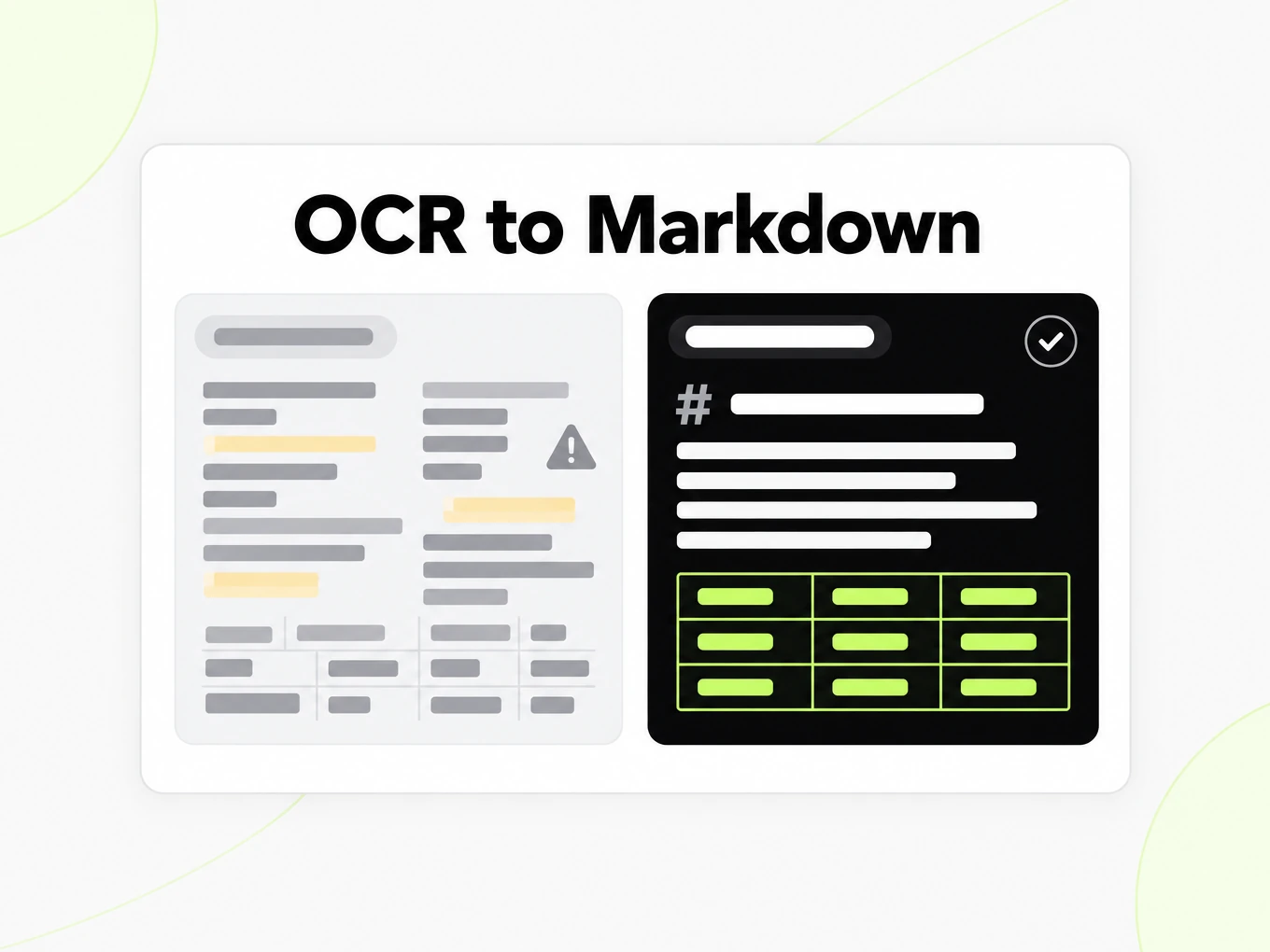
What this image converter reads
- Text extraction via OCR
- Text is extracted from images through OCR today; accuracy varies by image quality, font clarity, and contrast.Source: product pipeline
- Best for screenshots and scanned pages
- Clean screenshots and scanned documents with clear print produce the best results; handwritten or low-resolution images may have lower fidelity.Source: ISO/IEC 15948 PNG
- Layout-heavy images
- Complex layouts like multi-column magazine spreads or dense forms may not preserve spatial structure exactly, but the text content is still extracted.Source: product pipeline
- Supported formats
- PNG, JPG/JPEG, WEBP, and TIFF are all accepted, up to 10 MB on the public converter.Source: ISO/IEC 15948 PNG
Example: OCR of the markitdown.ai pricing table· https://markitdown.ai/pricing
# Credits per page, by content. Text-layer documents and OCR pages cost the same per page. AI extras for figures and images are opt-in and metered separately. | Item | Best for | Rate | 150 credits buy || --- | --- | --- | --- || Documents | Text-layer PDF, Office files and HTML | 1 credit / page | 150 pages || Scans & images | OCR for scanned pages, photos and screenshots | 1 credit / page | 150 pages || AI figure enhancement | Charts and figures described in PDFs · paid plans | 3 credits / figure | 50 figures || AI image understanding | Image content described, not just OCR · paid | 5 credits / image | 30 images | GOOD TO KNOW **Monthly reset** Monthly credits reset at the start of each billing period; unused credits don't roll over. **Annual up front** Annual plans are 20% off and grant the full year's credits at once — 1,800 on Lite. **One balance** The web app, Batch and the API all draw from the same credit balance. **When credits run out** Conversions pause until your next reset or an upgrade; upgrades top up the difference immediately. Use cases
Image to Markdown in real workflows
Screenshot notes
Recover written content from a screenshot and verify names, links and punctuation against the original.
Scanned records
Create editable text from a legible scan, keeping the image for any uncertain or consequential passage.
Research capture
Turn a photographed table into a draft text table and check its rows before analysis.
OCR evaluation
Compare results from clean and difficult source images before building repeated recognition into an application.
API
Image to Markdown API
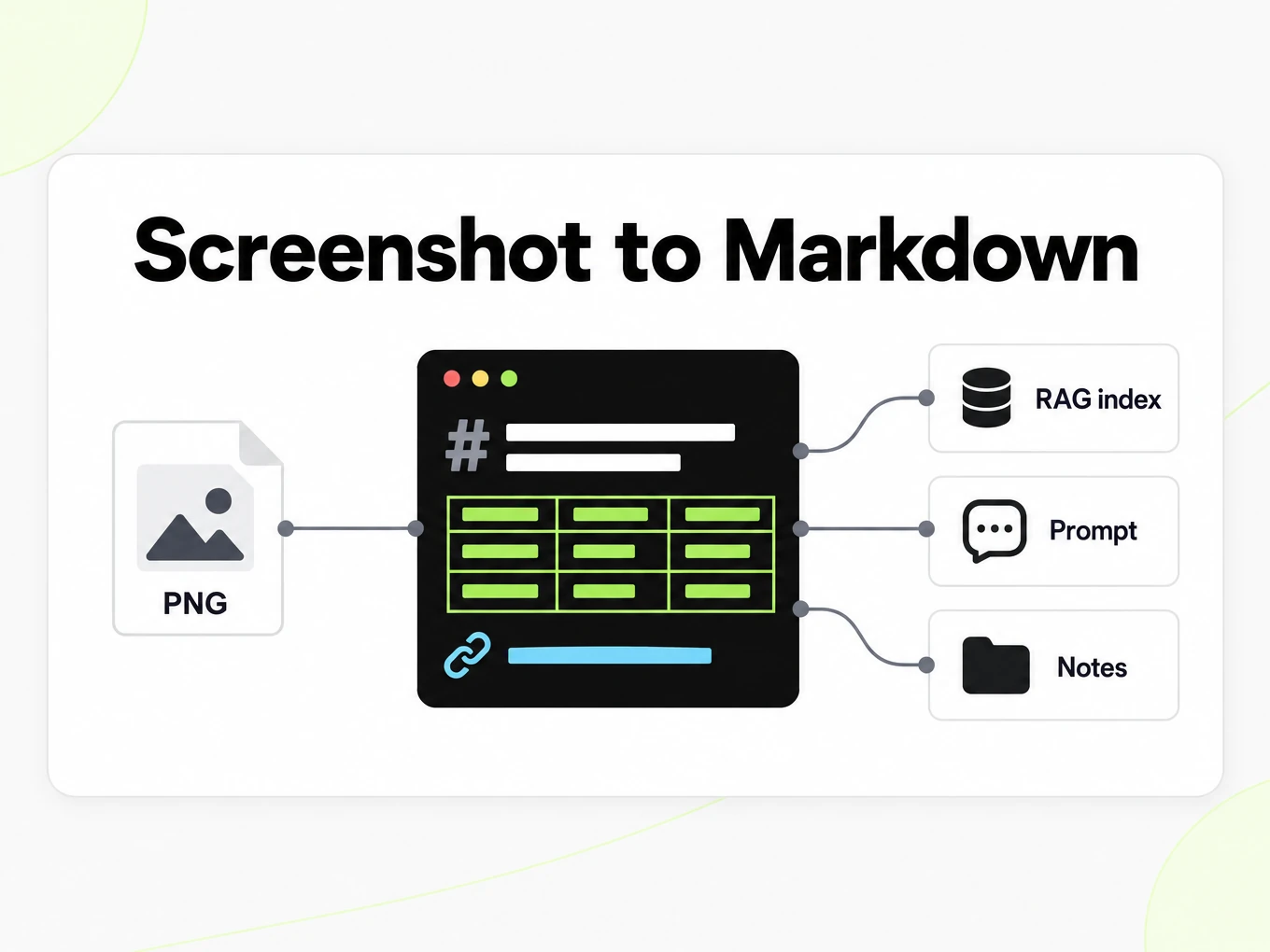
Use POST /v1/convert/image with an x-api-key header and a supported source file. A completed request can return outputs inline; HTTP 202 means conversion is still running. Read the Location response header and poll it before accessing file outputs. A multipart request accepts at most 100 files; subscription and total request limits also apply. Keep API keys in your server environment. API access requires a Lite, Pro or Max subscription.
Read the API guidecurl -i "https://api.markitdown.ai/v1/convert/image" \ -H "x-api-key: $MARKITDOWN_API_KEY" \ -F "file=@source.png"# If HTTP 202, GET the Location URL with the same API key.Guide
What OCR reads
Image to Markdown uses OCR to recognize written content in an image and represent supported structure as Markdown. A clear screenshot of a document can produce useful headings, paragraphs and tables, while a blurry photograph may leave ambiguous characters. OCR reads visible text; it is not a guarantee that a chart’s trend, a diagram’s arrows or the meaning of a photograph will be explained. Distinguish recognized labels from a description of the visual itself. If the important information is only graphical, keep the image alongside the result and review it directly. Do not treat a short text export as proof that all of the source image’s meaning has been captured.
Preparing the image
Start image to Markdown conversion with the clearest original image you have. Repeatedly saving a compressed screenshot can blur punctuation and small text before OCR begins. Crop unrelated surroundings if you can do so without removing captions, units or table headings. Correct an obvious rotation and check that the source is readable at normal zoom. For a photograph, glare and perspective distortion can matter as much as resolution. If you cannot distinguish a character yourself, review the corresponding output carefully rather than expecting conversion to reconstruct missing evidence. Improving the source is usually more useful than sending the same damaged image repeatedly and choosing the most plausible-looking result.
Reviewing the output
Read image to Markdown tables row by row against the source, especially when the image contains dense numbers. A dropped decimal separator or a shifted value can change the meaning while leaving a table that still renders cleanly. Check column labels, units, totals and footnotes as separate pieces of evidence. If a table uses merged cells or visual groupings that Markdown cannot express directly, explain the grouping in the document where you use the result. Keep the screenshot available for a reader who needs to inspect the original. OCR saves retyping, but any consequential use of recognized numbers still needs a verification step.
Image vs original
Use image to Markdown when the image is the source available to you: a screenshot, a photographed page or an exported scan. If you also have the original Word document, spreadsheet or HTML page, choose its dedicated converter first. That source may expose structure and characters that an image has reduced to pixels. For a multi-page scanned report, the PDF converter is often the more natural place to keep the pages together. For a single screenshot, image OCR avoids creating an intermediate document merely to extract text. In either case, retain the source filename or reference in your notes so the Markdown can be traced back to the material you reviewed.
OCR vs image understanding
The public image converter is processed with OCR today: it reads printed or digital glyphs from the pixels and emits Markdown. That is not the same as AI image understanding, which paid-plan accounts can use at 5 credits per image and which produces an additional AI-enhanced Markdown output. This page does not treat understanding as the default path for a free screenshot.
- OCR today is the shipped path for image uploads on this converter.
- Paid-plan AI image understanding is billed separately at 5 credits per image.
- Handwritten or low-contrast photos are a poor OCR fit; clean screenshots and scans work better.
Scanned pages
Scanned pages are a primary use case because they have no selectable text layer. Layout-heavy magazine spreads may not preserve spatial structure exactly, but the recognized text is still extracted.
More Markdown converters
- PDF → MarkdownText, tables and scans
- Word → MarkdownDOCX with headings and lists
- PPT → MarkdownSlide text, notes and tables
- Excel → MarkdownEvery sheet as a table
- EPUB → MarkdownEbook chapters as headings
- HTML → MarkdownPaste or upload HTML
- URL → MarkdownAny public web page, cleaned
- Markdown → HTMLClean, semantic HTML
- Markdown → TextPlain text without markup
- Markdown → PDFPrint locally to PDF
Need it in your code? Use the developer API. Converting at scale? See plans and pricing.
FAQ
Image to Markdown questions
How does Image to Markdown work?
Image to Markdown converts the supported source into readable Markdown for review and reuse. The anonymous trial accepts up to 10 MB and 25 pages per file, with 3 conversions per IP per hour and 10 a day. Compare the result with the source before using it.
What is the maximum image size?
The public converter accepts image files up to 10 MB.
How accurate is OCR on a screenshot?
Images are processed with OCR today. Clean, high-contrast images produce better results than low-resolution or handwritten content.
Is AI image understanding the default on this page?
No. This converter uses OCR today. Paid-plan AI image understanding is a separate charge at 5 credits per image and is not the public default.
Can it handle tables inside images?
Table structure in images is recognized where possible; the fidelity depends on image clarity and how clearly the table grid is defined.
Does it work on scanned documents?
Yes. Scanned pages are a primary use case. Clear, high-resolution scans produce better Markdown output.
What about handwritten content?
Handwritten text is not reliably extracted by the current OCR pipeline. The tool works best with printed or digital text.
Can I convert images from the API?
Yes. Upload the image the same way you upload a PDF, then convert and poll. See /developers.