
Features
Markdown conversion, end to end.
Parse, review, batch and export Markdown — in the web app and through the API.
Features is a catalog of how markitdown.ai converts PDFs, Office files, images, and HTML into structured Markdown for RAG and agents. The anonymous trial accepts files up to 10 MB and 25 pages, with 3 conversions per IP per hour and 10 a day. Lite starts at $20 per month with files up to 100 MB. Pro is $50 per month; Max is $100 per month.
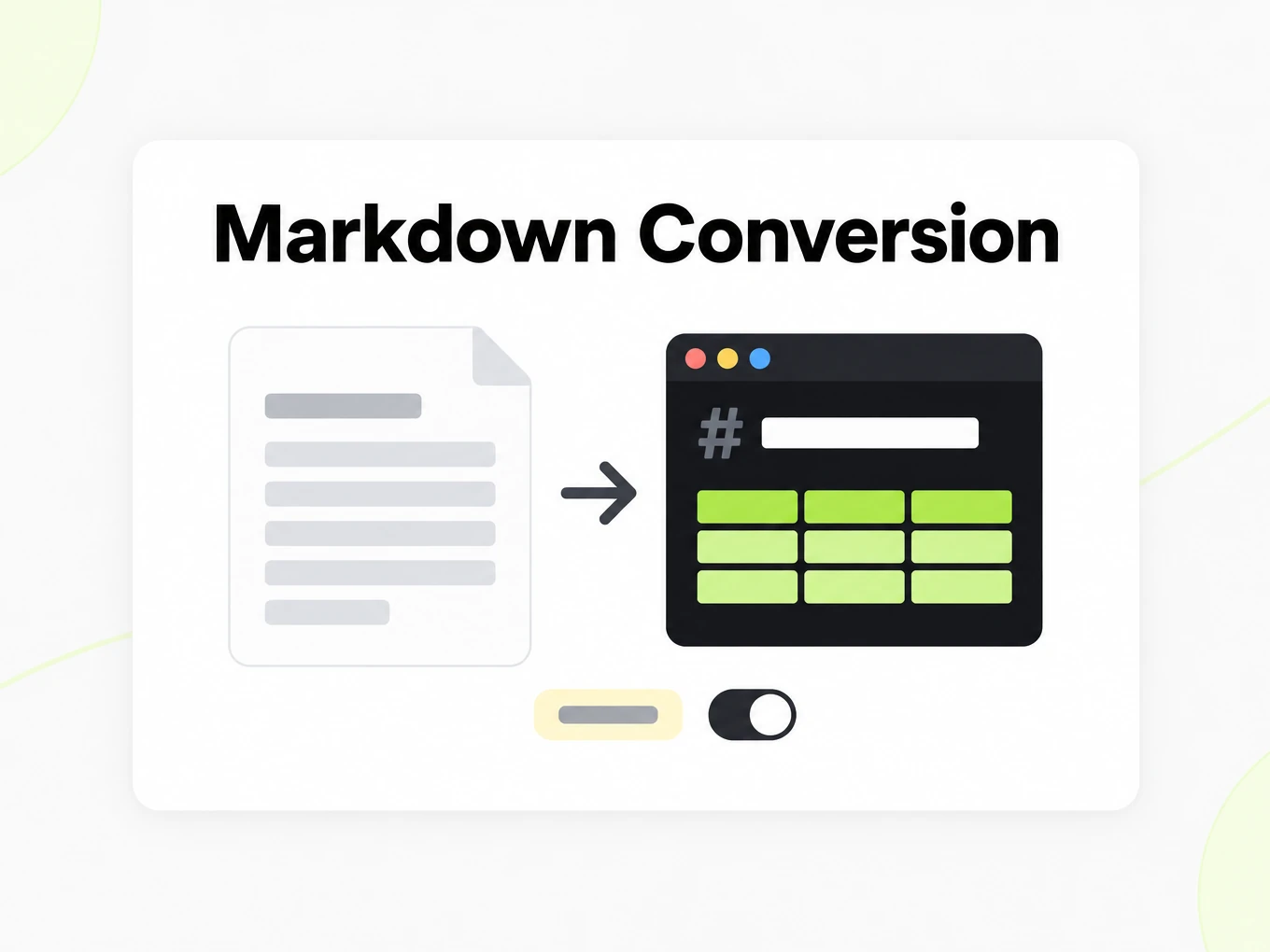
01 · Parse
Accurate Markdown from every page.
Each file is routed by what is actually on its pages: text layers are read directly and scanned pages or images go through OCR, both at 1 credit per page. Headings, lists, tables and reading order come out as Markdown.
- OCR for scans, photos and screenshots
- AI figure enhancement for charts and figures on paid plans (3 credits per figure)
- Cache results is optional: turn it off and a file is parsed fresh, without reusing a cached result
02 · Viewer
Preview Markdown side by side.
Open any conversion in the viewer: the source document on one side, rendered Markdown or raw source on the other. Spot a broken table before it reaches your pipeline.
- Source and Markdown side by side
- Preview or raw Markdown source, one click apart
- Copy, or download the .md file
03 · Batch
Batch convert files to Markdown.
Queue a ZIP of files or a list of URLs. Track every file, retry the ones that fail, and keep a history of each run.
- Live progress with per-file status
- Retry a failed file without re-running the rest
- Batch history with credits per file
04 · Library & account
Your Markdown library, on record.
Every conversion is saved to your Library for your plan's history window — 30 days on Lite, 60 on Pro, 90 on Max. Usage, invoices and API activity live in Settings.
- Library of source files paired with their Markdown
- Usage by route and day, plus invoices
- Scoped API keys, webhooks and an activity log
05 · Capabilities
Clean Markdown, down to the details.
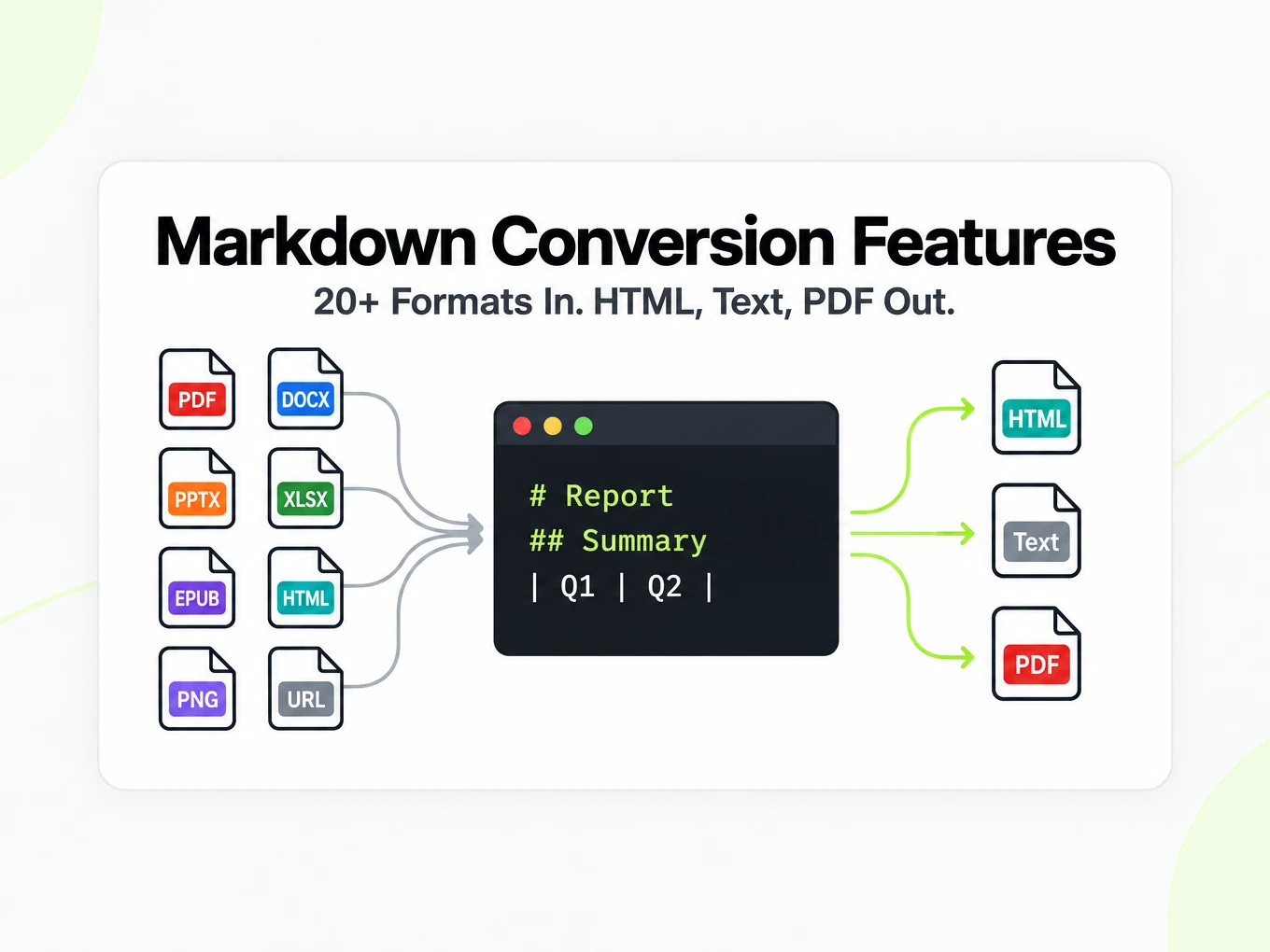
Real Markdown tables
Rows, columns and header rows come out as GitHub-flavored pipe tables — not flattened runs of numbers — for PDFs, Office files, spreadsheets and HTML.
Cache control
Reuse matching results for repeated files, or turn caching off per run.
Figure descriptions
On paid plans, charts and figures can be described in words your model can reason about.
Documents, sheets, slides and web
PDF, Word, PowerPoint, Excel, CSV, EPUB, OpenDocument, images, HTML and URLs.
Auditable usage
Credits by route and day, plus invoices and an activity log.
Guide
Test with a real sample
Use a sample that reflects the work you actually need to do. Include a difficult table, a section boundary and source references rather than testing only a short paragraph. Compare the same document in the preview, the Markdown source and your intended destination. This separates a parsing difference from a display difference and gives you a practical basis for deciding whether an automated workflow is ready for a larger collection.
Features by source type
Choose Markdown conversion features by the source you actually receive. An editable Word document, an image-only PDF and a public web page expose different kinds of structure. A successful conversion should give you a readable representation of that source, but the checks you perform afterwards will differ. For a Word document, compare the heading outline and review comments. For a scan, inspect uncertain characters and table cells. For a web page, look for navigation or footer text that should not enter your downstream document. Trying a representative difficult input tells you more than converting only a simple paragraph. Keep the source and output together while you evaluate whether the conversion is useful for your task.
Checking accuracy
Evaluate Markdown conversion accuracy with passages you can compare directly against the source. Check a heading, a paragraph near a column boundary, a table with units and the final section of the document. A clean preview is useful, but it can hide an omitted qualification or a value under the wrong header. Switch to Markdown source when you need to inspect the exact text that a prompt or ingestion script will receive. The service prepares an output artifact; it does not independently establish the truth of the original material. Retain source references when you reuse extracted content, especially if another person will need to verify a quotation or follow a retrieved answer back to the document.
Retrieval workflows
Markdown conversion belongs before the application-specific work of splitting, indexing and retrieval. Headings and tables can give a splitter better boundaries than a flat text stream, but they do not choose an embedding model or guarantee that a search returns the right passage. Keep the document title and section context with the chunks your application creates. Test representative questions against answers you have verified in the source. If a table spans several chunks, check whether each retrieved piece still contains its headers and units. Tools such as LangChain and LlamaIndex can participate in your own ingestion workflow; the Markdown output is a reusable input to that workflow rather than a complete search system.
Browser, batch and API
Use the browser to inspect an individual result, Batch Convert to organize repeated files and the API to connect conversion to your own application. These entry points share the account’s conversion service and credit balance, but they solve different interaction needs. Browser review helps you see an output before automating it. A batch provides per-file outcomes that you can revisit. An API integration must handle authentication, request limits and asynchronous completion. Start automation only after reviewing the source types you expect to receive, and retain a way to investigate individual failures. Moving from one file to a large collection should change the way you track results, not remove the quality checks that made the first result useful.
Available today
Document, webpage and image parsing produce Markdown today. The browser also offers Markdown to HTML, plain text and a printable PDF. Browser printing is the available PDF output path; it is not a server-generated PDF download. Structured JSON extraction, audio and video transcription, and server-side PDF or DOCX output are planned capabilities. Do not build a current integration around a planned route or assume that OCR provides a complete description of a photograph or diagram. Read the specific converter page for the input and output you need, then verify a representative result. The product focuses on reusable content, so exact page-layout reconstruction and collaborative document editing are outside this workflow.
FAQ
Common questions
What makes the output AI-ready?
Conversion preserves headings, lists, tables, and reading order where possible, so the Markdown is predictable enough to chunk, embed, and retrieve without manual cleanup.
Which file types can I convert?
Common document formats include PDF, Word, PowerPoint, Excel, images and web content. The anonymous trial accepts files up to 10 MB and 25 pages, with 3 conversions per IP per hour and 10 a day.
Can I use it for RAG or agent workflows?
Yes. Clean Markdown is meant to be the input layer before chunking and embedding, and the API lets you run conversion inside ingestion jobs and agent pipelines.
What is the difference between the web app and the API?
The web app is for uploading, previewing, saving, and batching documents by hand. The API is for running the same conversion automatically inside your own product or tools.
Can I batch convert documents?
Yes. Batch conversion is available on paid plans so you can process repeated files without uploading and downloading one at a time.
Do you support scanned documents?
Image-based files and scanned documents are processed with OCR today. Recognition quality depends on the source image.
Will schema JSON extraction be supported?
It is a planned next layer, not a current feature. Markdown is the base artifact we build on first.
Will Markdown translation be supported?
Structure-preserving translation is on the roadmap as a planned next layer.
Is this a document editor or a PDF layout tool?
Neither. markitdown.ai converts documents into clean Markdown for AI and text workflows; it is not a visual PDF or layout editor.