
Converter
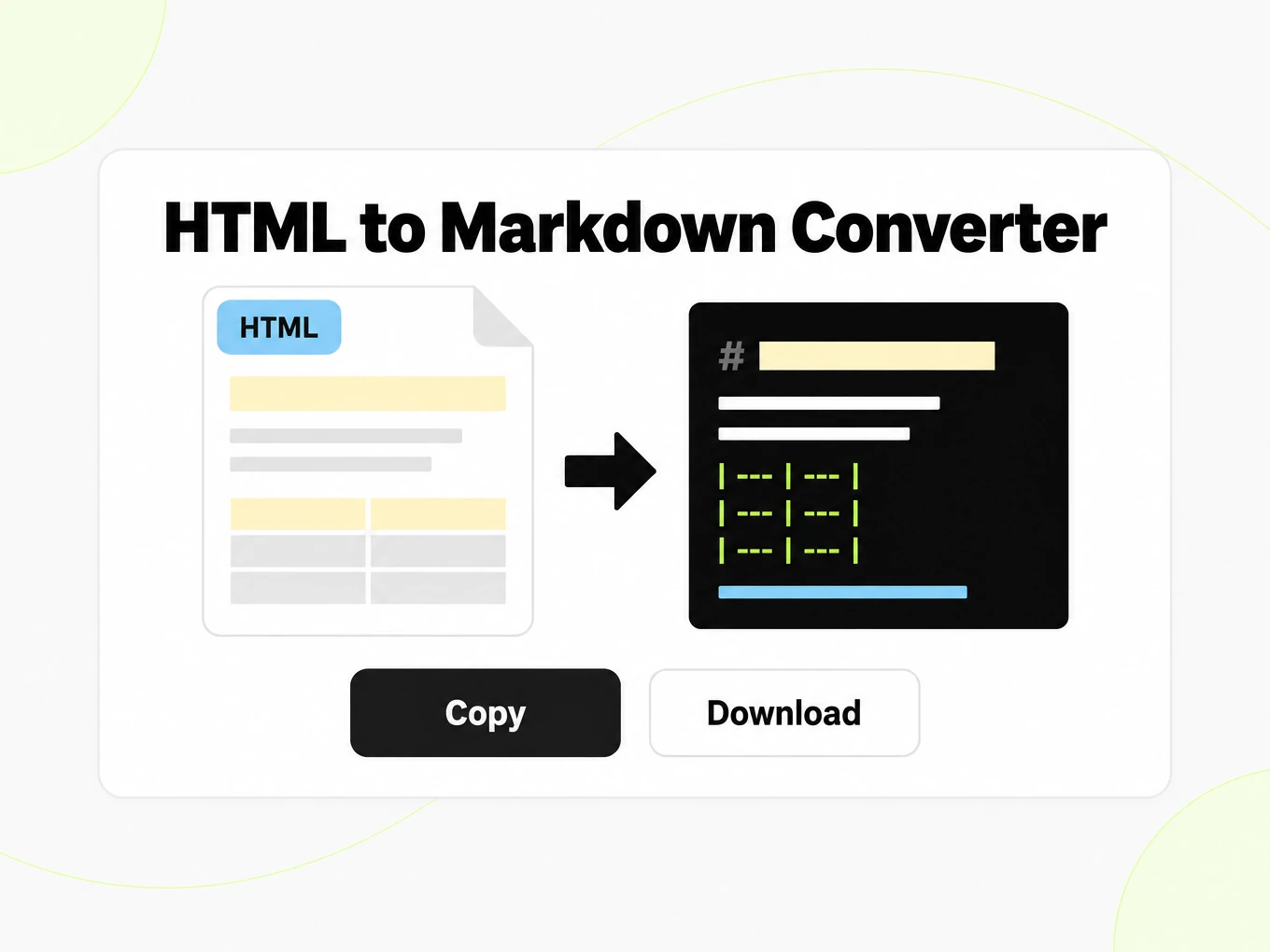
HTML to Markdown Converter
HTML to Markdown is a converter that turns uploaded .html files into structured Markdown for prompts. The public trial accepts files up to 10 MB.
Try a file before choosing a plan.
- No account: up to 10 MB and 25 pages per file, 3 conversions an hour and 10 a day, preview and copy in the browser.
- Signed in: 20 free conversions a day, saved to your library.
- Lite, Pro and Max include conversion credits, batch processing, API access and saved history. Lite includes 30 days of history.
How to
How to convert HTML to Markdown
What you can upload
- File types: .html .htm
- Try it without an account: up to 10 MB and 25 pages per file, 3 conversions an hour and 10 a day
- Lite takes files up to 100 MB, Pro up to 200 MB
- Max has no per-file size limit; conversions are bounded by credits
What to check
- File upload, not a fetch — This tool converts uploaded .html or .htm files.
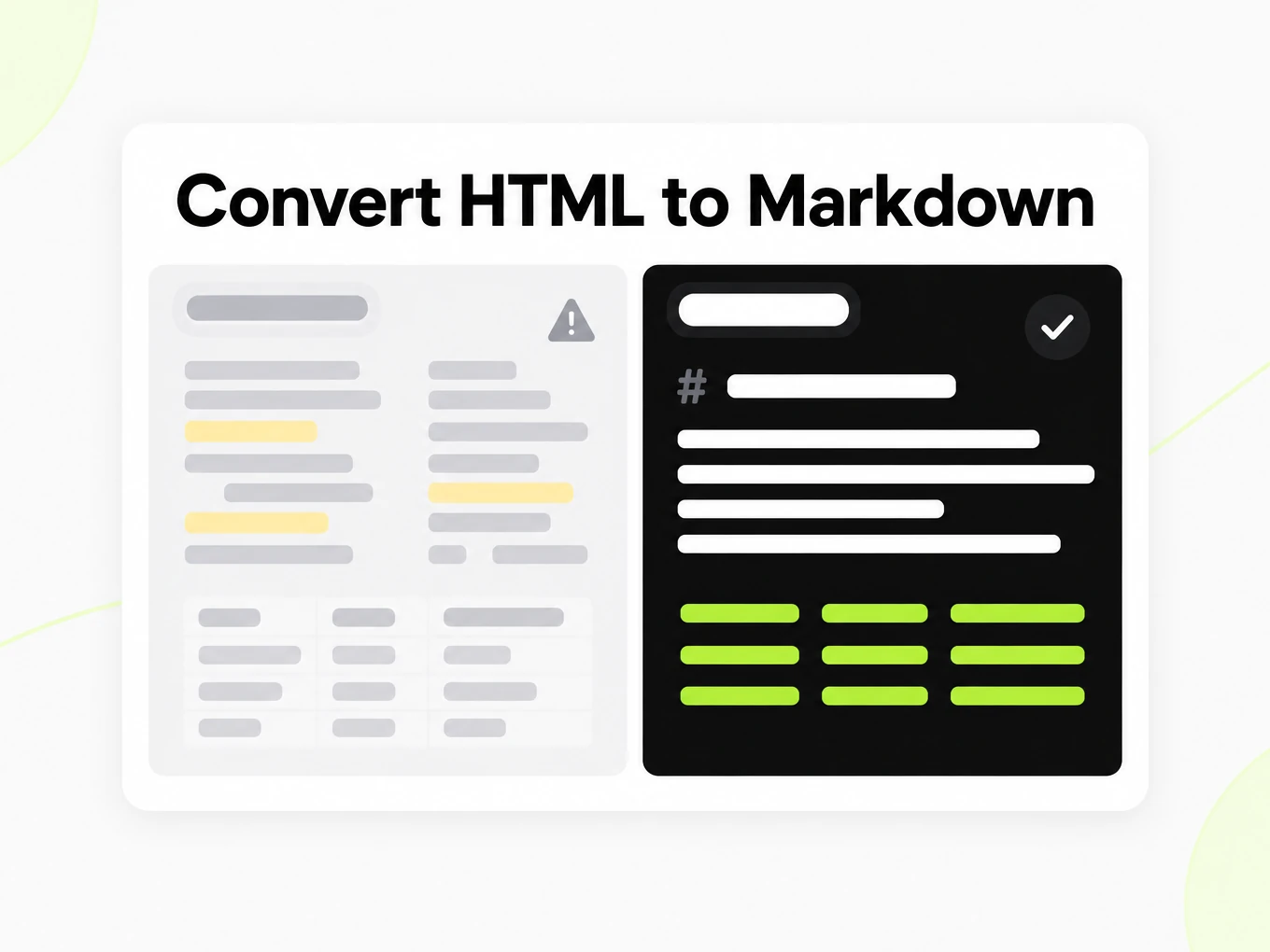
- Headings and tables — HTML heading tags (h1–h6) map to Markdown headings and table elements become Markdown pipe tables.
- Inline scripts and styles — Inline script and style blocks are stripped from the output; only visible document content is kept.
- Boilerplate in the saved file — The current converter preserves page text, which can include navigation, footers, and other boilerplate that was saved with the file.
Where the Markdown goes
- Copy the Markdown straight from the preview
- Download the .md file and keep it in your library once signed in
- Convert whole folders or ZIP archives with Batch Convert
- Automate it with POST /v1/convert/html and your API key
Why use it
Why use HTML to Markdown
Semantic headings
Convert meaningful HTML heading structure into a Markdown outline and review the resulting levels in the source view.
Links and lists
Carry supported link text and list structure into Markdown, then verify destinations in the context where you reuse the output.
Saved snapshot inputs
Process HTML you already have without fetching a live page that may have changed since the original export.
Code and table review
Check fenced code and simple tables in the destination renderer before publishing documentation migrated from HTML.
CSS stays out of the text
Focus on document content rather than reproducing positioning, animations or an interactive website theme.
Automation from HTML
Use the HTML API route for supported file or inline text inputs and handle asynchronous completion in your integration.
The problem
Why HTML files still carry chrome
Boilerplate noise
Navigation, footers, and ads surround the content you actually want when the saved file includes the full page.
Nested markup
Deeply nested tags and inline styles obscure the real document structure.
Inconsistent headings
Heading levels are often misused in HTML; clean Markdown normalizes the hierarchy where tags are present.
What's preserved
What this HTML converter keeps
- File upload, not a fetch
- This tool converts uploaded .html or .htm files. To convert a live web page by URL, use the URL to Markdown converter at /url-to-markdown.Source: HTML Living Standard
- Headings and tables
- HTML heading tags (h1–h6) map to Markdown headings and table elements become Markdown pipe tables.Source: CommonMark Spec
- Inline scripts and styles
- Inline script and style blocks are stripped from the output; only visible document content is kept.Source: HTML Living Standard
- Boilerplate in the saved file
- The current converter preserves page text, which can include navigation, footers, and other boilerplate that was saved with the file. Review the Markdown before use.Source: product pipeline
Example: markitdown.ai API docs Quickstart page· https://markitdown.ai/docs/quickstart
[Home](/) Getting started [Introduction](/docs)[Authentication](/docs/authentication)[Quickstart](/docs/quickstart) Core [Convert](/docs/convert)[Conversions](/docs/conversions)[Batches](/docs/batches)[Conversion Files](/docs/files)[Markdown Render](/docs/render) Developer [API keys](/docs/api-keys)[Webhooks](/docs/webhooks) Reference [URL fetcher](/docs/fetcher)[Errors & limits](/docs/errors-and-limits) API reference [All endpoints](/docs/api)[Error codes](/docs/errors) Quickstart Getting started # Quickstart Convert your first document to Markdown with the v1 API: one POST /v1/convert call, then read or poll the result. Use cases
HTML to Markdown in real workflows
CMS exports
Prepare an exported article for a Markdown destination, checking links, media references and heading structure.
Documentation migration
Review code samples and tables in the new renderer before transferring a collection of HTML guides.
Archived snapshots
Work with a known saved page rather than depending on what a live URL happens to return today.
Text ingestion
Convert HTML collected by your own authorized workflow and review surrounding navigation before indexing it.
API
HTML to Markdown API
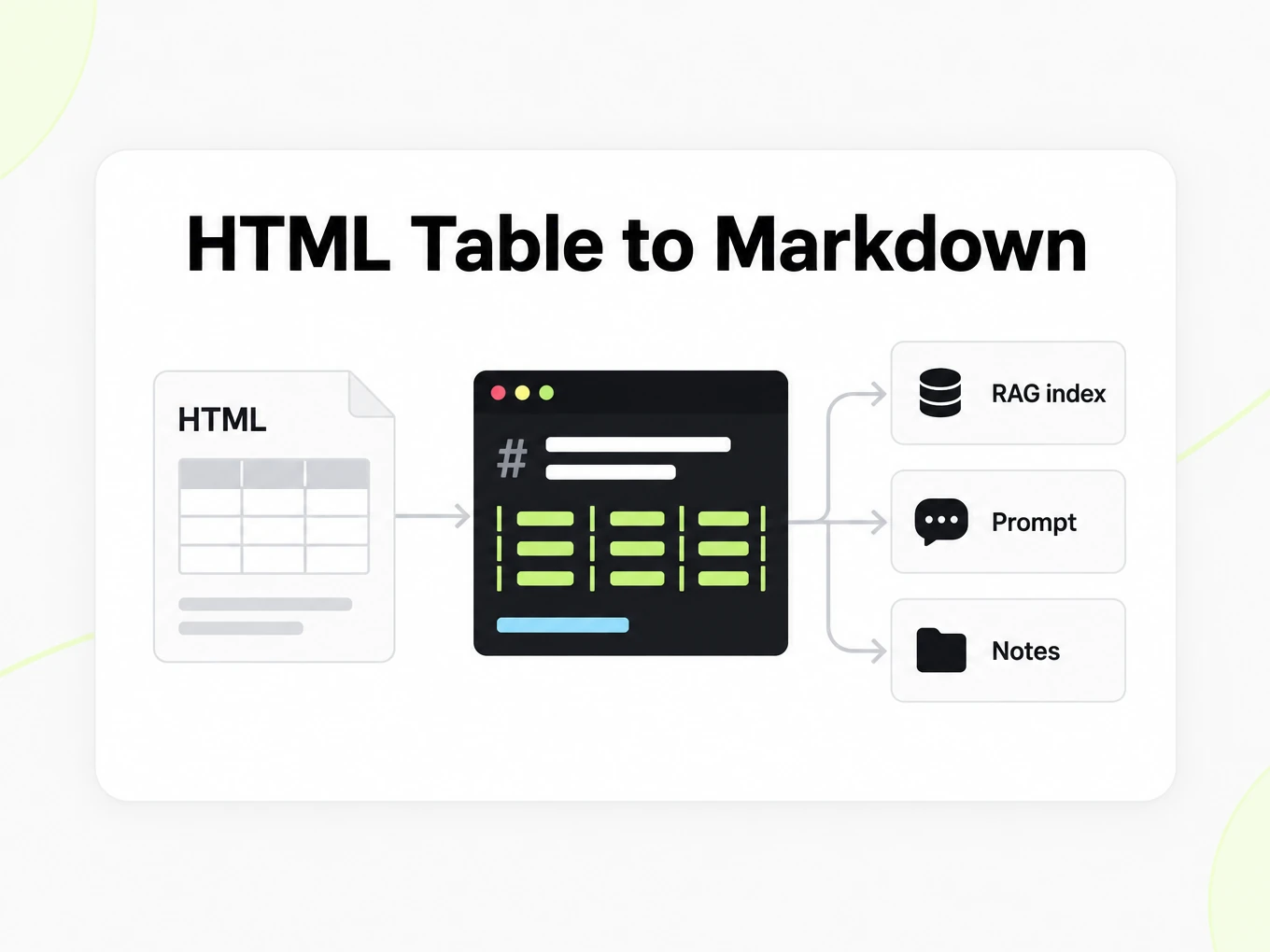
Use POST /v1/convert/html with an x-api-key header and a supported source file. A completed request can return outputs inline; HTTP 202 means conversion is still running. Read the Location response header and poll it before accessing file outputs. A multipart request accepts at most 100 files; subscription and total request limits also apply. Keep API keys in your server environment. API access requires a Lite, Pro or Max subscription.
Read the API guidecurl -i "https://api.markitdown.ai/v1/convert/html" \ -H "x-api-key: $MARKITDOWN_API_KEY" \ -F "file=@source.html"# If HTTP 202, GET the Location URL with the same API key.Guide
HTML file vs URL
HTML to Markdown starts with HTML you already possess. URL to Markdown starts with a network address and fetches the public page before conversion. Use a saved HTML file when you need to process a known snapshot, a template export or content that your own system has already collected. Use the URL tool when the public page is the source you want to retrieve now. The HTML converter does not execute scripts to fill in missing content, so a saved application shell may contain little of the article you saw in the browser. Inspect the source you submit and confirm that the text you need is actually present before troubleshooting the Markdown output.
Reviewing the output
HTML to Markdown can represent headings, paragraphs, lists, links, code and straightforward tables in a compact text form. CSS positioning and interactive controls have no direct equivalent in ordinary Markdown. A page that uses heading elements meaningfully gives the converter a clearer outline than a page made from styled generic containers. Review the exported heading hierarchy and a representative nested list in the Markdown source. For a table, confirm that the header still describes the values beneath it. The goal is a readable representation of the document’s content, not a reconstruction of the browser layout, hover behavior or visual theme.
Navigation and links
HTML to Markdown may retain navigation, footer text and other content alongside the article. Do not assume the converter has identified an article body or removed every advertisement. Review the beginning and end of the export for repeated menus before adding it to a retrieval index. A saved HTML file can also contain relative links whose meaning depends on the original site location. Check those destinations in the context where you publish the Markdown, and supply a meaningful source reference in your own workflow. Converting link syntax does not prove that a destination still exists, and a local file does not automatically provide the original website’s base address.
CMS migrations
Test HTML to Markdown with a representative post before exporting an entire CMS. Choose a post that includes a table, code, images, links and nested headings so you discover the important differences early. Compare the result in the destination renderer, because Markdown engines can differ in their support for extensions. Keep the original HTML export as an audit copy and record which article it belongs to. Decide in your migration process how to handle repeated navigation and media assets; this converter does not publish content or move a website’s files for you. A reviewed Markdown export is a portable starting point for that migration, not a completed site transfer.
What the file keeps
This tool converts a file you already have. It does not fetch the network. Navigation, footers, and other boilerplate that sit in the file can still appear in the Markdown — review before you embed. To convert a live web page by URL, use the URL to Markdown converter.
- HTML heading tags (h1–h6) map to Markdown headings.
- HTML tables become Markdown pipe tables.
- Inline script and style blocks are stripped; only visible document content is kept.
More Markdown converters
- PDF → MarkdownText, tables and scans
- Word → MarkdownDOCX with headings and lists
- PPT → MarkdownSlide text, notes and tables
- Excel → MarkdownEvery sheet as a table
- EPUB → MarkdownEbook chapters as headings
- Image → MarkdownOCR for scans and screenshots
- URL → MarkdownAny public web page, cleaned
- Markdown → HTMLClean, semantic HTML
- Markdown → TextPlain text without markup
- Markdown → PDFPrint locally to PDF
Need it in your code? Use the developer API. Converting at scale? See plans and pricing.
FAQ
HTML to Markdown questions
How does HTML to Markdown work?
HTML to Markdown converts the supported source into readable Markdown for review and reuse. The anonymous trial accepts up to 10 MB and 25 pages per file, with 3 conversions per IP per hour and 10 a day. Compare the result with the source before using it.
What is the maximum HTML file size?
The public converter accepts HTML files up to 10 MB.
Is navigation and boilerplate removed from a saved page?
The current converter preserves page text, which can include navigation, footers, and other boilerplate. Review the Markdown before use.
How are HTML headings handled?
HTML heading tags (h1–h6) map directly to Markdown heading levels, preserving the document hierarchy.
Are HTML tables preserved?
Yes. HTML tables are converted to Markdown pipe tables with their column structure intact.
What about inline scripts and styles?
Inline script and style content is stripped. Only the visible document text and structure is output.
Is sign-up required to preview HTML?
No. The anonymous trial lets you preview and copy a result. Account conversions and saved history require a Lite, Pro or Max subscription.
Can I convert HTML from the API?
Yes. POST the .html file to /v1/convert/html and poll the conversion if it does not finish inline. See /developers.