
Converter
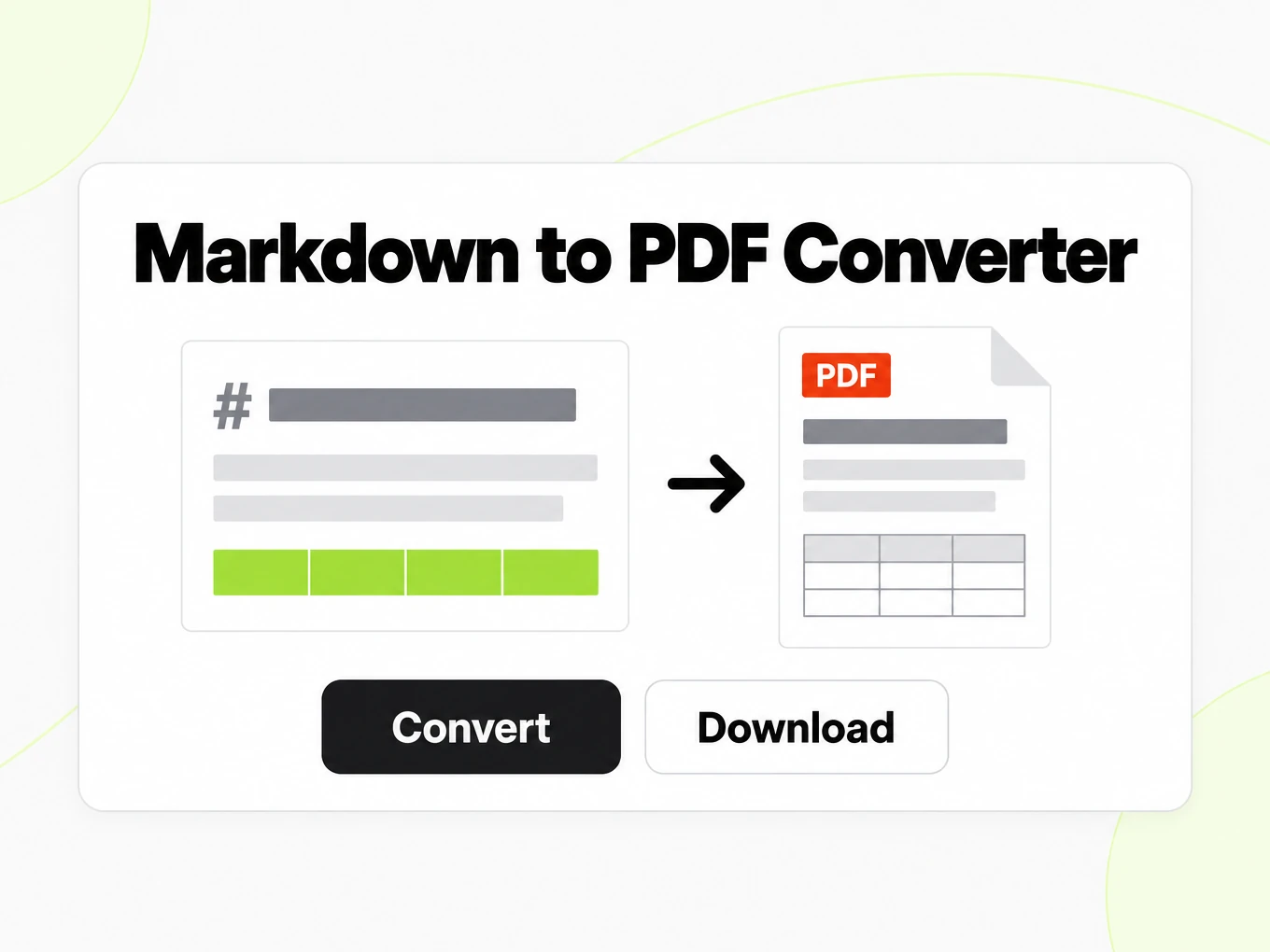
Markdown to PDF Converter
Markdown to PDF is a browser print converter: paste Markdown, pick a paper size and theme, then use Print / Save as PDF. The document is printed locally and nothing is uploaded.
# Quarterly Research Report

中文摘要 · 日本語要約 · 한국어 요약

This note mixes Latin, CJK, a table, math, and a code sample.

## Results

| Region | Revenue |
| --- | --- |
| 東京 | ¥12.4M |
| 서울 | ₩980M |
| 上海 | ¥9.1M |

The growth rate is $r = \frac{\Delta x}{x}$.

```python
def growth(previous: float, current: float) -> float:
    return (current - previous) / previous
```
How to
How to convert Markdown to PDF
What you can paste
- Any Markdown: CommonMark plus GitHub Flavored Markdown tables, task lists and strikethrough
- Rendering runs in your browser — nothing is uploaded while you type
- No account needed to preview, copy or download
- No fixed size limit; a very large document is bounded by your browser's memory
What to check
- Page size and margins — An @page rule sets the paper size (A4 or Letter), orientation and margin before your browser opens the print dialog.
- Headings can start a new page — Level-1 headings can break to a new page by default, so each top-level section starts cleanly; the document's first heading does not.
- Tables and code avoid mid-page breaks — Tables and fenced code are marked to avoid breaking inside, so a browser moves the whole block to the next page instead of splitting it.
- Page numbers via CSS counters — An optional page number is generated with a CSS page counter, positioned left, center or right in the page footer.
Where the PDF comes from
- Open Print / Save as PDF in your browser — the PDF is produced locally
- No server-side Markdown to PDF endpoint exists yet
- Keep the Markdown source and regenerate the PDF after you edit it
Why use it
Why use this Markdown to PDF converter
A Markdown file has no page geometry of its own. This converter adds paper size, margins and page-break rules, then hands the result to your browser's print engine.
Prints locally, nothing uploaded
The PDF comes from your browser's print engine. The Markdown never leaves your device.
Paper size and margins
Choose A4 or Letter, portrait or landscape, and normal, narrow or wide margins before you print.
Themes for different documents
Github, document and compact themes change fonts, spacing and code-block color without changing the Markdown.
Page numbers
Add a page number in the corner or center of every printed page, styled to match the current theme.
CJK-aware font stack
The print stylesheet lists Chinese, Japanese and Korean system fonts ahead of the Latin fallback, for mixed-script reports.
Same HTML renderer as the API
The document is built from the same sanitized HTML as POST /v1/convert/markdown/html, then wrapped in print CSS your browser turns into a PDF.
The problem
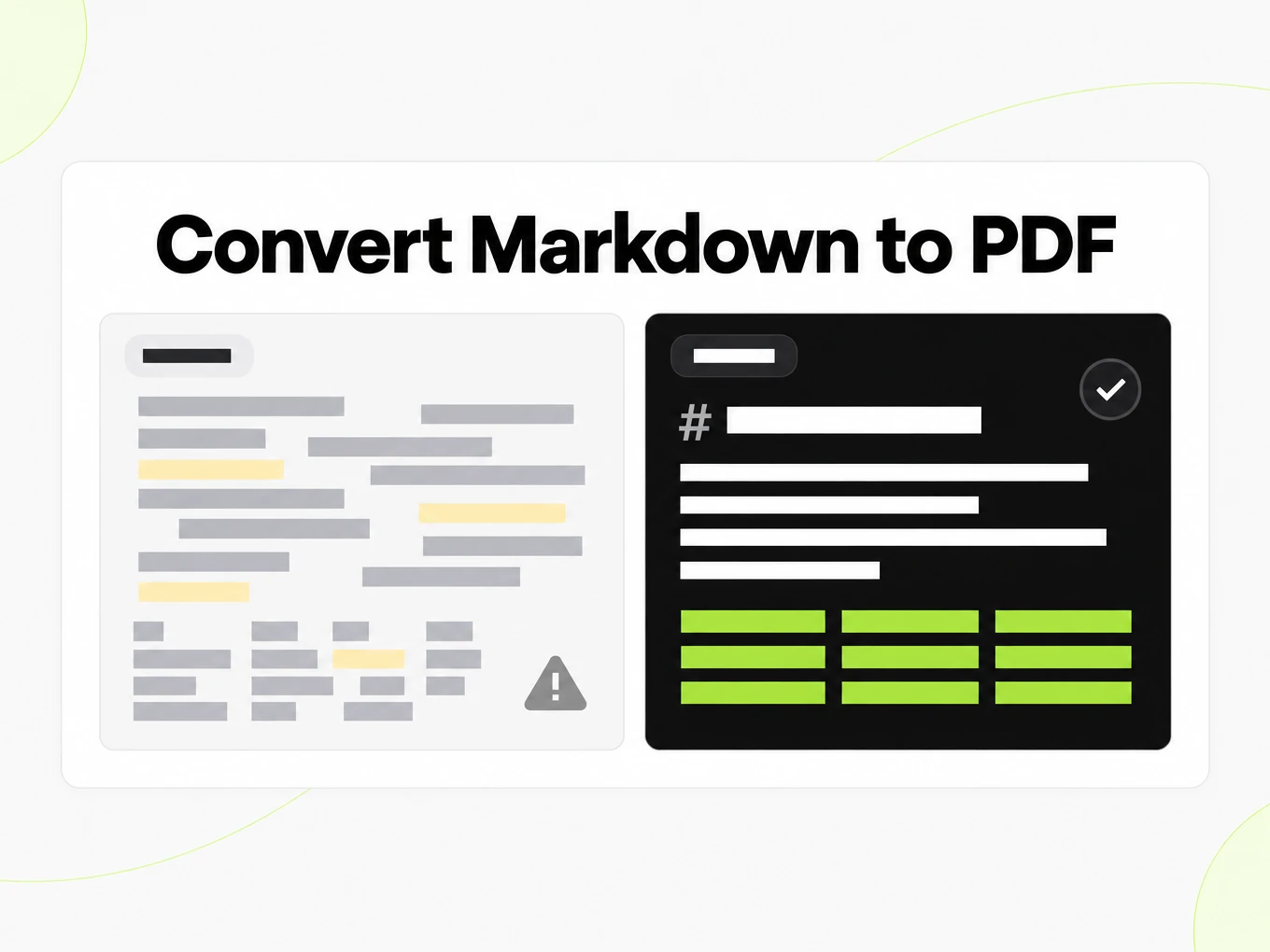
Why Markdown needs page rules before it can print
Markdown has no page geometry
A Markdown file describes headings and paragraphs, not page size, margins, or where a page should break.
Long tables and code blocks split badly
Without page-break rules, a table row or a fenced code block can be cut in half at the bottom of a printed page.
CJK and mixed scripts need the right fonts
Chinese, Japanese and Korean text can fall back to a missing glyph or a different line-break behavior across browsers and operating systems.
What's preserved
What this Markdown to PDF converter keeps
- Page size and margins
- An @page rule sets the paper size (A4 or Letter), orientation and margin before your browser opens the print dialog.Source: CSS Paged Media Module
- Headings can start a new page
- Level-1 headings can break to a new page by default, so each top-level section starts cleanly; the document's first heading does not.Source: CSS Paged Media Module
- Tables and code avoid mid-page breaks
- Tables and fenced code are marked to avoid breaking inside, so a browser moves the whole block to the next page instead of splitting it.Source: CSS Paged Media Module
- Page numbers via CSS counters
- An optional page number is generated with a CSS page counter, positioned left, center or right in the page footer.Source: CSS Paged Media Module
- Same sanitized HTML as the API
- The printable document starts from the same sanitized CommonMark and GFM HTML used by POST /v1/convert/markdown/html.Source: CommonMark Spec
Print CSS behind this Markdown to PDF converter· markitdown.ai print stylesheet: github theme, A4, page numbers on
@page { size: A4 portrait; margin: 25mm; }@page { @bottom-center { content: counter(page); font-size: 10pt; color: var(--md-muted); } }h1 { break-before: page; }article.md-document > h1:first-child { break-before: auto; }table, pre { break-inside: avoid; }Use cases
Use cases for Markdown to PDF conversion
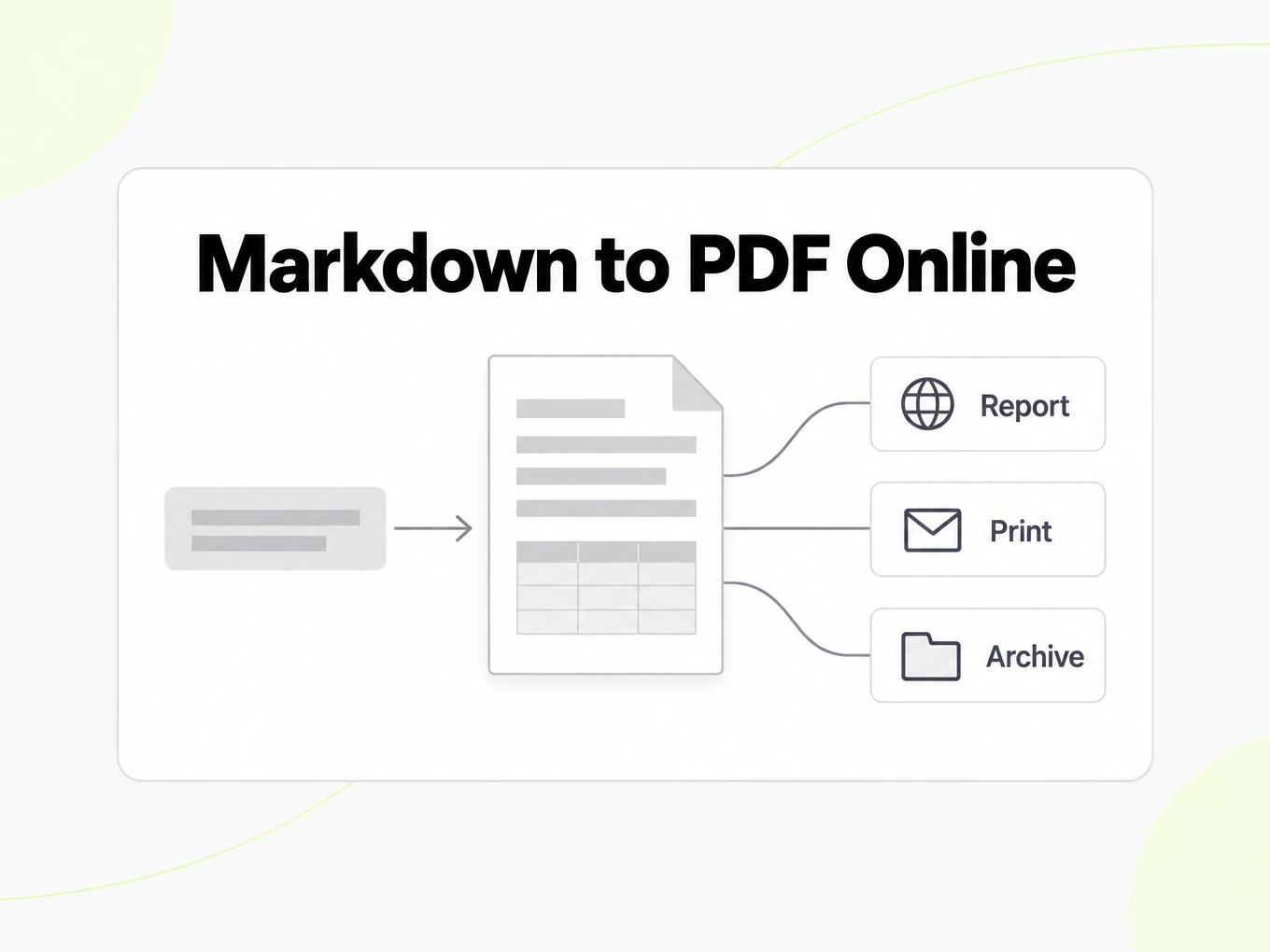
Anywhere a Markdown note needs to become a paginated file someone can open without a Markdown reader.
Reports and research notes
Turn a Markdown report into a paginated PDF to share with someone who does not have a Markdown reader.
Multilingual documents
Print notes that mix Latin script with Chinese, Japanese or Korean text using the CJK-aware font stack.
Quick handouts from a README
Produce a printable version of documentation or a README without installing a separate PDF tool.
Archiving a Markdown note
Save a dated, paginated snapshot of a note before it changes further, without uploading it anywhere.
Guide
Browser printing
This tool builds a printable document in your browser and hands it to your browser's own Print / Save as PDF dialog. Server-side PDF generation is planned but not shipped, so the API has no PDF endpoint today. If you need a PDF from an automated pipeline today, render sanitized HTML with POST /v1/convert/markdown/html and print that HTML with a tool you control, or use this page interactively for a one-off document. This section will be updated if a server endpoint ships; until then, treat the browser print path as the only supported route for Markdown to PDF on this product.
Paper, margins, theme
Paper size and margins decide how much room paragraphs, tables and code have on each page: a narrower margin fits more per page but can crowd a dense table, while a wider margin reads more comfortably at the cost of extra pages. The three themes change fonts, spacing and code-block background without touching the Markdown itself, so switching themes is a safe way to compare a compact internal note against a document meant for an external reader. Always check the paginated preview after a change, since a setting that looks fine in a short note can push a table across a page break in a longer report.
- A4 suits most non-US audiences; Letter suits US-focused documents.
- Narrow margins fit more content per page; wide margins read more comfortably.
- Page numbers help a printed, stapled report stay in order.
Multilingual and code
Markdown that mixes Latin text with Chinese, Japanese or Korean characters depends on the fonts actually installed on the machine that prints it, so the same file can paginate slightly differently on two computers even though the Markdown source is identical. Check the preview on the device you will print from, especially for a long report where a missing glyph could push a heading to the wrong page. Code blocks and long, unbroken URLs behave similarly: they are marked to avoid breaking in the middle of a line, so a browser moves the whole block to the next page rather than splitting a command a reader might copy.
More Markdown converters
- PDF → MarkdownText, tables and scans
- Word → MarkdownDOCX with headings and lists
- PPT → MarkdownSlide text, notes and tables
- Excel → MarkdownEvery sheet as a table
- Image → MarkdownOCR for scans and screenshots
- HTML → MarkdownPaste or upload HTML
- URL → MarkdownAny public web page, cleaned
- Markdown → HTMLClean, semantic HTML
- Markdown → TextPlain text without markup
Need it in your code? Use the developer API. Converting at scale? See plans and pricing.
FAQ
Markdown to PDF questions
Does Markdown to PDF upload my text?
No. Print locally — nothing uploaded to produce the PDF; it comes entirely from your browser's print engine.
Is there a server-side Markdown to PDF API?
Not yet. POST /v1/convert/markdown/pdf does not exist, so calling it returns 404. Render HTML with POST /v1/convert/markdown/html and print that, or use the browser tool on this page.
Can I choose A4 or Letter?
Yes. Paper size, orientation, margins and page numbers are all local options in the editor.
Does it handle Chinese, Japanese or Korean text?
The print stylesheet lists CJK system fonts ahead of the Latin fallback. Check the paginated preview before printing, since font availability differs by device.
Do headings always start a new page?
By default a level-1 heading breaks to a new page, except the first heading in the document; this can be turned off.
Do I need an account to print Markdown as PDF?
No. Pasting, previewing and printing all work without signing in.
Will a server-generated PDF file be available later?
Server-side PDF generation is planned. Today this page uses your browser's print dialog, and there is no server PDF endpoint.