
Converter
Markdown to HTML Converter
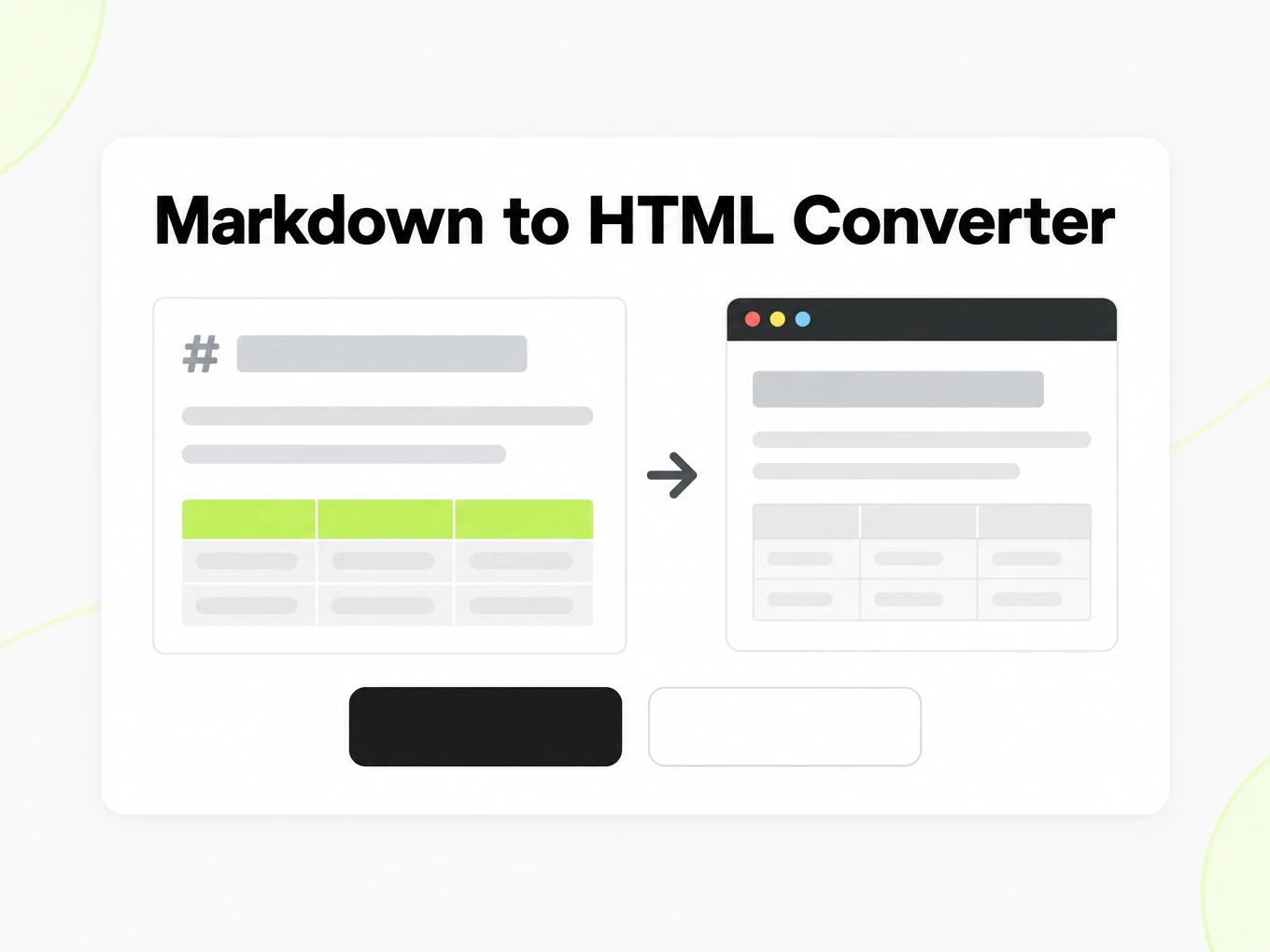
Markdown to HTML is a browser converter that turns CommonMark and GitHub Flavored Markdown into sanitized HTML — headings, tables, task lists and fenced code included. Nothing is uploaded; the same renderer runs behind POST /v1/convert/markdown/html.
# markitdown-ai

Convert documents to clean Markdown.

## Features

- PDF, Word, and slides
- [x] Tables stay tables
- [ ] Mermaid coming later

## Install

```bash
pnpm add @markitdown-ai/sdk
```

## API

| Method | Path |
| --- | --- |
| POST | /v1/convert/{name} |
| GET | /v1/conversions/{id} |
How to
How to convert Markdown to HTML
What you can paste
- Any Markdown: CommonMark plus GitHub Flavored Markdown tables, task lists and strikethrough
- Rendering runs in your browser — nothing is uploaded while you type
- No account needed to preview, copy or download
- No fixed size limit; a very large document is bounded by your browser's memory
What to check
- Headings and inline text — ATX and setext headings, emphasis, links and blockquotes follow CommonMark; each heading also gets a URL-safe id generated from its text.
- Tables, task lists and strikethrough — GitHub Flavored Markdown tables become <table> elements, [ ] and [x] items become checkbox inputs, and ~~text~~ becomes <del>.
- Sanitized markup — Raw <script> tags, inline event handlers, and href or src values outside http, https and mailto are stripped before the HTML is returned.
- Fenced code — Fenced code blocks keep their content and language label; no syntax-highlighting theme is applied by the browser preview itself.
Where the output goes
- Copy the HTML straight from the preview
- Download the .html file
- Automate it with POST /v1/convert/markdown/html and your API key — 0 credits
Why use it
Why use this Markdown to HTML converter
A CMS field, a static site and an email editor all want markup, not Markdown source. This converter keeps the parts that carry meaning and strips what would make raw HTML unsafe.
Runs in your browser
Paste Markdown and the HTML preview updates locally. Nothing is uploaded, and no account is required to preview, copy or download.
CommonMark plus GFM
Headings, lists, links, blockquotes and fenced code follow CommonMark; tables, task lists and strikethrough follow GitHub Flavored Markdown.
Sanitized by default
Script tags, inline event handlers and unsafe href or src schemes are stripped, so the HTML is safe to paste into a page you don't fully control.
Fragment or full document
Copy just the rendered markup for a page that already owns its layout, or download a complete HTML document with the previewed styling.
Heading anchors
Each heading gets a stable, URL-safe id generated the same way the API does, so a table of contents or a deep link keeps working after you publish.
Same engine as the API
This preview and POST /v1/convert/markdown/html run the same renderer, so the HTML you copy here matches an automated call byte-for-byte.
The problem
Why raw Markdown can't go straight into a web page
Markdown syntax is not HTML
A CMS field, an email template or a static-site theme wants markup, not Markdown source, so the raw text has to be converted before it can be styled or embedded.
A plain parser misses GFM
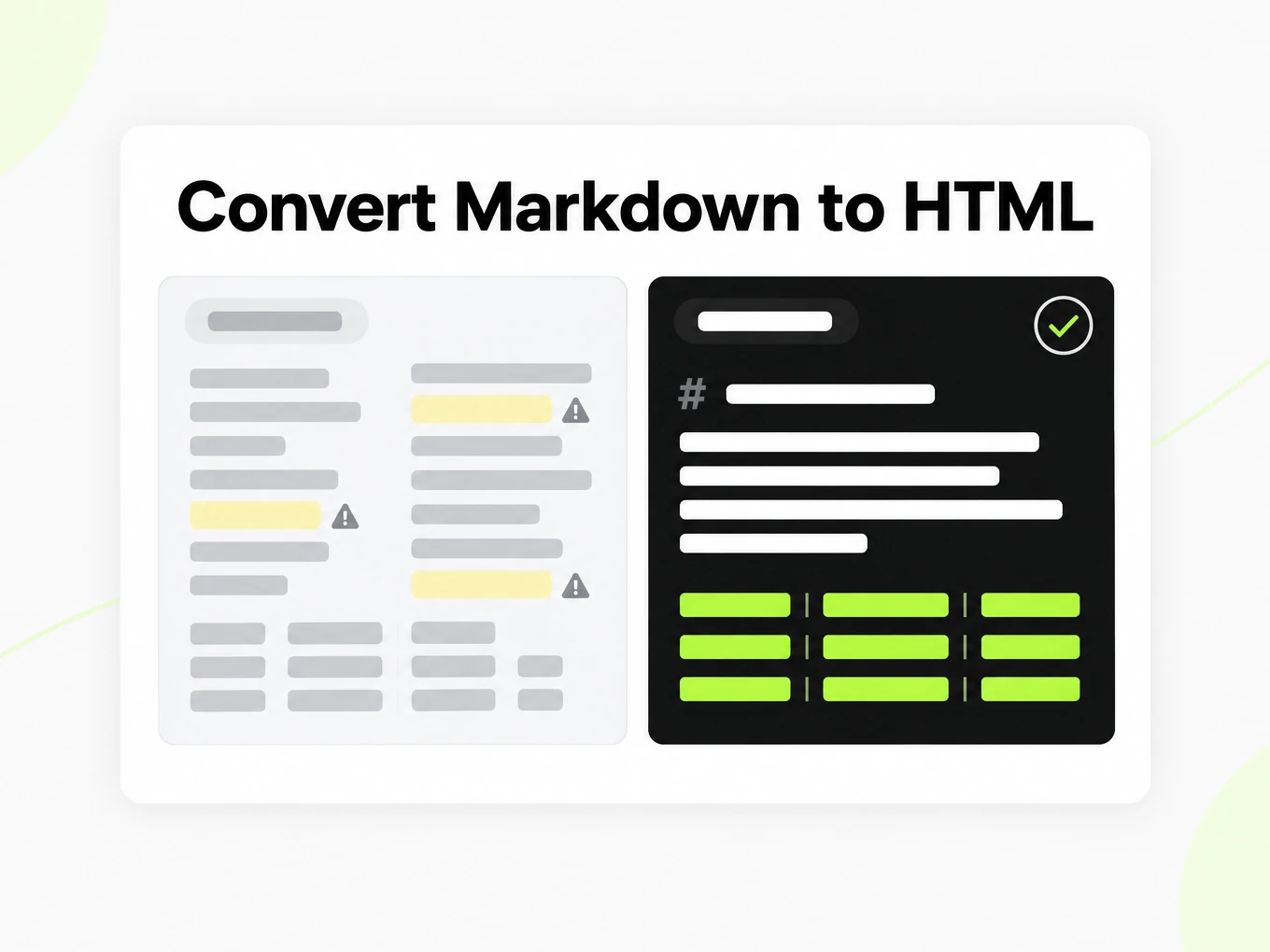
Tables, task lists and strikethrough are GitHub Flavored Markdown extensions; a CommonMark-only parser renders them as literal pipe characters and tildes instead of structure.
Untrusted Markdown can carry scripts
Markdown can embed raw HTML, including <script> tags and inline event handlers, that must be stripped before the output is safe to insert into a page you don't fully control.
What's preserved
What this Markdown to HTML converter keeps
- Headings and inline text
- ATX and setext headings, emphasis, links and blockquotes follow CommonMark; each heading also gets a URL-safe id generated from its text.Source: CommonMark Spec
- Tables, task lists and strikethrough
- GitHub Flavored Markdown tables become <table> elements, [ ] and [x] items become checkbox inputs, and ~~text~~ becomes <del>.Source: GitHub Flavored Markdown Spec
- Sanitized markup
- Raw <script> tags, inline event handlers, and href or src values outside http, https and mailto are stripped before the HTML is returned.Source: HTML Living Standard
- Fenced code
- Fenced code blocks keep their content and language label; no syntax-highlighting theme is applied by the browser preview itself.Source: CommonMark Spec
- Raw HTML in the source
- Markdown that embeds other raw HTML tags is passed through the same sanitizer, so an embedded tag is never treated as trusted markup.Source: HTML Living Standard
Verified Markdown to HTML excerpt· https://markitdown.ai/blog/why-pdfs-break-llms
<h2 id="what-actually-goes-wrong">What actually goes wrong</h2><p>When teams pipe documents straight into an LLM or a retrieval index, a few failure modes show up again and again:</p><ul><li><strong>Reading order breaks.</strong> Multi-column layouts interleave. A two-column page becomes "line 1 left, line 1 right, line 2 left, line 2 right…", so a sentence a human reads top-to-bottom arrives at the model scrambled.</li><li><strong>Tables collapse.</strong> Copy-paste turns a table into a loose run of numbers. The relationship between a header and its cell — the entire point of a table — is gone.</li><li><strong>Headings disappear.</strong> The visual hierarchy (this is a section, this is a subsection) is encoded as font size and weight, not structure. Strip the styling and you get one undifferentiated wall of text.</li><li><strong>Noise creeps in.</strong> Page numbers, running headers, hyphenated line breaks, and stray ligatures end up inline, polluting prompts and embeddings alike.</li></ul><p>Read more in the <a href="https://markitdown.ai/blog/why-pdfs-break-llms">full article</a>.</p>Use cases
Use cases for Markdown to HTML conversion
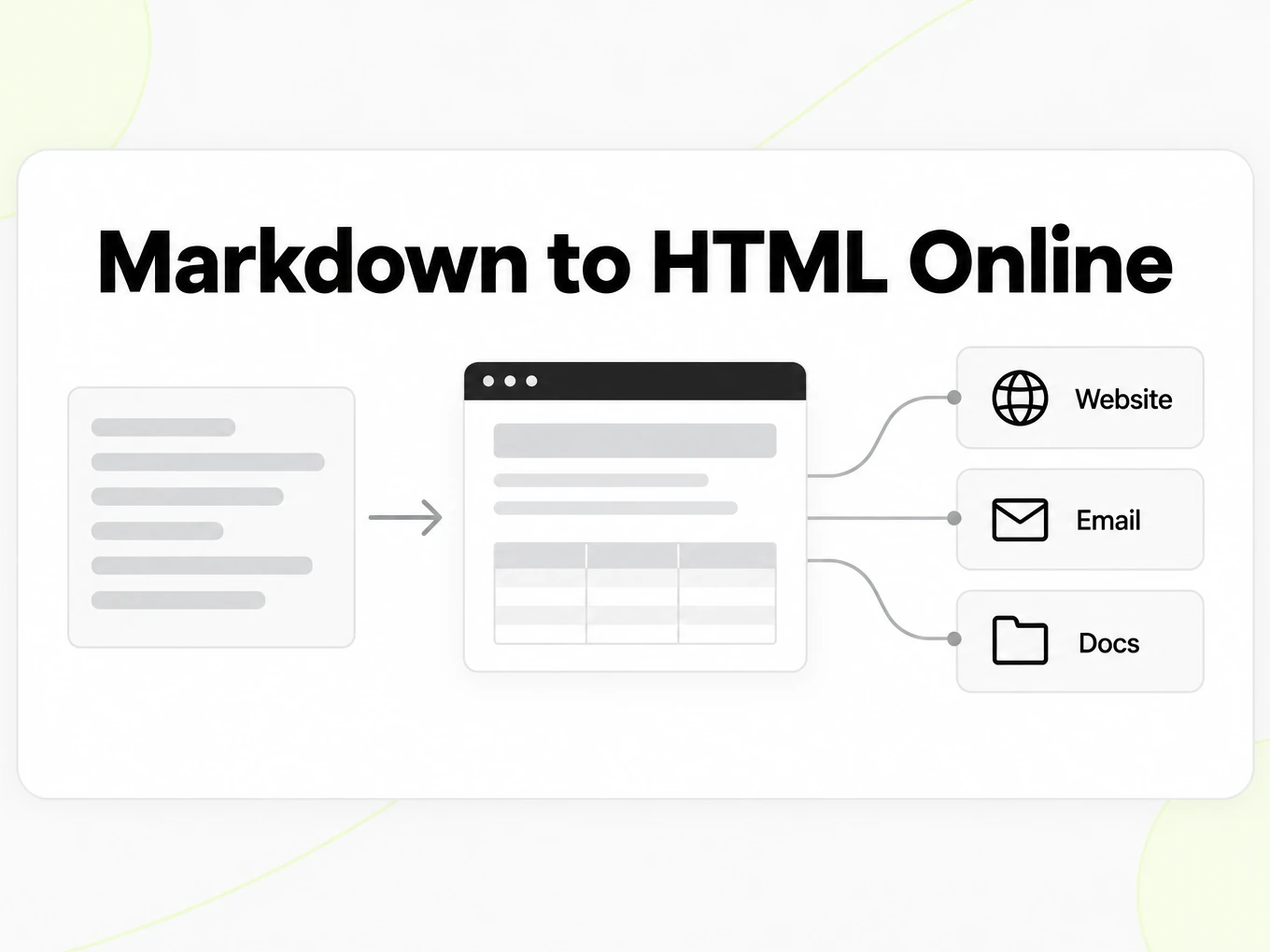
Anywhere a destination wants markup while the source stays Markdown, this converter is the step in between.
Docs and static sites
Turn a README or a Markdown knowledge-base article into the HTML a static site generator or CMS field expects.
Email and newsletter drafts
Draft a message in Markdown, convert it to HTML, then paste the fragment into the email editor you actually send from.
Cleaning up an LLM answer
ChatGPT, Claude and Gemini return Markdown; convert it to HTML when the destination — a ticket, a wiki page — renders markup instead of raw asterisks.
Developers automating rendering
Call the render endpoint from a pipeline that stores Markdown but serves HTML, without adding a Markdown library to every service.
API
Markdown to HTML API for developers
Rendering runs synchronously and costs 0 credits — it still counts toward your plan's per-minute rate limit. Send Markdown as text, or reference a stored .md file, to POST /v1/convert/markdown/html with your API key; sanitized HTML comes back inline.
Read the API guidecurl -X POST https://api.markitdown.ai/v1/convert/markdown/html \ -H "x-api-key: mdai_…" \ -H "Content-Type: application/json" \ -d '{ "text": "# Notes\n\nHello **world**." }'Guide
Docs and static sites
Most documentation tools keep Markdown as the editable source and generate HTML only at build or preview time. This converter lets you check that generation step in isolation: paste the same Markdown your site generator will read, and confirm the headings, tables and code blocks come out the way your theme expects before you commit a change. It is also useful when a CMS field accepts HTML but your writers work in Markdown — convert once, paste the fragment, and keep editing the Markdown source for the next revision instead of hand-editing the generated markup.
- Keep the Markdown file as your source of truth; treat the HTML as a build artifact.
- Compare the rendered output against your site's actual theme, not just this page's preview styling.
- Re-run the conversion after every source edit rather than patching the generated HTML by hand.
Sanitization
Markdown can embed raw HTML, and that raw HTML can include a <script> tag or an inline event handler like onclick. Before this converter returns a result, that markup is passed through a sanitizer that removes script elements, strips any attribute starting with "on", and only allows http, https and mailto links and image sources. What survives is the semantic structure — headings, paragraphs, lists, tables, links, images and code — not decorative styling. The converter does not inject a class or a CSS file into the fragment output; a full document download adds the theme you see in the preview so the file opens correctly on its own.
Fragment or full page
A fragment is the inner markup — the headings, paragraphs and tables — with no surrounding <html> or <head>. It belongs inside a page that already defines its own document structure and styling, such as a CMS content field or a component that renders children. A full document adds a doctype, a title and a small stylesheet so the file can be opened directly in a browser or saved on its own. Pasting a full document into a content field that expects a fragment is a common mistake: the browser may still render it, but the nested <html> and <head> tags are invalid there and can confuse downstream tooling that expects a fragment.
More Markdown converters
- PDF → MarkdownText, tables and scans
- Word → MarkdownDOCX with headings and lists
- PPT → MarkdownSlide text, notes and tables
- Excel → MarkdownEvery sheet as a table
- Image → MarkdownOCR for scans and screenshots
- HTML → MarkdownPaste or upload HTML
- URL → MarkdownAny public web page, cleaned
- Markdown → TextPlain text without markup
- Markdown → PDFPrint locally to PDF
Need it in your code? Use the developer API. Converting at scale? See plans and pricing.
FAQ
Markdown to HTML questions
How does Markdown to HTML work?
Paste or type Markdown and the converter renders sanitized HTML locally in your browser, using the same renderer as POST /v1/convert/markdown/html. Nothing is uploaded while you type.
Does Markdown to HTML support GitHub Flavored Markdown?
Yes. Tables, task lists and strikethrough follow the GitHub Flavored Markdown spec, alongside CommonMark headings, lists, links and code.
Is the HTML output sanitized?
Yes. Script tags, inline event handlers and unsafe href or src schemes are stripped, so the HTML is safe to paste into a page you don't fully control.
Can I get a full HTML document instead of a fragment?
Yes. Choose a complete document with the previewed styling, or copy just the fragment for a page that already owns its layout.
Do I need an account to convert Markdown to HTML?
No. Preview, copy and download all work without signing in, because rendering runs locally in your browser.
Does this call the API while I type?
No. Typing stays local. The API only runs when you call POST /v1/convert/markdown/html directly, for example from a script.
Is there a size limit for the Markdown I convert?
There is no fixed upload limit because nothing is uploaded; practical limits depend on your browser's memory for very large documents.
Can I convert Markdown to HTML from code?
Yes. POST your Markdown as text, or a stored .md file, to /v1/convert/markdown/html with an API key. It costs 0 credits. See /developers.