
Converter
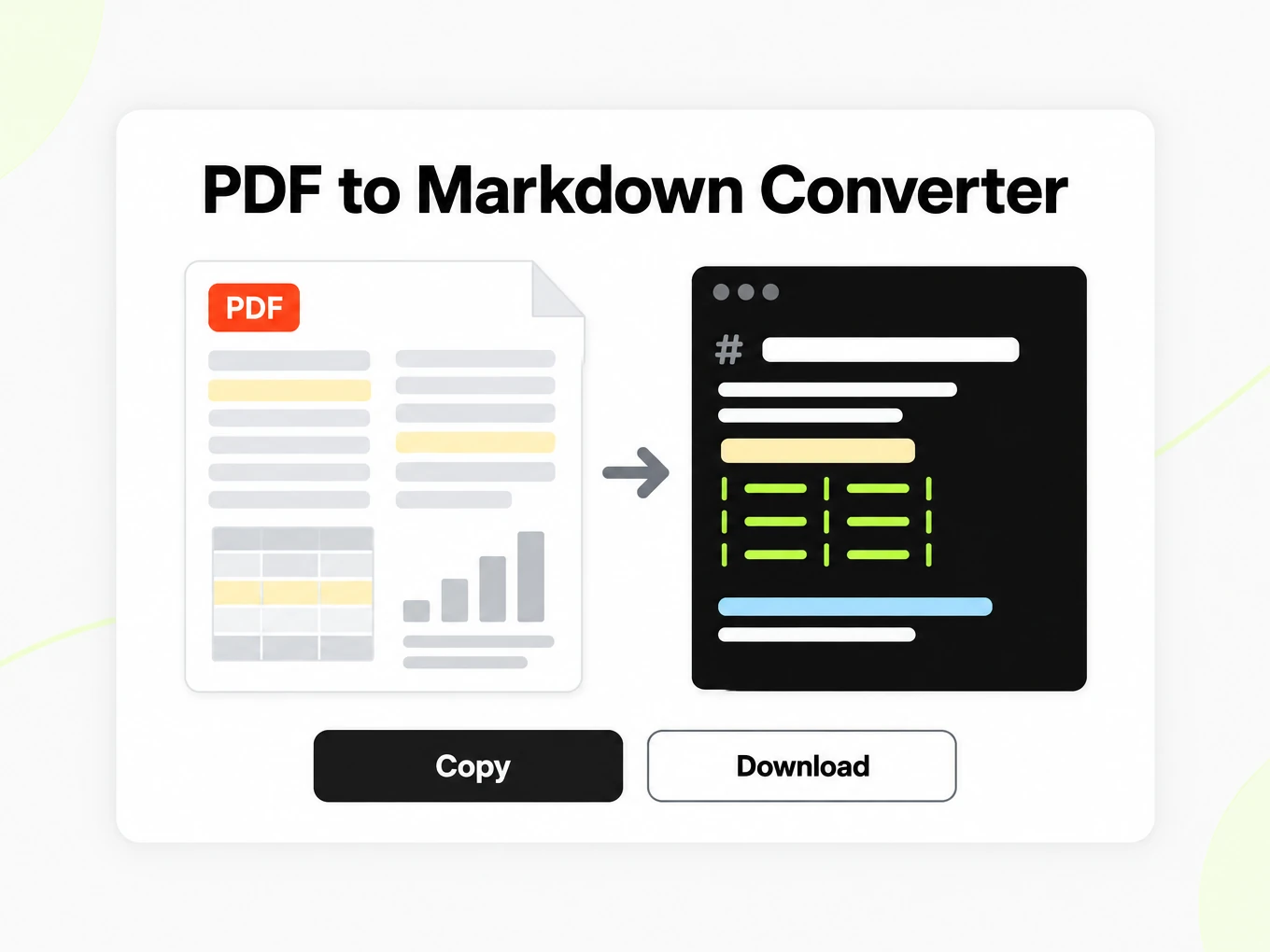
PDF to Markdown Converter
PDF to Markdown is a converter that rebuilds multi-column reading order into structured Markdown for RAG. The public trial accepts files up to 10 MB.
Try a file before choosing a plan.
- No account: up to 10 MB and 25 pages per file, 3 conversions an hour and 10 a day, preview and copy in the browser.
- Signed in: 20 free conversions a day, saved to your library.
- Lite, Pro and Max include conversion credits, batch processing, API access and saved history. Lite includes 30 days of history.
How to
How to convert PDF to Markdown
What you can upload
- File types: .pdf
- Try it without an account: up to 10 MB and 25 pages per file, 3 conversions an hour and 10 a day
- Lite takes files up to 100 MB, Pro up to 200 MB
- Max has no per-file size limit; conversions are bounded by credits
What to check
- Reading order reconstruction — PDF conversion attempts to reconstruct a logical reading order.
- Tables and headings — Heading levels and tabular data are preserved where the PDF exposes structural metadata; flat-text PDFs produce flat-text output.
- Scanned and image-only PDFs — PDFs without a text layer (scanned pages and image inserts) are processed with OCR today; accuracy depends on scan quality.
- Password-protected files — Encrypted PDFs cannot be parsed; remove the password before uploading.
Where the Markdown goes
- Copy the Markdown straight from the preview
- Download the .md file and keep it in your library once signed in
- Convert whole folders or ZIP archives with Batch Convert
- Automate it with POST /v1/convert/pdf and your API key
Why use it
Why use PDF to Markdown
Reports as readable text
Turn a report’s paragraphs and supported structure into Markdown you can inspect, edit and keep beside the source PDF.
OCR for scanned pages
Image-only pages can be recognized with OCR. Compare small text, punctuation and numeric tables with the original scan.
Heading context
Retain recognizable sections for notes and retrieval workflows, while checking whether visually styled headings were interpreted correctly.
Tables to review
Supported tables become text tables. Check complex or merged cells before treating the exported values as evidence.
Preview before reuse
Compare the Markdown source with its rendered view before copying a passage into ChatGPT, Claude or a documentation repository.
A repeatable API route
Use the PDF conversion route in an ingestion script after reviewing representative outputs in the browser.
The problem
Why PDF columns break language models
Columns interleave
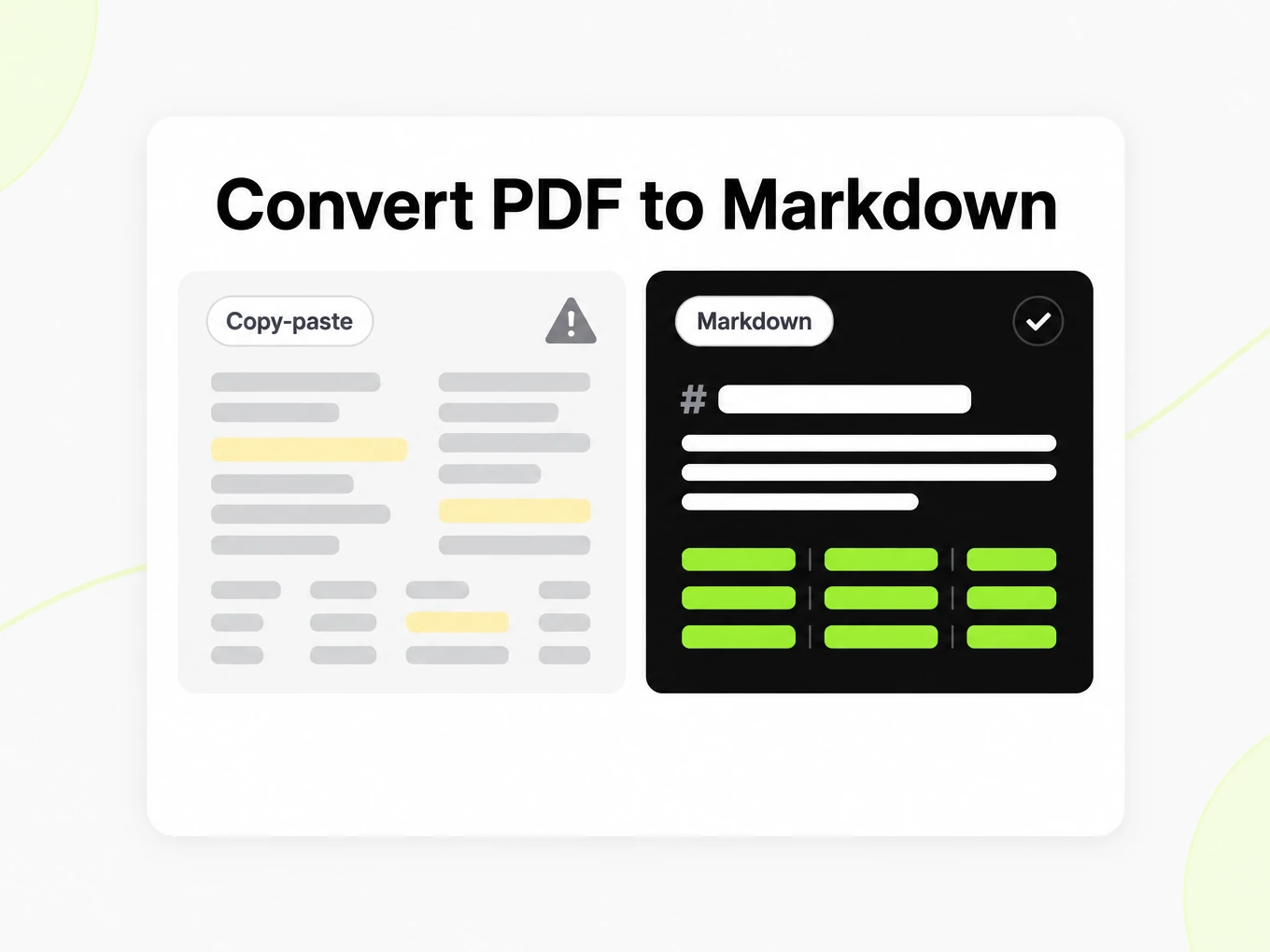
A two-column report read top-to-bottom mixes left and right streams, so the model sees a sentence that never existed on the page.
Tables lose their grid
Copy-paste from a PDF turns a results table into a run of numbers with no header row for a downstream parser.
Scans have no text layer
Image-only pages carry pixels, not glyphs, so scanned PDFs are processed with OCR today.
What's preserved
What this PDF converter keeps
- Reading order reconstruction
- PDF conversion attempts to reconstruct a logical reading order. Review column transitions against the original, especially for complex reports and papers.Source: ISO 32000-2 (PDF 2.0)
- Tables and headings
- Heading levels and tabular data are preserved where the PDF exposes structural metadata; flat-text PDFs produce flat-text output.Source: CommonMark Spec
- Scanned and image-only PDFs
- PDFs without a text layer (scanned pages and image inserts) are processed with OCR today; accuracy depends on scan quality.Source: product pipeline
- Password-protected files
- Encrypted PDFs cannot be parsed; remove the password before uploading.Source: ISO 32000-2 (PDF 2.0)
Example: NIST Cybersecurity Framework 2.0, page 15· https://nvlpubs.nist.gov/nistpubs/CSWP/NIST.CSWP.29.pdf
## Appendix A. CSF Core This appendix describes the Functions, Categories, and Subcategories of the CSF Core. Table 1 lists the CSF 2.0 Core Function and Category names and unique alphabetic identifiers. Each Function name in the table is linked to its portion of the appendix. The order of Functions, Categories, and Subcategories of the Core is not alphabetical; it is intended to resonate most with those charged with operationalizing risk management within an organization. The numbering of the Subcategories is intentionally not sequential; gaps in numbering indicate CSF 1.1 Subcategories that were relocated in CSF 2.0. **Table 1. CSF 2.0 Core Function and Category names and identifiers** | Function | Category | Category Identifier || --- | --- | --- || **Govern (GV)** | Organizational Context | GV.OC || | Risk Management Strategy | GV.RM || | Roles, Responsibilities, and Authorities | GV.RR || | Policy | GV.PO || | Oversight | GV.OV || | Cybersecurity Supply Chain Risk Management | GV.SC || **Identify (ID)** | Asset Management | ID.AM || | Risk Assessment | ID.RA || | Improvement | ID.IM || **Protect (PR)** | Identity Management, Authentication, and Access Control | PR.AA || | Awareness and Training | PR.AT || | Data Security | PR.DS || | Platform Security | PR.PS || | Technology Infrastructure Resilience | PR.IR || **Detect (DE)** | Continuous Monitoring | DE.CM || | Adverse Event Analysis | DE.AE | Use cases
PDF to Markdown in real workflows
Research notes
Extract a paper into editable notes, verify quoted passages and retain the PDF reference for later review.
Report ingestion
Prepare reports for chunking while keeping table headers, section context and a link to the original document.
Policy libraries
Convert a reviewed policy into searchable text and preserve the published PDF as the authoritative version.
Document evaluation
Compare representative PDFs before automating a collection, including scans, columns and a difficult table.
API
PDF to Markdown API
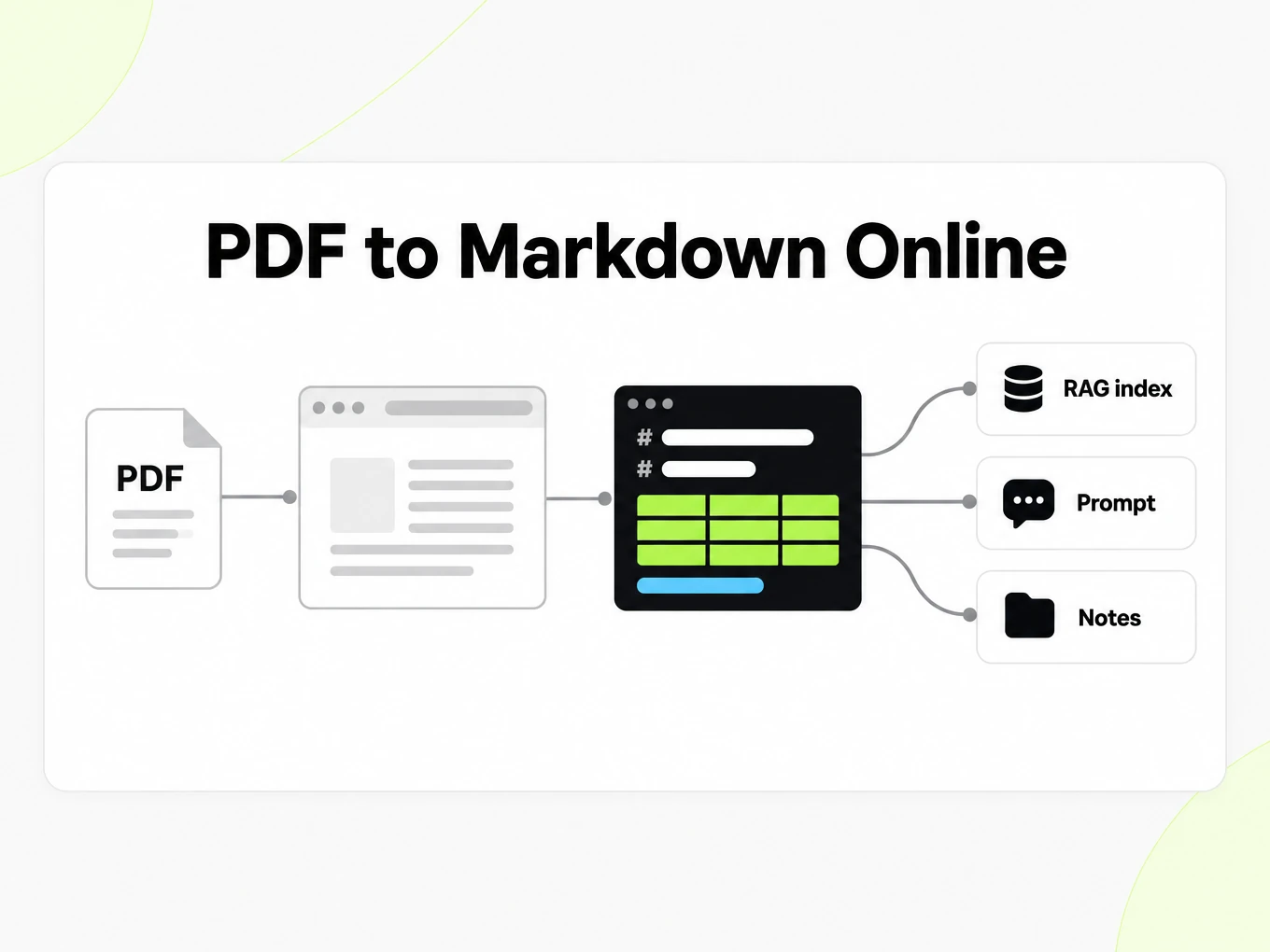
Use POST /v1/convert/pdf with an x-api-key header and a supported source file. A completed request can return outputs inline; HTTP 202 means conversion is still running. Read the Location response header and poll it before accessing file outputs. A multipart request accepts at most 100 files; subscription and total request limits also apply. Keep API keys in your server environment. API access requires a Lite, Pro or Max subscription.
Read the API guidecurl -i "https://api.markitdown.ai/v1/convert/pdf" \ -H "x-api-key: $MARKITDOWN_API_KEY" \ -F "file=@source.pdf"# If HTTP 202, GET the Location URL with the same API key.Guide
Reviewing the output
Check PDF to Markdown output against the original PDF before you use it as evidence. Start with a page containing columns, a footnote and a table rather than an easy title page. Read the last sentence of one column and the first sentence of the next: they should form the same sequence a person follows in the PDF. Then compare a table header, a negative value and a unit. A readable Markdown preview can still contain an OCR substitution or a misplaced cell. If the document informs a financial or technical decision, keep the PDF alongside the Markdown and verify the passage you intend to quote. Conversion makes the text easier to work with; it does not certify the source or its transcription.
What changes
PDF to Markdown conversion replaces visual positioning with a text structure. A large heading may become a heading marker, paragraphs become paragraphs, and a supported table becomes rows separated by pipes. Page geometry, decorative rules, font choices and the original line wrapping are not the output contract. This is useful when you want to edit an extract or build a retrieval index, but it is unsuitable when the goal is to reproduce a brochure exactly. Keep the original PDF for its authoritative layout. Where a layout cannot be represented by a simple Markdown table, check whether a short explanation or a manually reviewed table is the clearer downstream representation.
RAG sources
Use the PDF title and meaningful section headings to retain context when splitting Markdown into passages. A chunk headed only Results may be ambiguous after it leaves the document; your ingestion code can retain the document name and the parent heading with that passage. Keep a table header together with its rows and avoid splitting a list halfway through a qualification. Store the original PDF reference separately so a retrieved answer can lead a reader back to the source. LangChain and LlamaIndex can consume text from your own ingestion process, but choosing a splitter, embedding model and retrieval policy remains your application’s job. Test retrieval with questions whose answers you have checked in the PDF.
Choosing the PDF
Prefer the original PDF export when it contains readable text. A screenshot of that PDF introduces another image recognition step and can lose small characters before conversion begins. For scanned PDFs, straighten rotated pages and use a version in which punctuation and table borders remain legible at normal zoom. Remove a password before uploading an encrypted PDF. If only part of a long report is relevant, prepare the relevant source pages and keep their original reference in your notes. Repeating the same damaged scan is unlikely to fix missing detail; improve the source first, then compare the new PDF to Markdown output with the previous result.
Chunk boundaries
Retrieval quality depends on chunk boundaries that match the document a human would read. This converter reorders columns and keeps heading levels so a splitter can emit passages instead of interleaved fragments from a two-column paper.
- Use the Markdown as the artifact you chunk and embed, not a flattened text dump.
- Standard pages and OCR pages are billed at 1 credit per page on signed-in plans.
- Password-protected files must be unlocked before upload; encrypted PDFs are rejected.
More Markdown converters
- Word → MarkdownDOCX with headings and lists
- PPT → MarkdownSlide text, notes and tables
- Excel → MarkdownEvery sheet as a table
- EPUB → MarkdownEbook chapters as headings
- Image → MarkdownOCR for scans and screenshots
- HTML → MarkdownPaste or upload HTML
- URL → MarkdownAny public web page, cleaned
- Markdown → HTMLClean, semantic HTML
- Markdown → TextPlain text without markup
- Markdown → PDFPrint locally to PDF
Need it in your code? Use the developer API. Converting at scale? See plans and pricing.
FAQ
PDF to Markdown questions
How does PDF to Markdown work?
PDF to Markdown converts the supported source into readable Markdown for review and reuse. The anonymous trial accepts up to 10 MB and 25 pages per file, with 3 conversions per IP per hour and 10 a day. Compare the result with the source before using it.
What is the maximum PDF size?
The public converter accepts PDF files up to 10 MB. Lite supports files up to 100 MB; Pro and Max have higher limits.
Does it handle scanned PDFs?
Yes. Image-based PDFs are processed with OCR today; clean, high-resolution scans produce the best results.
Are multi-column research papers handled?
Yes. PDF to Markdown attempts to reconstruct reading order. Compare column transitions with the source, because complex layouts can still need correction.
Will financial tables survive?
Tables in PDFs that carry structural metadata are converted to Markdown tables. Flattened-image tables require OCR to recover.
Can I convert password-protected PDFs?
No. Encrypted PDFs cannot be parsed. Remove the password before uploading.
Is the output good enough to chunk for RAG?
The Markdown preserves headings, lists, and tables where possible so chunking and embedding stay predictable compared with copy-paste.
Can I convert PDFs from code?
Yes. Use an API key to POST the file straight to /v1/convert/pdf and read the Markdown back in the response. See /developers.