
Converter
PPT to Markdown Converter
PPT to Markdown is a converter that turns each slide into a Markdown section and appends speaker notes. Standard pages cost 1 credit per page.
Try a file before choosing a plan.
- No account: up to 10 MB and 25 pages per file, 3 conversions an hour and 10 a day, preview and copy in the browser.
- Signed in: 20 free conversions a day, saved to your library.
- Lite, Pro and Max include conversion credits, batch processing, API access and saved history. Lite includes 30 days of history.
How to
How to convert PPT to Markdown
What you can upload
- File types: .ppt .pptx .odp
- Try it without an account: up to 10 MB and 25 pages per file, 3 conversions an hour and 10 a day
- Lite takes files up to 100 MB, Pro up to 200 MB
- Max has no per-file size limit; conversions are bounded by credits
What to check
- One section per slide — Each slide becomes its own Markdown section with the slide title as a heading, keeping the deck's structure intact.
- Speaker notes — Speaker notes are extracted and appended after each slide's content, clearly separated from the main text.
- Charts and data — Embedded charts are rendered using their underlying data values and labels where available; purely decorative chart images may not yield structured output.
- Legacy .ppt files — Both legacy .ppt and modern .pptx are supported, though older binary .ppt files may have lower fidelity than .pptx.
Where the Markdown goes
- Copy the Markdown straight from the preview
- Download the .md file and keep it in your library once signed in
- Convert whole folders or ZIP archives with Batch Convert
- Automate it with POST /v1/convert/powerpoint and your API key
Why use it
Why use PPT to Markdown
Slide boundaries
Turn a presentation into a readable sequence and retain slide context when building written notes from the deck.
Speaker note context
Check extracted notes alongside the slide they explain, and review private rehearsal comments before sharing the export.
Text that can be searched
Use slide text in a search or retrieval workflow while keeping a reference back to the original presentation.
Supported chart data
Review supported chart and table content against the slide; visual relationships may still require a human explanation.
Markdown for handouts
Create a text starting point for training material, then add context for diagrams and presentation-only references.
API automation
Send PowerPoint files through the dedicated conversion route and record each result with the source deck name.
The problem
Why slide text boxes scatter
Slides fragment
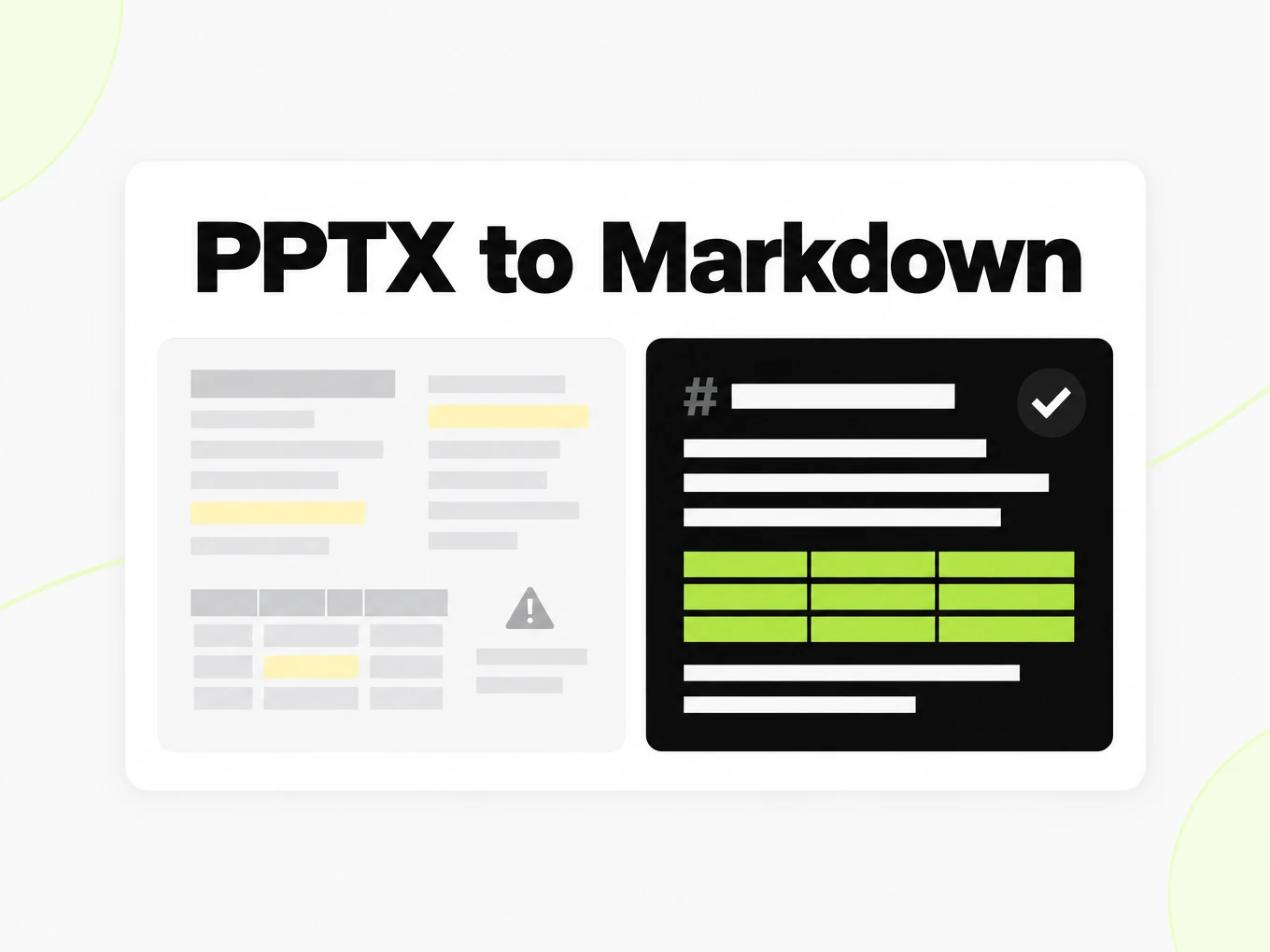
Text boxes scatter across each slide, producing disjointed fragments instead of a readable outline.
Chart values vanish
Numbers inside embedded charts are easy to lose; structure-aware parsing keeps the data when the deck stores it.
Notes are ignored
Speaker notes and grouped shapes need careful handling to end up as usable Markdown.
What's preserved
What this PPT converter keeps
- One section per slide
- Each slide becomes its own Markdown section with the slide title as a heading, keeping the deck's structure intact.Source: ECMA-376 Office Open XML
- Speaker notes
- Speaker notes are extracted and appended after each slide's content, clearly separated from the main text.Source: product pipeline
- Charts and data
- Embedded charts are rendered using their underlying data values and labels where available; purely decorative chart images may not yield structured output.Source: ECMA-376 Office Open XML
- Legacy .ppt files
- Both legacy .ppt and modern .pptx are supported, though older binary .ppt files may have lower fidelity than .pptx.Source: ECMA-376 Office Open XML
Example: Q3 2026 onboarding funnel review deck· markitdown.ai example: q3-2026-onboarding-funnel-review.pptx
## What changed this quarter - Removed the mandatory phone verification step- Shortened the free-trial signup form from 6 fields to 3- Added a progress indicator to the document upload step- Moved pricing plan selection after the first successful conversion > Each of these shipped independently between weeks 2 and 9; the phone verification removal alone accounts for roughly a third of the lift. Funnel conversion by step | Step | Q2 2026 | Q3 2026 || --- | --- | --- || Signup started | 100% | 100% || Signup completed | 61% | 74% || First file converted | 44% | 52% || Upgraded to paid | 3.1% | 3.8% | > Signup-completed is the biggest jump — that's the form-shortening change. First-file-converted improved less than expected; that's next quarter's focus. Use cases
PPT to Markdown in real workflows
Training notes
Make a deck searchable and add written explanation where a slide depends on a live presenter.
Research briefings
Extract a briefing’s text while keeping slide references for figures and claims that need visual review.
Knowledge sharing
Turn supported slide content into a first draft for a team knowledge base, then review notes for suitability.
Presentation archives
Index a collection of decks with source names so readers can retrieve the original presentation when needed.
API
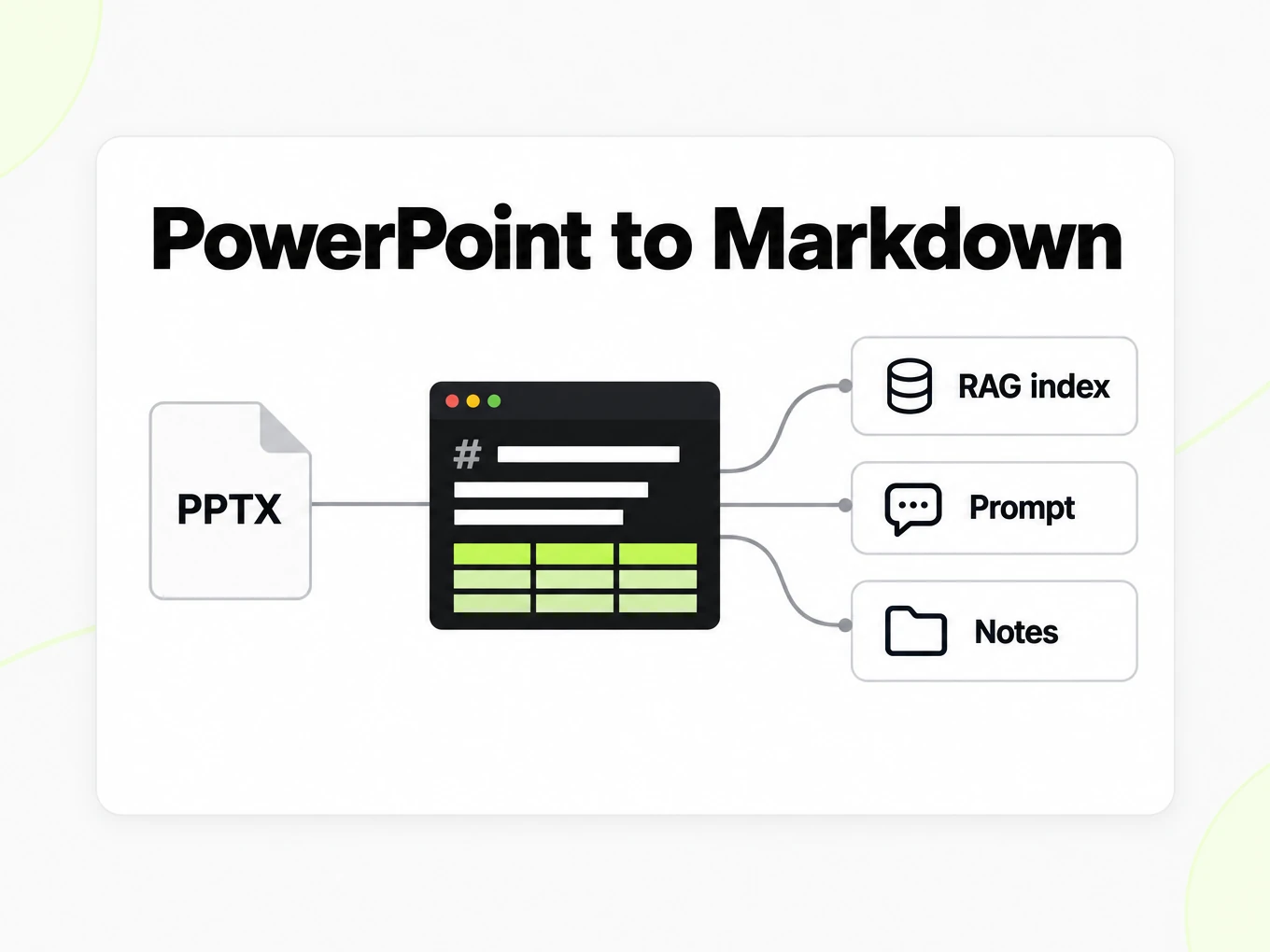
PPT to Markdown API
Use POST /v1/convert/powerpoint with an x-api-key header and a supported source file. A completed request can return outputs inline; HTTP 202 means conversion is still running. Read the Location response header and poll it before accessing file outputs. A multipart request accepts at most 100 files; subscription and total request limits also apply. Keep API keys in your server environment. API access requires a Lite, Pro or Max subscription.
Read the API guidecurl -i "https://api.markitdown.ai/v1/convert/powerpoint" \ -H "x-api-key: $MARKITDOWN_API_KEY" \ -F "file=@source.pptx"# If HTTP 202, GET the Location URL with the same API key.Guide
Reviewing the output
PPT to Markdown turns a presentation into a linear reading document. Slide titles provide boundaries, while supported text and speaker notes supply the explanation inside those boundaries. Position, animation and the order in which a presenter reveals objects are not the same thing as reading order. A diagram whose meaning depends on arrows may need a human explanation even when all of its labels appear in the Markdown. Read the export without looking at the slides: if a sentence says as shown here but the relationship is missing, add context in your downstream notes. Keep the original PowerPoint deck for visual review and for anyone who needs to present the material again.
Checking speaker notes
Speaker notes can carry the actual explanation behind a brief slide title, so compare a slide with notes against its PPT to Markdown output. Confirm that the notes remain associated with the intended slide and that a repeated footer has not become part of the argument. Notes may contain rehearsal reminders or material that was never intended for a public audience. Review those passages before sharing the Markdown with customers or adding it to a knowledge base. A searchable export makes hidden context easier to find, which also makes an editorial check more important. The converter preserves supported content; deciding which notes belong in a published document remains your responsibility.
Training material
Use PPT to Markdown to make the text of a training deck available for search, study notes or a first draft of a written guide. Keep the slide sequence when it explains a process, but add descriptive section names in the downstream document when the original titles are vague. A slide called Example is understandable during a talk and much less useful as an isolated search result. Check that every extracted chart description matches the visible chart rather than treating a chart title as its full meaning. In a retrieval index, retain a reference to the deck and slide so someone can inspect the original visual when a text answer needs clarification.
Choosing a deck
Choose the original editable PowerPoint file when possible. A deck made entirely from screenshots contains far less editable structure than a deck with real text boxes and tables. If you have only a scanned handout, use the PDF or image converter appropriate to that source and review the OCR result. For an editable deck, test a slide with a table, a slide with a chart and a slide with speaker notes before processing a large library. Do not interpret successful conversion as proof that every visual relationship survived. The useful outcome is text that accurately represents the deck’s content, together with enough source context to resolve what text alone cannot show.
Notes and chart values
A deck is more than titles on a canvas. Speaker notes often hold the argument, and embedded charts hold the numbers. This converter appends notes after each slide and renders chart data when the file stores values and labels.
- Each slide becomes its own Markdown section titled from the slide title.
- Decorative chart images without underlying data may not yield a table.
- Animations and transitions are presentation-only and are not represented.
More Markdown converters
- PDF → MarkdownText, tables and scans
- Word → MarkdownDOCX with headings and lists
- Excel → MarkdownEvery sheet as a table
- EPUB → MarkdownEbook chapters as headings
- Image → MarkdownOCR for scans and screenshots
- HTML → MarkdownPaste or upload HTML
- URL → MarkdownAny public web page, cleaned
- Markdown → HTMLClean, semantic HTML
- Markdown → TextPlain text without markup
- Markdown → PDFPrint locally to PDF
Need it in your code? Use the developer API. Converting at scale? See plans and pricing.
FAQ
PPT to Markdown questions
How does PPT to Markdown work?
PPT to Markdown converts the supported source into readable Markdown for review and reuse. The anonymous trial accepts up to 10 MB and 25 pages per file, with 3 conversions per IP per hour and 10 a day. Compare the result with the source before using it.
What is the maximum deck size?
The public converter accepts PowerPoint files up to 10 MB. The anonymous trial also allows up to 25 pages and 3 conversions per IP per hour and 10 a day.
Are charts and tables included from slides?
Chart titles and tabular data are captured where possible and appended as Markdown. Decorative chart images without underlying data may not produce structured output.
Are speaker notes extracted from a deck?
Yes. Speaker notes are extracted and appended after each slide's text content in the Markdown output.
How are slides structured in the Markdown?
Each slide becomes a section with the slide title as a Markdown heading, followed by the slide body and any speaker notes.
Does it handle animations or transitions?
No. Animations, transitions, and other presentation-only effects are not represented in the Markdown output.
Is sign-up required to preview a deck?
No. The anonymous trial lets you preview and copy a result. Account conversions and saved history require a Lite, Pro or Max subscription.
Can I convert decks from a script?
Yes. POST the .pptx to /v1/convert/powerpoint with an API key; the response carries the Markdown. See /developers.