
Converter
URL to Markdown Converter
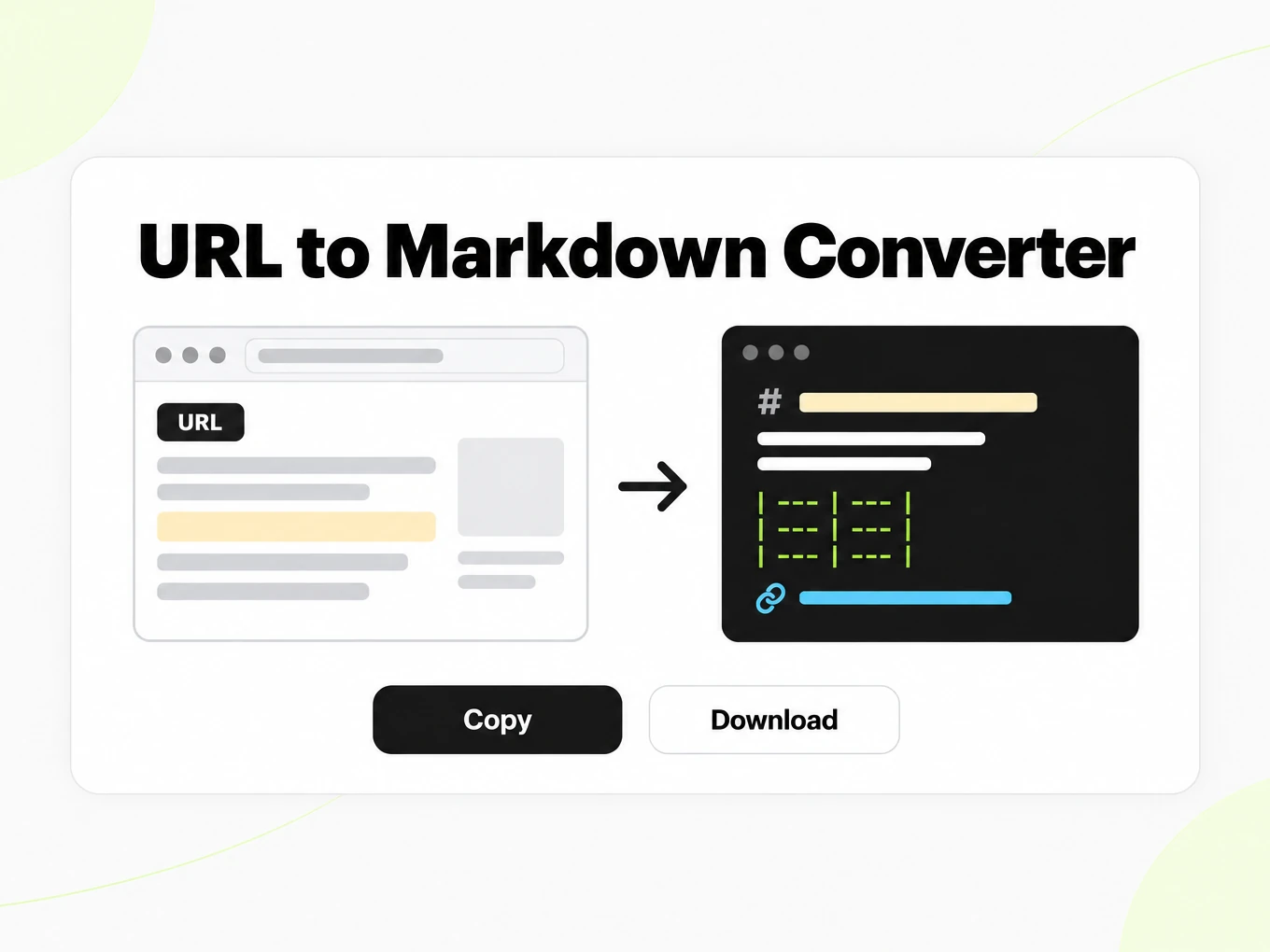
URL to Markdown is a free converter that turns a publicly accessible web page into clean Markdown of its main content — the article, docs page, or thread without the site navigation — ready for LLMs, RAG pipelines, and notes. No sign-up to try; the trial allows 3 conversions per IP per hour and 10 a day.
How to
How to convert a web page to Markdown
What you can paste
- Any public http(s) page — articles, docs, blog posts
- Pages behind a login or a paywall cannot be fetched
- The page is fetched on our server, without running its JavaScript
- Try it without an account: up to 10 MB and 25 pages per file, 3 conversions an hour and 10 a day
What to check
- Server-side fetch — The page is fetched server-side, asking for Markdown first and HTML second; a site's own Markdown is used only when it passes a quality check.
- Main-content extraction — Several extractors — readability scoring, boilerplate detection, text-density analysis, and the page's own main or article element — compete, and the one that keeps the most structure and prose wins.
- JavaScript-rendered pages — An empty application shell is rendered in a headless browser, which waits for the page to settle and then hands the rendered DOM to the same extraction.
- Public pages, size and identity — Only publicly accessible URLs are supported: pages behind authentication, paywalls, or login walls cannot be fetched.
Where the Markdown goes
- Copy the Markdown straight from the preview
- Download the .md file and keep it in your library once signed in
- Convert many pages at once with a urls array on POST /v1/convert/url
- Automate it with POST /v1/convert/url and your API key
Why use it
Why use this URL to Markdown converter
A web page is written for a browser. Markdown is written for people and models. This converter finds the part of the page that carries the meaning, keeps its structure, and leaves the site furniture behind.
Main content, not the whole page
Several extractors read the page and the result that keeps the most of the article wins, so menus, cookie banners, footers, and related-post rails stay out of the Markdown.
Structure that survives
Headings, lists, tables, and code blocks come through as Markdown, and every relative link and image path is rewritten to a full URL that still works outside the page.
JavaScript pages render too
When the first HTML is an empty application shell, the page is rendered in a headless browser and the rendered content is converted instead.
Free to try, no login
Preview and copy the Markdown without an account, up to 3 conversions an hour and 10 a day. Sign in to download the .md file.
A polite, identified fetcher
Every request identifies itself with a documented user agent, and site owners can block it — see the fetcher page in the docs.
Same engine as the API
The converter on this page and POST /v1/convert/url run the same code, so a script can convert up to 20 URLs per call.
The problem
Why a live page is noisy for models
Pages are noisy
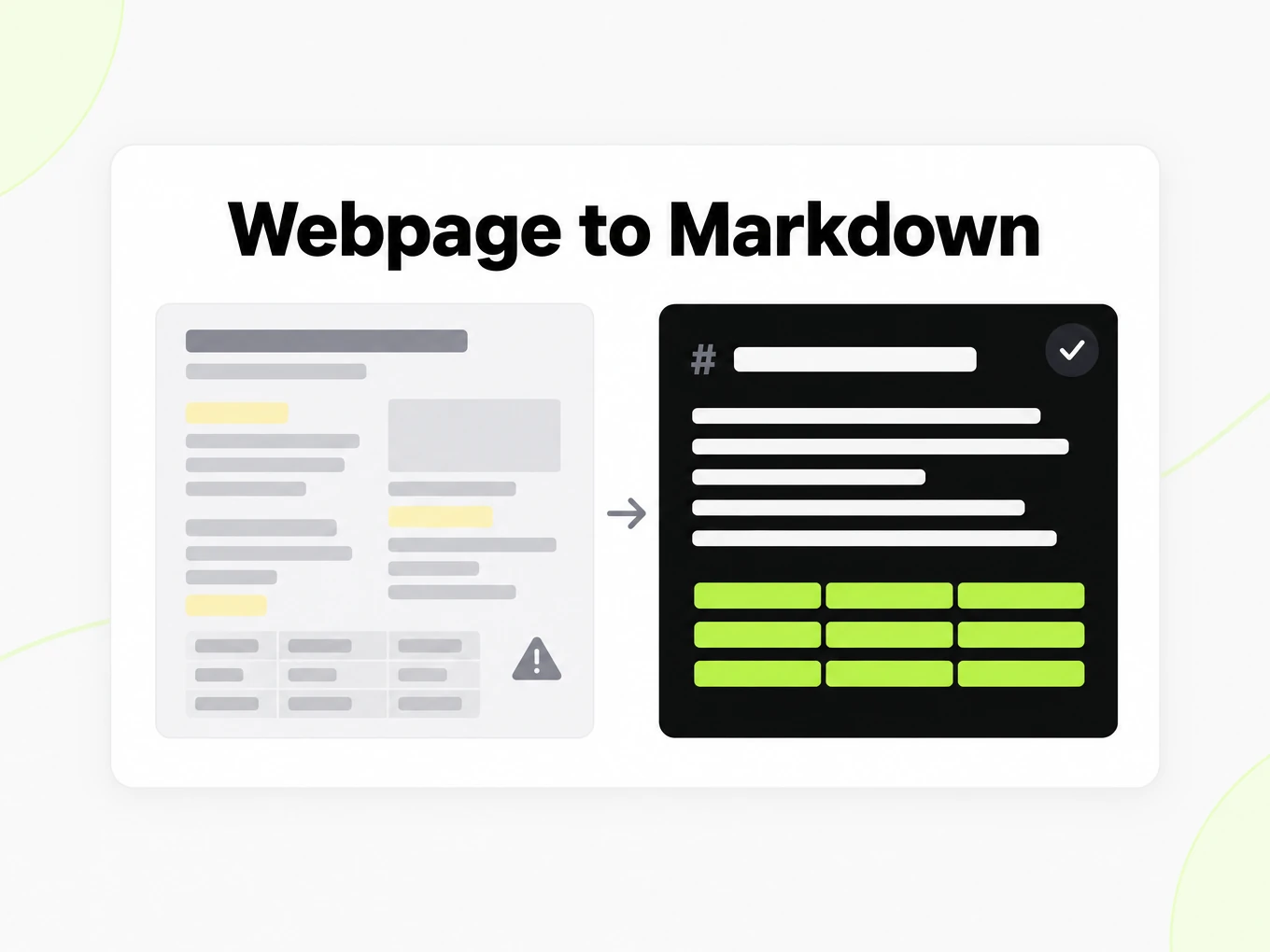
Live web pages bury content under navigation, ads, banners, and scripts — often several times more text than the article itself.
Markup is messy
Hand-written and generated HTML rarely maps cleanly to readable structure.
AI needs the article
RAG and agents want the article, not the page chrome around it — and some pages only show the article after JavaScript runs.
What's preserved
What this URL converter fetches
- Server-side fetch
- The page is fetched server-side, asking for Markdown first and HTML second; a site's own Markdown is used only when it passes a quality check. No browser plugin or local tool is needed.Source: RFC 9110: HTTP Semantics
- Main-content extraction
- Several extractors — readability scoring, boilerplate detection, text-density analysis, and the page's own main or article element — compete, and the one that keeps the most structure and prose wins. Well-known sites such as documentation generators, GitHub, and Wikipedia use site rules.Source: HTML Living Standard: the main element
- JavaScript-rendered pages
- An empty application shell is rendered in a headless browser, which waits for the page to settle and then hands the rendered DOM to the same extraction. Content that appears only after a click or a scroll is not captured.Source: HTML Living Standard
- Public pages, size and identity
- Only publicly accessible URLs are supported: pages behind authentication, paywalls, or login walls cannot be fetched. Fetched pages are subject to response-size limits, and the fetcher user agent is documented on /docs/fetcher.Source: product pipeline
Example: markitdown.ai blog post via URL fetch· https://markitdown.ai/blog/why-pdfs-break-llms
# Why PDFs break LLMs — and what clean Markdown fixes _Published 2026-06-12 · The markitdown.ai team_ > A PDF that looks perfect to a human often falls apart the moment a model reads it. Here's what goes wrong, and why converting to clean Markdown first makes downstream AI far more reliable. A PDF renders perfectly for a human and falls apart the moment a model reads it. The page you see — columns, tables, headers, footnotes — is a *visual* arrangement, not a logical one. When you pull raw text out of it, that visual order rarely survives, and whatever you feed a language model is only as good as the text it actually receives. ## What actually goes wrong When teams pipe documents straight into an LLM or a retrieval index, a few failure modes show up again and again: - **Reading order breaks.** Multi-column layouts interleave. A two-column page becomes "line 1 left, line 1 right, line 2 left, line 2 right…", so a sentence a human reads top-to-bottom arrives at the model scrambled.- **Tables collapse.** Copy-paste turns a table into a loose run of numbers. The relationship between a header and its cell — the entire point of a table — is gone.- **Headings disappear.** The visual hierarchy (this is a section, this is a subsection) is encoded as font size and weight, not structure. Strip the styling and you get one undifferentiated wall of text. Use cases
Use cases for website to Markdown conversion
From AI agents to content migration, converting a webpage to Markdown is a small step that many workflows depend on.
AI and LLM pipelines
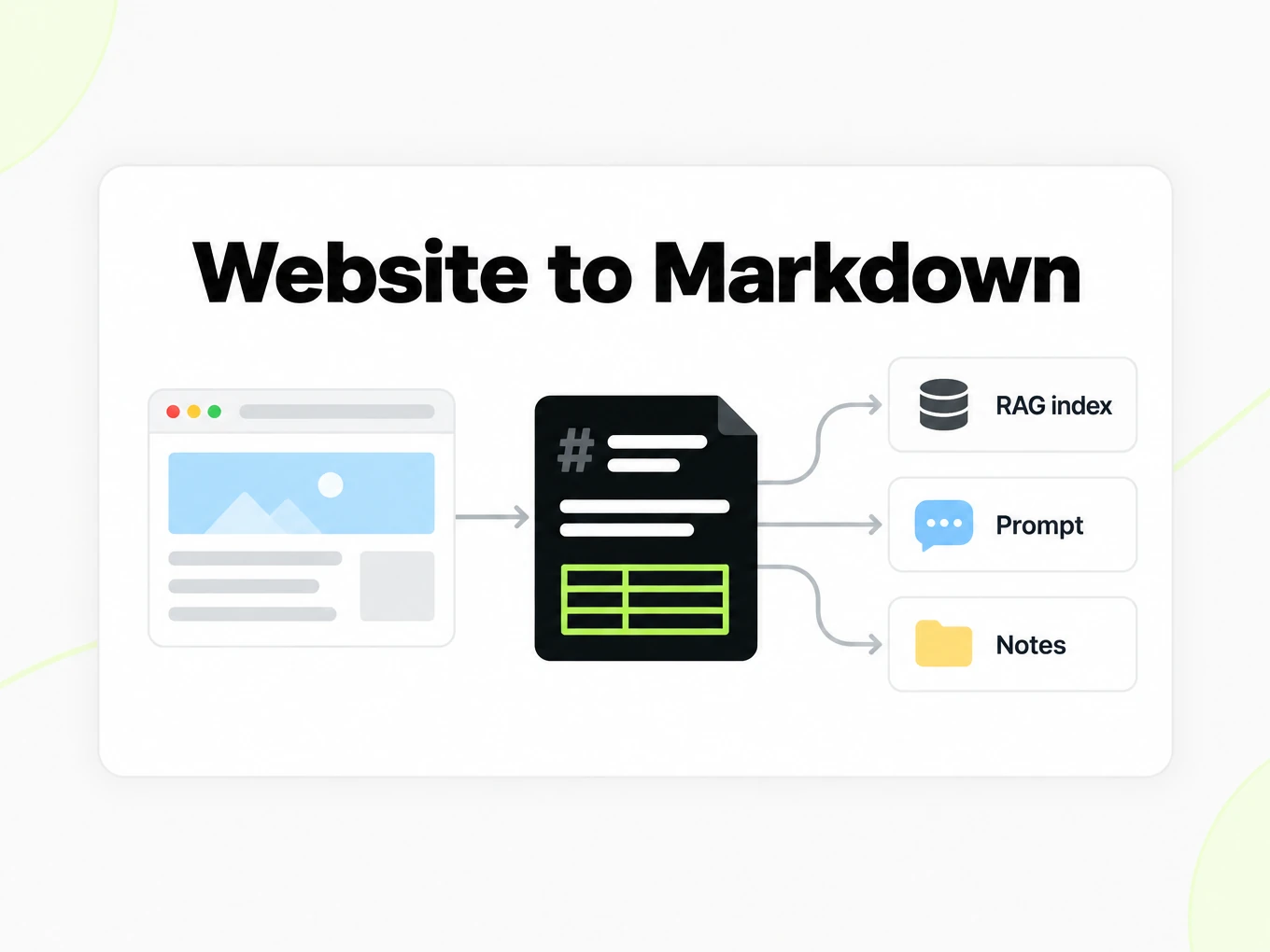
Feed articles and documentation into RAG indexes, agent tools, and prompts as clean text with its headings intact, instead of raw HTML.
Research and notes
Save a source as Markdown to quote, annotate, or keep in Obsidian or a notes repository — with the original links still in place.
Content teams
Move posts and help-center pages from one CMS to another, or pull reference material into a Markdown-based docs site.
Developers
Call the API from ingestion jobs and crawlers you already run, and get the same Markdown the browser converter shows.
API
URL to Markdown API for developers
Converting pages from code? Send one URL — or up to 20 in a urls array — to POST /v1/convert/url with your API key. Set render to auto, force, or skip to control JavaScript rendering, and frontmatter to true to put the page title, author, and publish date in YAML front matter. The Markdown comes back in the same response when the page finishes within the wait window; otherwise you get a conversion to poll, or a webhook when it settles. API access is on paid plans.
Read the API guidecurl -X POST https://api.markitdown.ai/v1/convert/url \ -H "x-api-key: mdai_…" \ -H "content-type: application/json" \ -d '{"url":"https://markitdown.ai/blog/why-pdfs-break-llms","frontmatter":true}'Guide
Reviewing the output
Review URL to Markdown output beside the public page you submitted. The converter keeps the main content and leaves out navigation, cookie notices, and footer links, but a page without a clear article — a product page, a landing page, a home page with many teasers — can still lose a side panel or keep a block you would not quote. Check the first and last paragraphs against the page before you index the result. Pages that build their content with JavaScript are rendered in a browser first; a page that loads its text only after a click, a scroll, or a login still cannot be captured. When a site already serves its own Markdown to clients that ask for it, the converter uses that version if it passes a quality check, and falls back to the HTML page when it looks like a whole-site menu or an archive dump. Keep the source URL with the Markdown so a reader can return to the original page.
Keeping source context
Keep the submitted URL and your retrieval date with a URL to Markdown result in your own workflow. A public page can change after you convert it, so a later visitor may see a revised passage. With front matter turned on, the result opens with the source URL, the canonical URL, the title, and — when the page declares them — the author, publish date, description, site name, language, and lead image, read from the page's meta tags, structured data, and byline. Those fields repeat what the page says about itself; check them at the source if your research depends on them. The API metadata field is different: it only carries context you supply. Before quoting a table or paragraph, compare it with the page and retain enough surrounding context to avoid changing its meaning. Markdown makes web content easier to reuse; it does not establish whether the page is accurate or whether you have permission to republish it.
Saved HTML vs URL
Choose the HTML converter when you already possess the exact page snapshot you need to process. Choose URL to Markdown when a publicly accessible address is the input for the current conversion. These are related workflows with different source controls: a saved file fixes the input you submit and is converted in full, while a URL depends on what the website returns at the time of the request and is reduced to its main content. Neither route bypasses access restrictions. If a site denies the fetcher or requires a login, use material you are authorized to obtain through an appropriate workflow. Do not repeatedly retry an inaccessible URL as though another conversion attempt grants access.
LLM research
Researchers paste a source, not a file. This converter fetches the URL you submit, keeps the article or documentation body, and returns Markdown you can quote, chunk, or drop into a notes vault, with links that still resolve. It renders JavaScript pages when the server sends an empty shell, and it does not log into paywalls.
- Only publicly accessible URLs are supported.
- The fetcher identifies itself; operators can deny the user agent — see /docs/fetcher.
- Saved HTML files belong on /html-to-markdown, not here.
More Markdown converters
- PDF → MarkdownText, tables and scans
- Word → MarkdownDOCX with headings and lists
- PPT → MarkdownSlide text, notes and tables
- Excel → MarkdownEvery sheet as a table
- EPUB → MarkdownEbook chapters as headings
- Image → MarkdownOCR for scans and screenshots
- HTML → MarkdownPaste or upload HTML
- Markdown → HTMLClean, semantic HTML
- Markdown → TextPlain text without markup
- Markdown → PDFPrint locally to PDF
Need it in your code? Use the developer API. Converting at scale? See plans and pricing.
FAQ
URL to Markdown questions
How does URL to Markdown work?
URL to Markdown fetches the public page you paste, keeps its main content, and converts that to Markdown with full-URL links — no file to upload. Pages that need JavaScript are rendered in a browser first.
Does it strip ads and navigation from a live page?
Yes, for pages with a clear main content area. URL to Markdown keeps the article, documentation body, or thread and drops menus, cookie banners, and footers; a landing page or product page without one main block can still keep or lose a side panel, so check the result.
Are there size limits for a fetched page?
The public converter works on public web pages. Fetched pages are subject to response-size limits and can be rejected if too large.
Does it work on pages behind a login?
No. Only publicly accessible URLs are supported. Pages behind authentication, paywalls, or login walls cannot be fetched.
What about JavaScript-rendered pages?
JavaScript-rendered pages are rendered in a headless browser when the first HTML is an empty shell, then converted like any other page. Through the API, render set to force always renders and skip never does. Text that appears only after a click, a scroll, or a login is not captured.
Can I convert multiple URLs at once?
Send a urls array with up to 20 public URLs to POST /v1/convert/url. Track each file result and handle asynchronous responses. See /developers.
Is URL to Markdown free?
Yes. Previewing and copying the Markdown is free without an account, up to 3 conversions an hour and 10 a day; downloading the .md file needs a sign-in. Public web pages only (no internal or private URLs).
What content does the converter keep?
The converter keeps the main content's headings, paragraphs, lists, links, images, tables, and code blocks, with relative links rewritten to full URLs. Scripts, styles, navigation, and footers are dropped; with front matter on, the page title, author, and publish date go at the top.
Is there a URL conversion API?
Yes. Convert web pages by URL programmatically via the REST API. See /developers. Saved HTML files use /html-to-markdown instead.