
Converter
Markdown to Text Converter
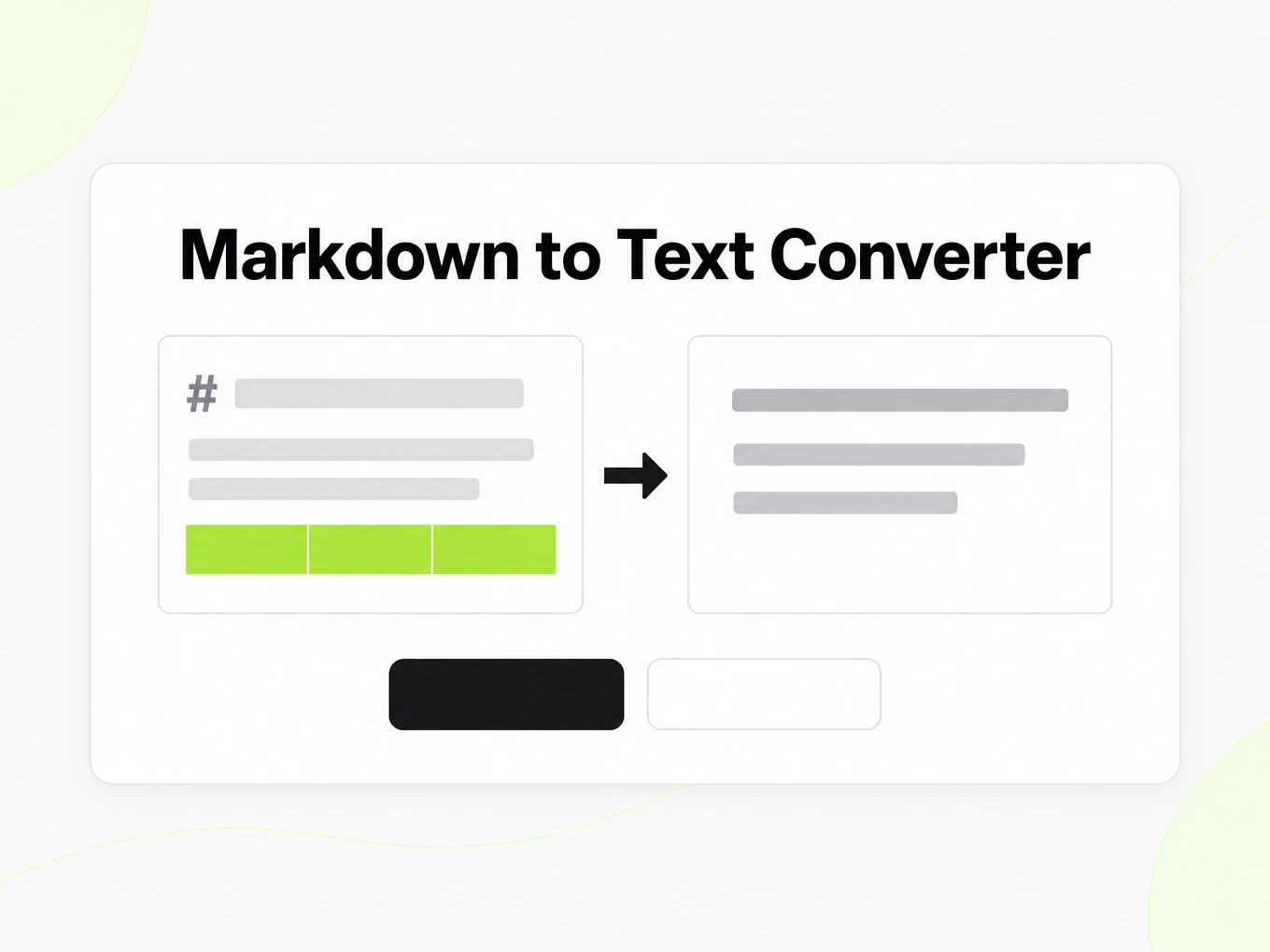
Markdown to text is a browser converter that removes Markdown syntax and returns plain, readable text — tables stay aligned and invisible characters are stripped by default. Nothing is uploaded; the same renderer runs behind POST /v1/convert/markdown/text.
# How to clean a ChatGPT answer

ChatGPT often wraps answers in **bold** headings and padded lists. Keep the facts, drop the fluff.

## Steps

1. Paste the answer
2. Strip the filler sentences
3. Keep the table of numbers

| Field | Value |
| --- | --- |
| Model | GPT-4 |
| Tokens | 1,204 |

Then copy the plain text into your notes.
How to
How to convert Markdown to text
What you can paste
- Any Markdown: CommonMark plus GitHub Flavored Markdown tables, task lists and strikethrough
- Rendering runs in your browser — nothing is uploaded while you type
- No account needed to preview, copy or download
- No fixed size limit; a very large document is bounded by your browser's memory
What to check
- Headings become lines — A heading becomes its own line followed by a blank line; the heading level itself is not represented in plain text.
- Lists keep markers and indentation — Numbered and bulleted lists retain a marker and their nesting; choose a dash, a bullet, or no marker at all.
- Tables render as aligned columns or TSV — Pipe tables become padded, aligned columns for reading, or tab-separated rows for pasting straight into a spreadsheet.
- Links keep their URL by default — A link becomes "label (url)" unless you choose text-only, which keeps the label and drops the URL.
Where the output goes
- Copy the Text straight from the preview
- Download the .txt file
- Automate it with POST /v1/convert/markdown/text and your API key — 0 credits
Why use it
Why use this Markdown to text converter
A ticket field, an SMS or a plain-text email cannot render Markdown syntax. This converter keeps the words and drops the markup that would otherwise show up literally.
Runs in your browser
Paste Markdown and the plain-text preview updates locally. Nothing is uploaded, and no account is required to preview, copy or download.
Tables stay readable
Choose aligned columns for a plain-text note, or TSV-style rows when you plan to paste the result into a spreadsheet.
Link handling you control
Keep the label and URL together with text-url, or drop the URL with text-only when the destination already stores the reference elsewhere.
Invisible characters removed
Zero-width spaces, zero-width joiners and byte-order marks copied from a chat model are stripped by default.
List structure preserved
Numbered and bulleted lists keep their markers and indentation instead of collapsing into a single run-on paragraph.
Same engine as the API
This preview and POST /v1/convert/markdown/text share one renderer, so the plain text you copy here matches an automated call.
The problem
Why Markdown syntax leaks into notes and tickets
Formatting markers survive copy-paste
Asterisks, pound signs and pipe characters end up literally in a ticket, an email or a text field that has no Markdown renderer.
Links become noisy or lose context
A raw [label](url) either overwhelms a short message, or, stripped carelessly, drops the destination a reader actually needed.
Zero-width characters hide in pasted text
Text copied from a chat model can carry invisible Unicode characters that break search, diffing or downstream parsing.
What's preserved
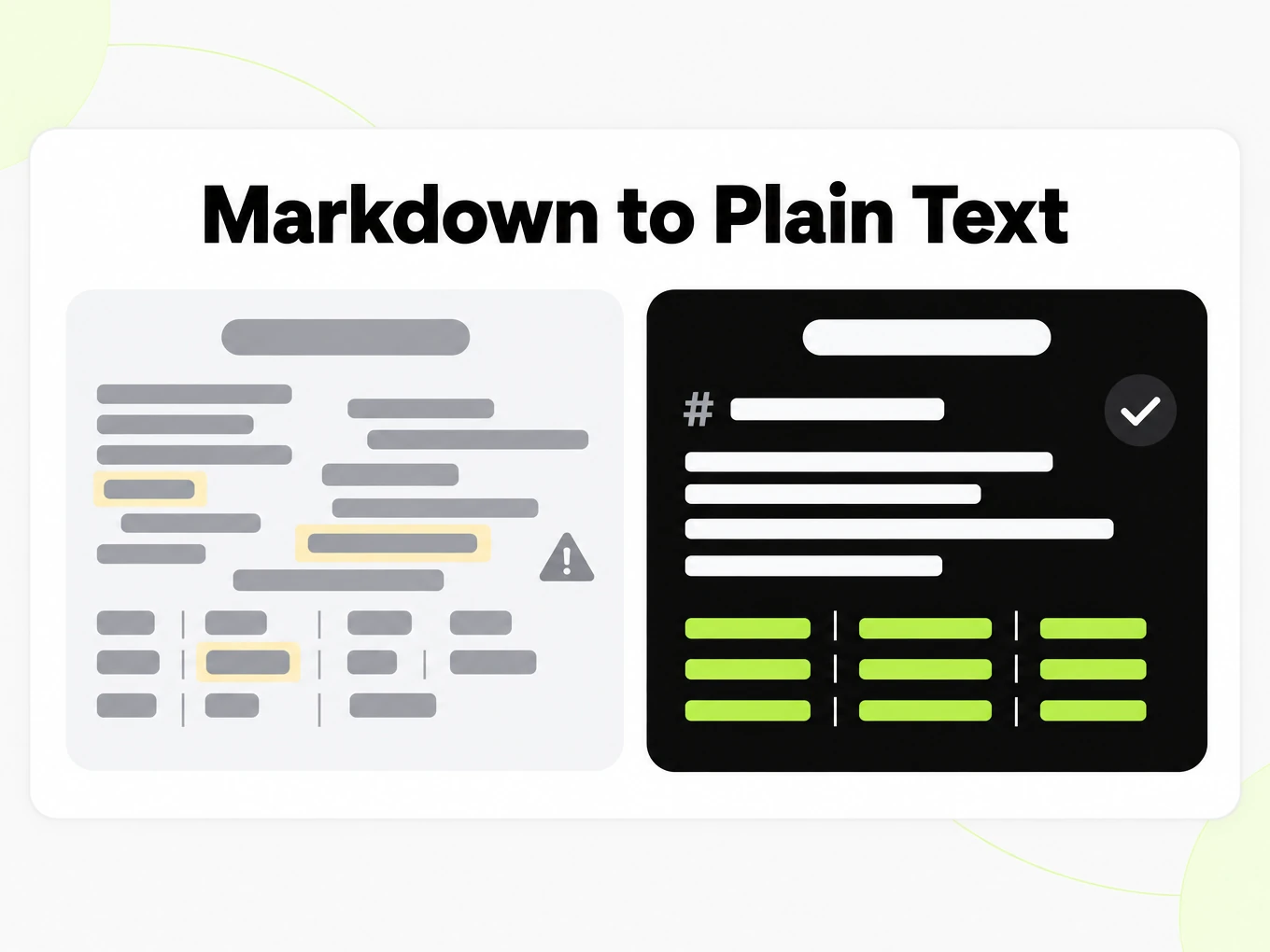
What this Markdown to text converter keeps
- Headings become lines
- A heading becomes its own line followed by a blank line; the heading level itself is not represented in plain text.Source: CommonMark Spec
- Lists keep markers and indentation
- Numbered and bulleted lists retain a marker and their nesting; choose a dash, a bullet, or no marker at all.Source: GitHub Flavored Markdown Spec
- Tables render as aligned columns or TSV
- Pipe tables become padded, aligned columns for reading, or tab-separated rows for pasting straight into a spreadsheet.Source: GitHub Flavored Markdown Spec
- Links keep their URL by default
- A link becomes "label (url)" unless you choose text-only, which keeps the label and drops the URL.Source: CommonMark Spec
- Invisible characters are stripped
- Zero-width spaces, zero-width joiners, the byte-order mark and soft hyphens copied from other tools are removed by default.Source: product pipeline
- Fenced code loses its language label
- Code block content is kept, but the fence and its language annotation are dropped in plain text.Source: product pipeline
Verified Markdown to text excerpt· https://markitdown.ai/blog/why-pdfs-break-llms
What actually goes wrong When teams pipe documents straight into an LLM or a retrieval index, a few failure modes show up again and again: - Reading order breaks. Multi-column layouts interleave. A two-column page becomes "line 1 left, line 1 right, line 2 left, line 2 right…", so a sentence a human reads top-to-bottom arrives at the model scrambled.- Tables collapse. Copy-paste turns a table into a loose run of numbers. The relationship between a header and its cell — the entire point of a table — is gone.- Headings disappear. The visual hierarchy (this is a section, this is a subsection) is encoded as font size and weight, not structure. Strip the styling and you get one undifferentiated wall of text.- Noise creeps in. Page numbers, running headers, hyphenated line breaks, and stray ligatures end up inline, polluting prompts and embeddings alike. Read more in the full article (https://markitdown.ai/blog/why-pdfs-break-llms).Use cases
Use cases for Markdown to text conversion
From cleaning up a chat model's reply to feeding a search index, plain text is what a system without a Markdown renderer actually needs.
Cleaning up an LLM answer
Paste a ChatGPT, Claude or Gemini answer and strip its Markdown before pasting it into an email, a ticket or a plain text field.
Support tickets and internal notes
Turn a Markdown runbook or reply template into text a ticketing system can display without leftover asterisks or pipes.
SMS and plain-text email
Prepare a short message for a channel that does not render Markdown or HTML, and needs to read cleanly as plain words.
Developers normalizing output
Call the render endpoint from a pipeline that stores Markdown but needs a plain-text copy for search indexing or previews.
API
Markdown to text API for developers
Rendering runs synchronously and costs 0 credits. Send Markdown as text, or reference a stored .md file, to POST /v1/convert/markdown/text; set links to text-url (default, keeps the URL) or text (label only).
Read the API guidecurl -X POST https://api.markitdown.ai/v1/convert/markdown/text \ -H "x-api-key: mdai_…" \ -H "Content-Type: application/json" \ -d '{ "text": "# Notes\n\nSee [docs](https://markitdown.ai/developers).", "links": "text" }'Guide
Cleaning chat answers
ChatGPT, Claude and Gemini all return Markdown by default: headings, bold words, numbered steps and the occasional table. That is convenient in a chat window and awkward the moment you paste the same answer into an email, a support ticket or a plain-text field, where the asterisks and pound signs show up literally instead of disappearing into formatting. This converter removes exactly that syntax while keeping the words, the list structure and — if you want it — the link a citation pointed to, so the pasted result reads the way the model intended without carrying its markup along.
- Paste the model's raw Markdown reply, not a screenshot or a manually retyped version.
- Review a passage with a table or several links before trusting the setting on a long document.
- The conversion changes formatting only; it does not check the answer's factual claims.
What text drops
Converting Markdown to text is a one-way street: a heading becomes an ordinary line, and emphasis stops carrying any visual weight once the asterisks are gone. If a warning in your source depended entirely on bold text to stand out, the plain-text version needs its own wording to carry that meaning, because the formatting that used to do the work is no longer there. Keep the Markdown source as the version you edit, and generate plain text again after a change rather than editing an already-flattened copy — reconstructing structure from plain text is unreliable and loses information the original never needed to lose.
Tables and links
A Markdown table converts to either aligned, padded columns that are comfortable to read in a monospaced font, or tab-separated values that paste cleanly into a spreadsheet — the right choice depends on where the text is going, not on which one looks nicer here. Links follow a similar choice: keeping the URL next to its label lets a reader recover the source from a note with no other context, while dropping the URL keeps a sentence with several links from turning into a wall of parentheses. Check a passage that has more than one link or a wide table before applying either setting to an entire document.
More Markdown converters
- PDF → MarkdownText, tables and scans
- Word → MarkdownDOCX with headings and lists
- PPT → MarkdownSlide text, notes and tables
- Excel → MarkdownEvery sheet as a table
- Image → MarkdownOCR for scans and screenshots
- HTML → MarkdownPaste or upload HTML
- URL → MarkdownAny public web page, cleaned
- Markdown → HTMLClean, semantic HTML
- Markdown → PDFPrint locally to PDF
Need it in your code? Use the developer API. Converting at scale? See plans and pricing.
FAQ
Markdown to text questions
How does Markdown to text work?
Paste Markdown and the converter strips its syntax locally in your browser, using the same renderer as POST /v1/convert/markdown/text. Nothing is uploaded while you type.
Does Markdown to text keep table structure?
Yes. Tables become aligned, padded columns for reading, or tab-separated rows for pasting into a spreadsheet.
What happens to links when I convert Markdown to text?
By default a link becomes "label (url)". Choose text-only to keep just the label and drop the URL.
Are invisible characters removed automatically?
Yes, by default. Zero-width spaces, zero-width joiners and byte-order marks copied from a chat model are stripped.
Do I need an account to convert Markdown to text?
No. Preview, copy and download all work without signing in, because rendering runs locally in your browser.
Is this the same as the API's markdown/text option?
Yes. The browser tool and POST /v1/convert/markdown/text share the same rendering rules, including the links setting.
Can I convert Markdown to text from code?
Yes. POST your Markdown as text, or a stored .md file, to /v1/convert/markdown/text with an API key. It costs 0 credits. See /developers.