
Converter
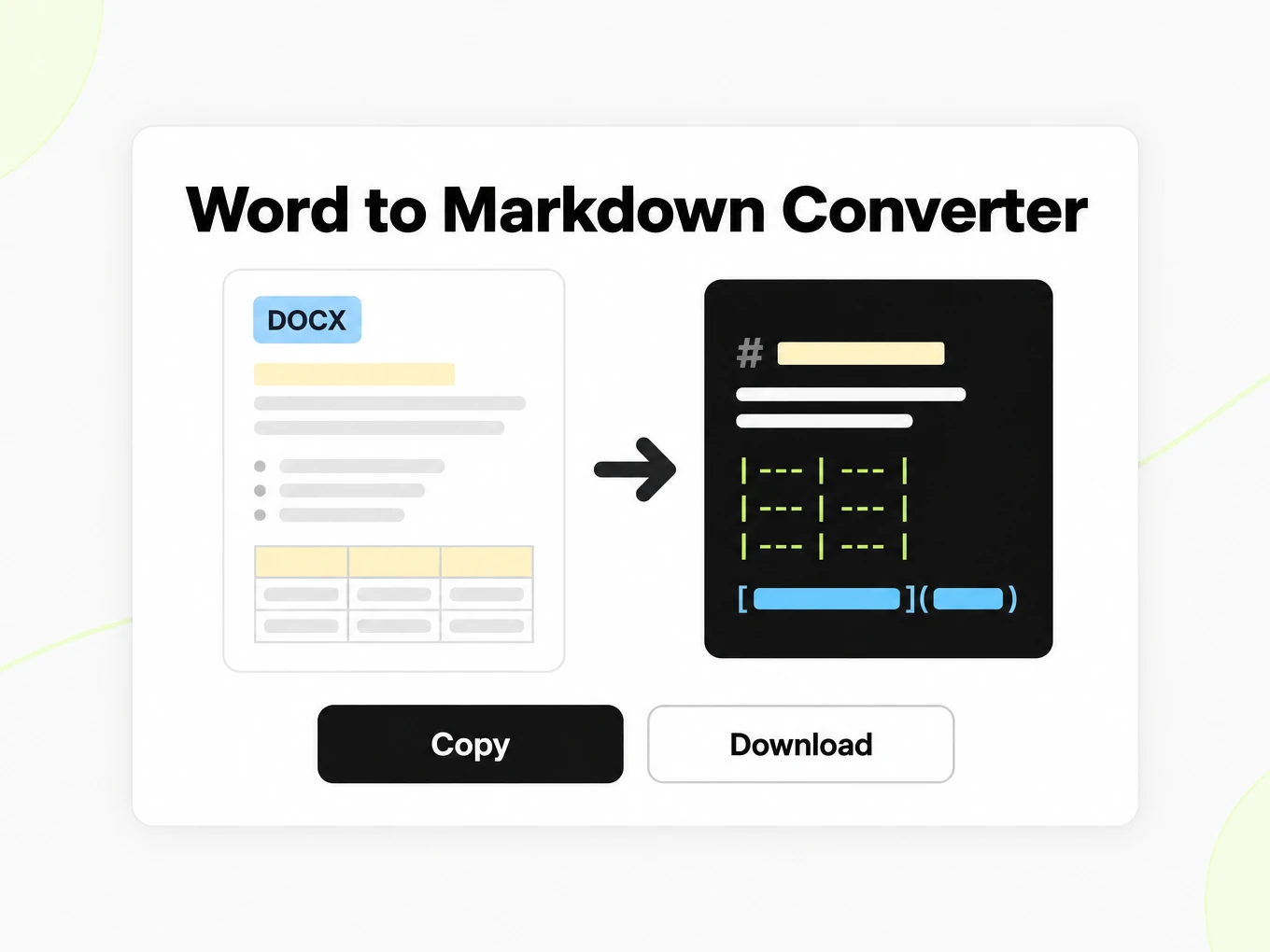
Word to Markdown Converter
Word to Markdown is a converter that maps DOC and DOCX heading styles to Markdown and appends review comments. Try files up to 10 MB without signing in.
Try a file before choosing a plan.
- No account: up to 10 MB and 25 pages per file, 3 conversions an hour and 10 a day, preview and copy in the browser.
- Signed in: 20 free conversions a day, saved to your library.
- Lite, Pro and Max include conversion credits, batch processing, API access and saved history. Lite includes 30 days of history.
How to
How to convert Word to Markdown
What you can upload
- File types: .doc .docx .odt .rtf
- Try it without an account: up to 10 MB and 25 pages per file, 3 conversions an hour and 10 a day
- Lite takes files up to 100 MB, Pro up to 200 MB
- Max has no per-file size limit; conversions are bounded by credits
What to check
- Headings and lists — Word heading styles (Heading 1–6) map directly to Markdown `#` levels; bulleted and numbered lists are preserved.
- Tables — Tables in the document convert to Markdown pipe tables with the original column structure intact.
- Tracked changes and comments — Inserted text is included and deleted text is omitted.
- Embedded images — Embedded images are referenced in the output but not inlined as base64; the Markdown will note their position.
Where the Markdown goes
- Copy the Markdown straight from the preview
- Download the .md file and keep it in your library once signed in
- Convert whole folders or ZIP archives with Batch Convert
- Automate it with POST /v1/convert/word and your API key
Why use it
Why use Word to Markdown
A portable document outline
Word headings become a text outline you can review without carrying font and page-layout decisions into your next document.
DOCX review context
Supported review comments are collected as text. Keep the Word original when a comment’s precise location matters.
Editable Markdown
Use the output in a Markdown editor or version-controlled repository, then review it in your destination renderer.
Lists and tables
Preserve supported lists and tabular content while checking nesting, headers and cells against the editable Word source.
One source for reuse
Start with the original Word file instead of printing it to PDF and reinterpreting the resulting page layout.
Browser and API
Review one document interactively, then use the Word API route for the same input family in an automated workflow.
The problem
Why Word styles pollute prompts
Style noise
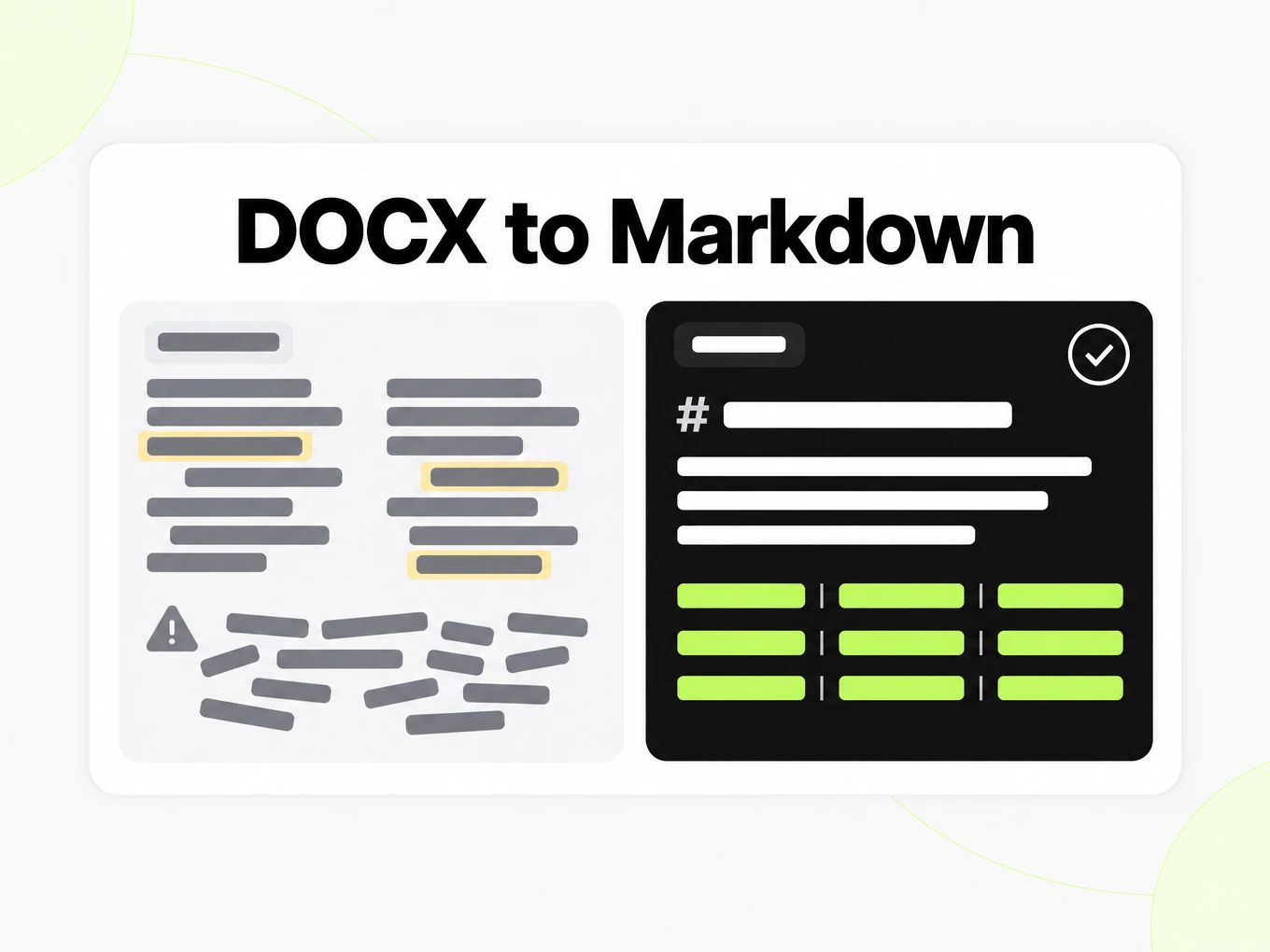
Tracked changes, fonts, and inline styling leak into copy-pasted text and pollute prompts.
Embedded tables
Tables and lists lose their structure when a proposal is pasted as plain text.
Comments get lost
Review comments are preserved in a dedicated `## Comments` section instead of being silently dropped.
What's preserved
What this Word converter keeps
- Headings and lists
- Word heading styles (Heading 1–6) map directly to Markdown `#` levels; bulleted and numbered lists are preserved.Source: ECMA-376 Office Open XML
- Tables
- Tables in the document convert to Markdown pipe tables with the original column structure intact.Source: GitHub Flavored Markdown Spec
- Tracked changes and comments
- Inserted text is included and deleted text is omitted. Review comments are appended under `## Comments`; their inline anchors are not preserved.Source: product pipeline
- Embedded images
- Embedded images are referenced in the output but not inlined as base64; the Markdown will note their position.Source: ECMA-376 Office Open XML
Example: vendor security review, Q3 2026· markitdown.ai example: vendor-security-review-q3-2026.docx
## Review Findings Risk ratings follow the standard High / Medium / Low scale defined in the vendor risk management policy. | Vendor | Risk Rating | Finding | Owner || --- | --- | --- | --- || CloudScan OCR | Medium | No documented data retention limit on uploaded scans | Security || PayBridge | Low | SOC 2 Type II renewed; no open items | Finance || LingoTrans API | High | Sub-processor list not disclosed on request | Legal || ArchiveNow Storage | Medium | Encryption at rest confirmed; key rotation overdue | Security | ## Remediation Timeline 1. Send updated data processing addendum to LingoTrans API and request the sub-processor list2. Confirm ArchiveNow Storage completes key rotation before the next billing cycle3. Re-run the questionnaire for any vendor rated High within 30 days of remediation4. Report closed items to the security review board at the end of Q4 LingoTrans API remains the highest-priority item on this list. Escalate to Legal if the sub-processor list is not provided within two weeks. ## Comments - **Priya Nair**: Confirm with Legal whether we can suspend new uploads to LingoTrans until this is resolved. Use cases
Word to Markdown in real workflows
Documentation migration
Move a reviewed Word draft into Markdown, checking headings, links and comments before publishing it.
Editorial handoff
Share text that another editor can work on while retaining the DOCX for revision and comment context.
Knowledge base inputs
Prepare internal documents for search with meaningful section names and references to source versions.
Repository workflows
Keep reviewed documentation as text so contributors can discuss a change in a focused diff.
API
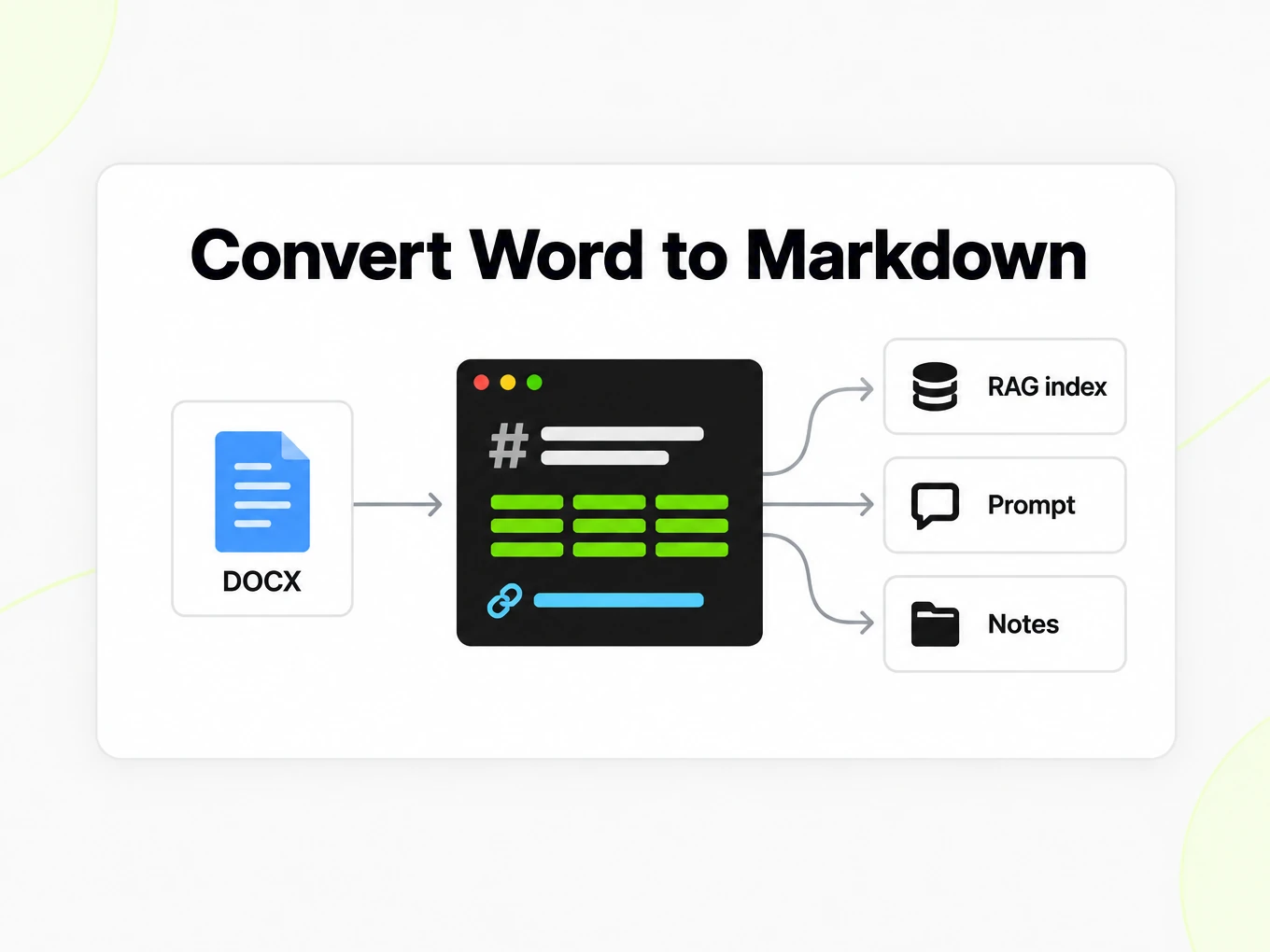
Word to Markdown API
Use POST /v1/convert/word with an x-api-key header and a supported source file. A completed request can return outputs inline; HTTP 202 means conversion is still running. Read the Location response header and poll it before accessing file outputs. A multipart request accepts at most 100 files; subscription and total request limits also apply. Keep API keys in your server environment. API access requires a Lite, Pro or Max subscription.
Read the API guidecurl -i "https://api.markitdown.ai/v1/convert/word" \ -H "x-api-key: $MARKITDOWN_API_KEY" \ -F "file=@source.docx"# If HTTP 202, GET the Location URL with the same API key.Guide
Styles to headings
Word to Markdown works best when the document uses paragraph styles to express its outline. A paragraph styled as a heading carries a different signal from ordinary text that merely looks large and bold. After conversion, inspect the heading sequence in the Markdown source and compare it with the Word navigation outline. A section should not become a new document title just because it starts on a new page. If the source relies on manual formatting, review the result before publishing it into a documentation repository. This is also a useful moment to replace purely visual distinctions with clear section names that make sense in plain text.
Reviewing the output
Review DOCX to Markdown output in the destination where it will actually be read. A table may be valid Markdown but too wide for a small screen, and a link may be correct while its label gives the reader too little context. Open a representative document with headings, nested lists and reviewer comments before migrating an entire collection. Compare the content after the last table as well as the beginning of the file, because important conclusions often sit near the end. Preserve the source DOCX with the exported Markdown so editors can investigate a difference without guessing which version produced the output. A conversion is a starting artifact for publication, not an automatic editorial approval.
Comments and revisions
Word to Markdown exports the readable document and collects supported DOCX review comments as text. A comments section is useful for retaining feedback, but it does not recreate the Word review interface. Do not assume that an exported comment remains attached to the exact character range it annotated. Review decisions that depended on an inline anchor still need the original document. Likewise, Markdown is not a tracked changes format: readers should not expect to accept or reject revisions inside the exported file. Resolve disputed wording in the source before publishing a final version, then check that the exported paragraphs contain the intended accepted text.
Word vs PDF
Use Word to Markdown when the editable Word document is your source of truth and the next step is editing, version control or reuse in a text workflow. Converting the same document to PDF first can turn its useful paragraph structure into page layout that then has to be interpreted again. PDF conversion is appropriate when the PDF is the only authoritative version you have, such as a signed or published report. For a documentation migration, start with the Word source where available, keep images and references under review, and compare the finished Markdown in the target renderer. Choose the route by the source you possess, not merely by the filename you want at the end.
Docs workflows
Editorial documents carry tracked changes and review balloons that disappear in a plain-text paste. This converter exports the accepted view and collects comments under a dedicated heading so a writer can still see the review thread.
- Heading 1–6 styles map to Markdown # levels.
- Inserted text is kept; deleted text is omitted.
- Inline comment anchors are not preserved — only the comment text under ## Comments.
More Markdown converters
- PDF → MarkdownText, tables and scans
- PPT → MarkdownSlide text, notes and tables
- Excel → MarkdownEvery sheet as a table
- EPUB → MarkdownEbook chapters as headings
- Image → MarkdownOCR for scans and screenshots
- HTML → MarkdownPaste or upload HTML
- URL → MarkdownAny public web page, cleaned
- Markdown → HTMLClean, semantic HTML
- Markdown → TextPlain text without markup
- Markdown → PDFPrint locally to PDF
Need it in your code? Use the developer API. Converting at scale? See plans and pricing.
FAQ
Word to Markdown questions
How does Word to Markdown work?
Word to Markdown converts the supported source into readable Markdown for review and reuse. The anonymous trial accepts up to 10 MB and 25 pages per file, with 3 conversions per IP per hour and 10 a day. Compare the result with the source before using it.
What is the maximum Word file size?
The public converter accepts Word files up to 10 MB. The anonymous trial also allows up to 25 pages and 3 conversions per IP per hour and 10 a day.
Will heading styles become Markdown headings?
Yes. Heading hierarchy, lists, and tables are preserved where the document exposes those styles.
Are tracked changes included in the output?
The accepted view is exported: inserted text is included and deleted text is omitted. Review comments appear under `## Comments`.
What happens to embedded images in a DOCX?
Embedded images are referenced by position in the output but not inlined as base64 data.
Does it handle password-protected Word files?
No. Password-protected Word files cannot be parsed. Remove the document password before uploading.
Do I need an account to preview a proposal?
No. The anonymous trial lets you preview and copy a result. A Lite, Pro or Max subscription enables account conversions, saved history, batch and API access.
Can I automate Word conversion?
Yes. POST the .docx to /v1/convert/word with an API key and read the Markdown from the response. See /developers.