
Converter
Excel to Markdown Converter
Excel to Markdown is a converter that emits one Markdown table per worksheet with the sheet name as a heading. The anonymous trial also allows up to 25 pages and 3 conversions per IP per hour and 10 a day.
Try a file before choosing a plan.
- No account: up to 10 MB and 25 pages per file, 3 conversions an hour and 10 a day, preview and copy in the browser.
- Signed in: 20 free conversions a day, saved to your library.
- Lite, Pro and Max include conversion credits, batch processing, API access and saved history. Lite includes 30 days of history.
How to
How to convert Excel to Markdown
What you can upload
- File types: .xls .xlsx .ods
- Try it without an account: up to 10 MB and 25 pages per file, 3 conversions an hour and 10 a day
- Lite takes files up to 100 MB, Pro up to 200 MB
- Max has no per-file size limit; conversions are bounded by credits
What to check
- One section per worksheet — Each worksheet becomes its own Markdown section with the sheet name as a heading, keeping multi-tab workbooks readable.
- Cells as Markdown tables — Cell data is rendered as a standard Markdown pipe table with the first row treated as the header row.
- Merged cells — Merged cells are flattened: the value appears in the top-left cell of the merged range and the remaining cells are left empty.
- Very wide sheets — Sheets with many columns produce wide Markdown tables that may wrap in narrow editors; consider trimming unused columns before uploading.
Where the Markdown goes
- Copy the Markdown straight from the preview
- Download the .md file and keep it in your library once signed in
- Convert whole folders or ZIP archives with Batch Convert
- Automate it with POST /v1/convert/excel and your API key
Why use it
Why use Excel to Markdown
Named worksheets
Worksheet names help separate the exported tables so readers can identify the part of the workbook they are reading.
Readable table syntax
Review rows and headers as Markdown rather than pasting a spreadsheet into a prompt as an unlabeled block of values.
Text version control
Use a reviewed table in repository documentation where a text diff can show which entries have changed.
Original workbook context
Keep the workbook for live formulas and editing. The Markdown output is a text representation for reuse.
Fewer manual transcription steps
Convert the worksheet before editing your report, then check dates, numbers, empty cells and units against the source.
API for repeated exports
Use the Excel route to process saved workbook inputs in your own reporting workflow, with per-file result checks.
The problem
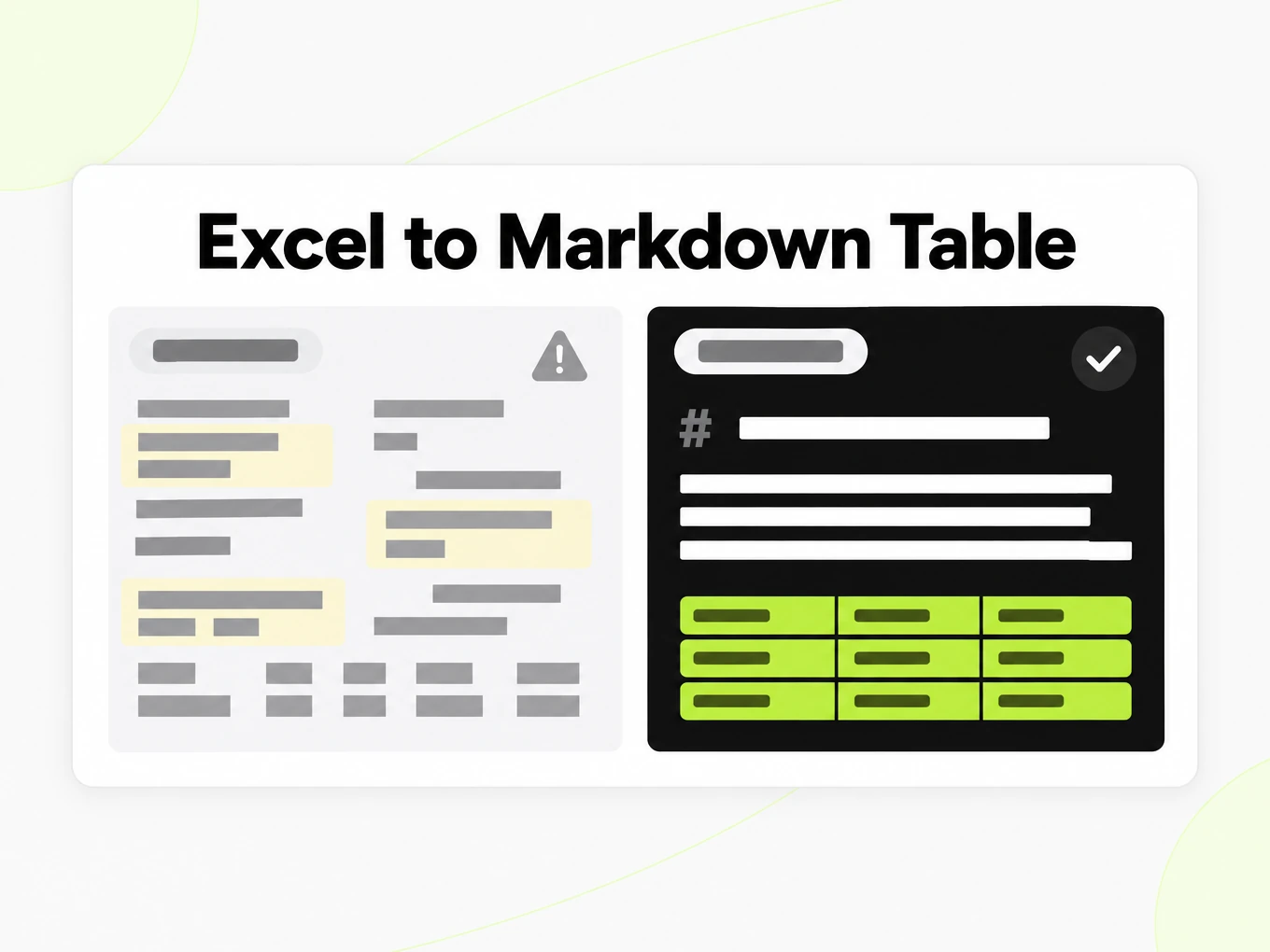
Why spreadsheet paste loses the grid
Tables collapse
Spreadsheet data pasted as plain text loses its rows and columns and becomes useless downstream.
Multiple sheets
Workbooks with several sheets need each one labelled, not merged into one blob.
Merged cells
Merged and formatted cells distort naive extraction; the converter flattens them instead of inventing extra columns.
What's preserved
What this Excel converter keeps
- One section per worksheet
- Each worksheet becomes its own Markdown section with the sheet name as a heading, keeping multi-tab workbooks readable.Source: ECMA-376 Office Open XML
- Cells as Markdown tables
- Cell data is rendered as a standard Markdown pipe table with the first row treated as the header row.Source: GitHub Flavored Markdown Spec
- Merged cells
- Merged cells are flattened: the value appears in the top-left cell of the merged range and the remaining cells are left empty.Source: ECMA-376 Office Open XML
- Very wide sheets
- Sheets with many columns produce wide Markdown tables that may wrap in narrow editors; consider trimming unused columns before uploading.Source: product pipeline
Example: Q3 2026 revenue by region workbook· markitdown.ai example: q3-2026-revenue-by-region.xlsx
## Q3 Revenue by Region | Region | Q1 2026 | Q2 2026 | Q3 2026 | YoY Growth || --- | --- | --- | --- | --- || North America | 812400 | 845100 | 901200 | 11.0% || EMEA | 431900 | 468200 | 512700 | 18.7% || APAC | 265300 | 298800 | 341500 | 28.7% || LATAM | 74200 | 81900 | 93100 | 25.5% || Total | 1583800 | 1694000 | 1848500 | | ## EMEA Account Detail | Account | Plan | Seats | Monthly Revenue | Renewal Date || --- | --- | --- | --- | --- || Nordwind Logistics GmbH | Max | 40 | 4800 | 2026-11-01 || Iberia Consulting SL | Pro | 12 | 960 | 2026-12-15 || Baltic Ferries AB | Pro | 8 | 640 | 2027-01-20 || Meridian Legal LLP | Lite | 5 | 100 | 2026-10-05 | Use cases
Excel to Markdown in real workflows
Documentation tables
Publish a reviewed worksheet table in a Markdown document with units and source context attached.
Research appendices
Keep a readable table next to an analysis while preserving the workbook for calculations and provenance.
Reporting handoffs
Give a writer structured text to work with instead of asking them to retype spreadsheet cells.
Repository reference data
Review table changes as text while retaining the source workbook and a clear refresh procedure.
API
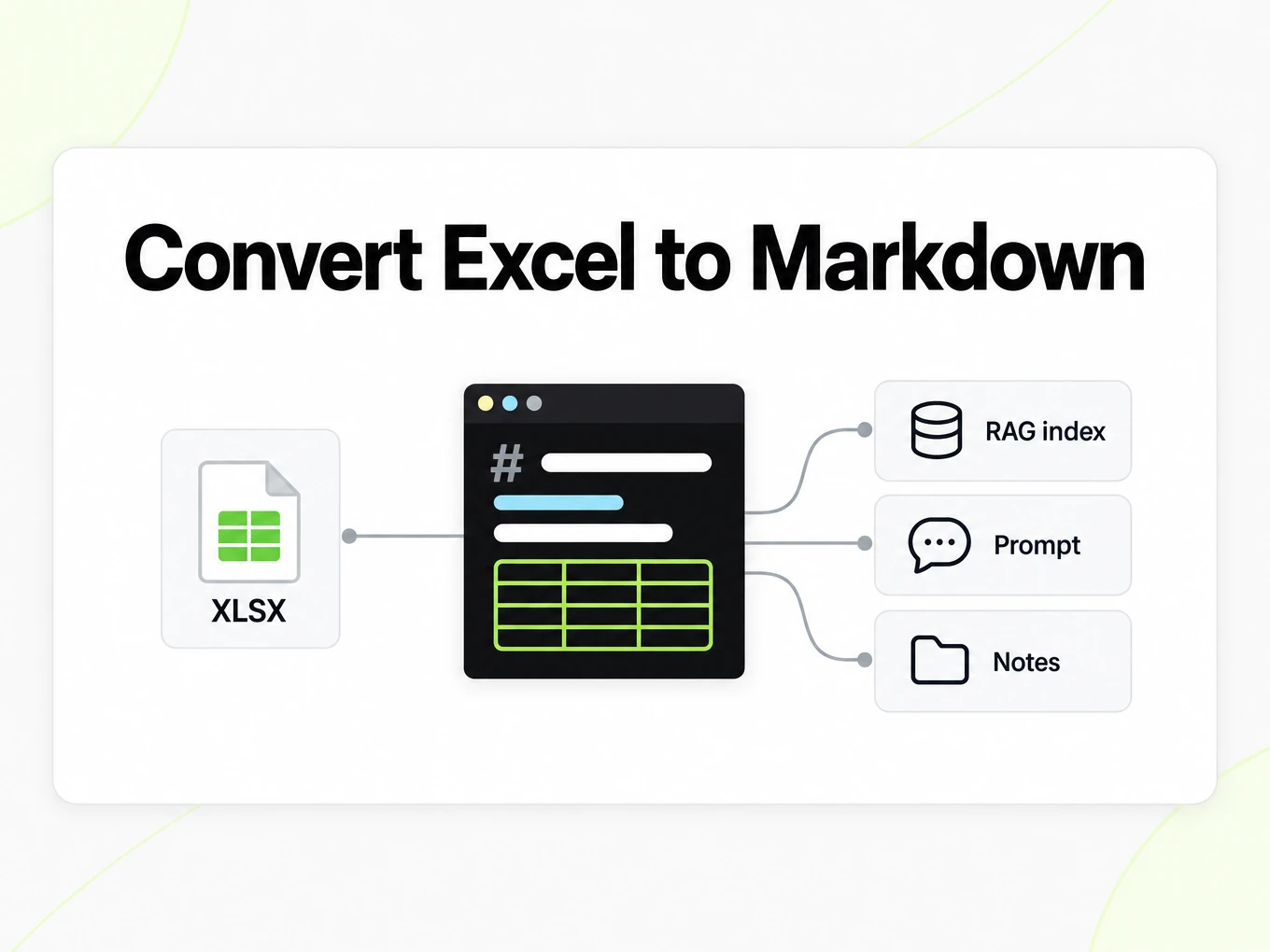
Excel to Markdown API
Use POST /v1/convert/excel with an x-api-key header and a supported source file. A completed request can return outputs inline; HTTP 202 means conversion is still running. Read the Location response header and poll it before accessing file outputs. A multipart request accepts at most 100 files; subscription and total request limits also apply. Keep API keys in your server environment. API access requires a Lite, Pro or Max subscription.
Read the API guidecurl -i "https://api.markitdown.ai/v1/convert/excel" \ -H "x-api-key: $MARKITDOWN_API_KEY" \ -F "file=@source.xlsx"# If HTTP 202, GET the Location URL with the same API key.Guide
What a workbook keeps
Excel to Markdown turns supported worksheet data into readable text tables, with sheet names helping readers identify the source. It does not turn Markdown into a spreadsheet calculation engine. A number in the output is a value to review, not a live cell that updates when another value changes. Keep the workbook when formulas, filters, validation rules or editing interactions matter to the next task. For a report or a repository document, Markdown tables are easier to read and compare as text. For ongoing financial modelling, the original spreadsheet remains the right working format. Decide whether your goal is to explain the data or continue calculating with it before choosing the export.
Preparing the table
Use descriptive worksheet names and a clear header row before converting Excel to Markdown. A worksheet called Sheet1 with repeated unlabeled totals gives a reader little context once it becomes a text table. If several unrelated tables share a worksheet, review where one table ends and the next begins in the export. Merged headings, decorative empty rows and color-only status indicators deserve particular attention because Markdown has a simpler structure. Preserve units in text rather than relying solely on cell formatting. A value marked red in Excel does not explain itself in a plain text document; include the meaning of that status in your downstream description when it matters.
Reviewing the output
Compare an Excel to Markdown table with representative cells in the workbook, including dates, percentages, negative numbers and blanks. Check a value from the first row and one near the end, then confirm that both still sit beneath the correct header. A blank cell and a numeric zero are different facts and should not be casually substituted in a downstream cleanup step. If the workbook depends on calculated results, save a current copy from your spreadsheet application before conversion and verify that the displayed result is what you intend to share. Markdown is convenient for reading numbers, but the presence of a well-formed table is not evidence that a calculation is correct.
Tables in a repository
Excel to Markdown is useful for publishing a reviewed table in project documentation, release notes or a research report. A text diff makes it possible to see which row changed without opening a spreadsheet application. Keep the source workbook and describe when the exported table was produced so contributors know how to refresh it. Wide worksheets can be awkward on phones, so consider publishing a focused table in your downstream document and linking to the complete source. The converter does not choose which columns are relevant to your reader. Review the exported table as a communication artifact, and retain the workbook for analysis that needs formulas or spreadsheet interactions.
One table per sheet
A workbook is a stack of grids, not one blob. Each worksheet becomes its own section so a model can cite Sheet1 separately from Sheet2. Merged cells flatten: the value stays in the top-left cell of the range.
- The first row of each sheet is treated as the header row of the pipe table.
- Computed cell values are captured; underlying formulas are not.
- Embedded charts and images inside the spreadsheet are not converted.
More Markdown converters
- PDF → MarkdownText, tables and scans
- Word → MarkdownDOCX with headings and lists
- PPT → MarkdownSlide text, notes and tables
- EPUB → MarkdownEbook chapters as headings
- Image → MarkdownOCR for scans and screenshots
- HTML → MarkdownPaste or upload HTML
- URL → MarkdownAny public web page, cleaned
- Markdown → HTMLClean, semantic HTML
- Markdown → TextPlain text without markup
- Markdown → PDFPrint locally to PDF
Need it in your code? Use the developer API. Converting at scale? See plans and pricing.
FAQ
Excel to Markdown questions
How does Excel to Markdown work?
Excel to Markdown converts the supported source into readable Markdown for review and reuse. The anonymous trial accepts up to 10 MB and 25 pages per file, with 3 conversions per IP per hour and 10 a day. Compare the result with the source before using it.
Does it support XLS and XLSX?
Yes, both legacy .xls and modern .xlsx are supported, along with .ods.
What is the maximum workbook size?
The public converter accepts Excel files up to 10 MB. The anonymous trial also allows up to 25 pages and 3 conversions per IP per hour and 10 a day.
How are merged cells handled in the table?
Merged cells are flattened: the value is placed in the top-left cell of the merged range and the remaining cells are empty in the Markdown table.
Are formulas preserved from the workbook?
No. The converter captures the computed cell values, not the underlying formulas.
What about charts and images inside the spreadsheet?
Embedded charts and images are not converted to Markdown; only cell data is extracted.
Do I need to sign in to preview a sheet?
No. Preview and copy are available through the anonymous trial. Account conversions require a Lite, Pro or Max subscription.
Can I convert spreadsheets from an ingestion job?
Yes. POST the workbook to /v1/convert/excel from the job, or send several workbooks in one call. See /developers.